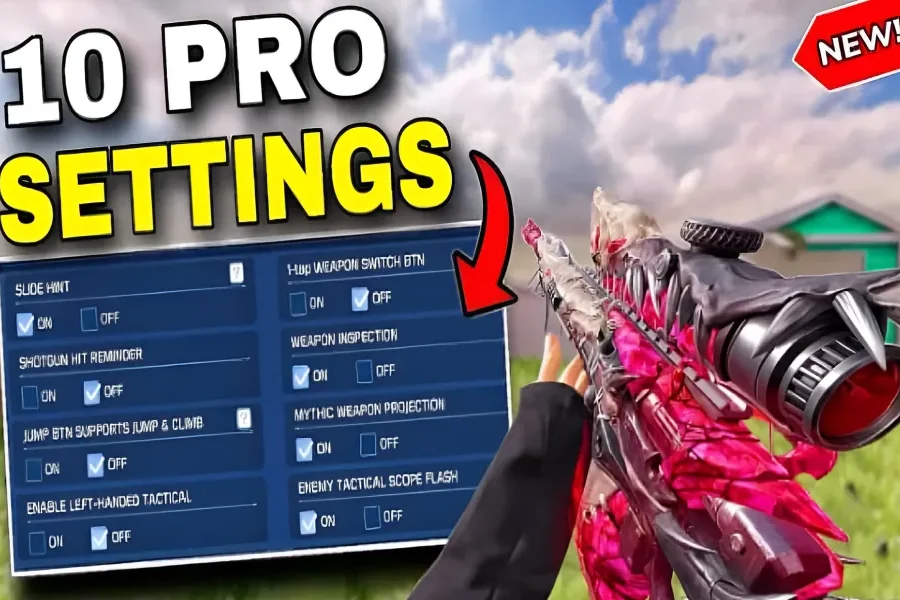
If you’re a seasoned Call of Duty: Mobile player, you probably know how overwhelming its long list of settings can be. You might even have asked yourself: “Do half of these options even matter?”
In this updated 2025 guide, we’ve gathered years of testing and insights from professional players to bring you the 10 most essential COD Mobile settings — the real difference between being just “good” and playing like a pro. From advanced aim settings to fine‑tuned movement options, these tips will completely transform your gameplay precision and control.

Table of contents
Top 3 AIM Settings for Sharper Accuracy
1. Separate ADS and Fire Buttons

Using the combined ADS to Fire option slows your reaction — especially for Snipers. Instead, split your ADS and Fire buttons to gain faster response time and tighter aiming control during close and long‑range engagements
2. Adjust Your Camera FOV

The Field of View (FOV) setting directly affects aiming accuracy.
A high FOV makes enemies look smaller, decreasing aim precision.
A low FOV narrows peripheral vision.
The sweet spot for COD Mobile is FOV 75 — the perfect balance between visual range and stable targeting.
3. Enable Realistic Scope
Players often miss quick‑scope shots due to a slow zoom animation. Turning on Realistic Scope allows quicker vision when aiming, with a slightly larger reticle that improves shot alignment and timing.

Optimize Internet Speed & Ping
Even with perfect settings, unstable ping can ruin your match. Tools like ExitLag & GearUp Booster are designed to reduce lag and Ping Spikes in mobile games. Just select your region, choose Call of Duty Mobile, and enjoy smoother, low‑latency multiplayer sessions.
3 Movement Settings for Faster Reactions & Smoother Control
1. Reduce Joystick Size to 50%

A large joystick decreases movement precision. Setting it to 50% gives you better control during zigzag runs, backslides, or complex movement combos.
2. Enable Always Sprint
If you often crouch instead of sprinting when sliding, this fix is for you. With Always Sprint enabled, you’ll always move at max speed.


For Search & Destroy (S&D) players, a sensitivity around 85 keeps movement flexible between walking and sprinting modes.
3. Add a Separate Prone Button

Turning off Hide Prone Button gives you a dedicated Prone control — perfect for executing quick Drop Shots and dominating close‑quarters fights.

Call Of Duty Mobile CP via Login
Get your Call of Duty: Mobile CP with trusted, verified, and legal service.
Enjoy instant delivery, secure payments, and peace of mind — all backed by Item4Gamer’s reliability.
⚡ Fast • Secure • Officially Verified
Play smart, buy safe — Item4Gamer.—
4 Advanced Pro Settings for Competitive Players
1. Split Throw Button
Avoid getting stuck in grenade menus mid‑fight! Enable Split Throw Button to assign separate keys for Lethal and Tactical Grenades — crucial for quick reaction moments.


2. Left‑Handed Tactical
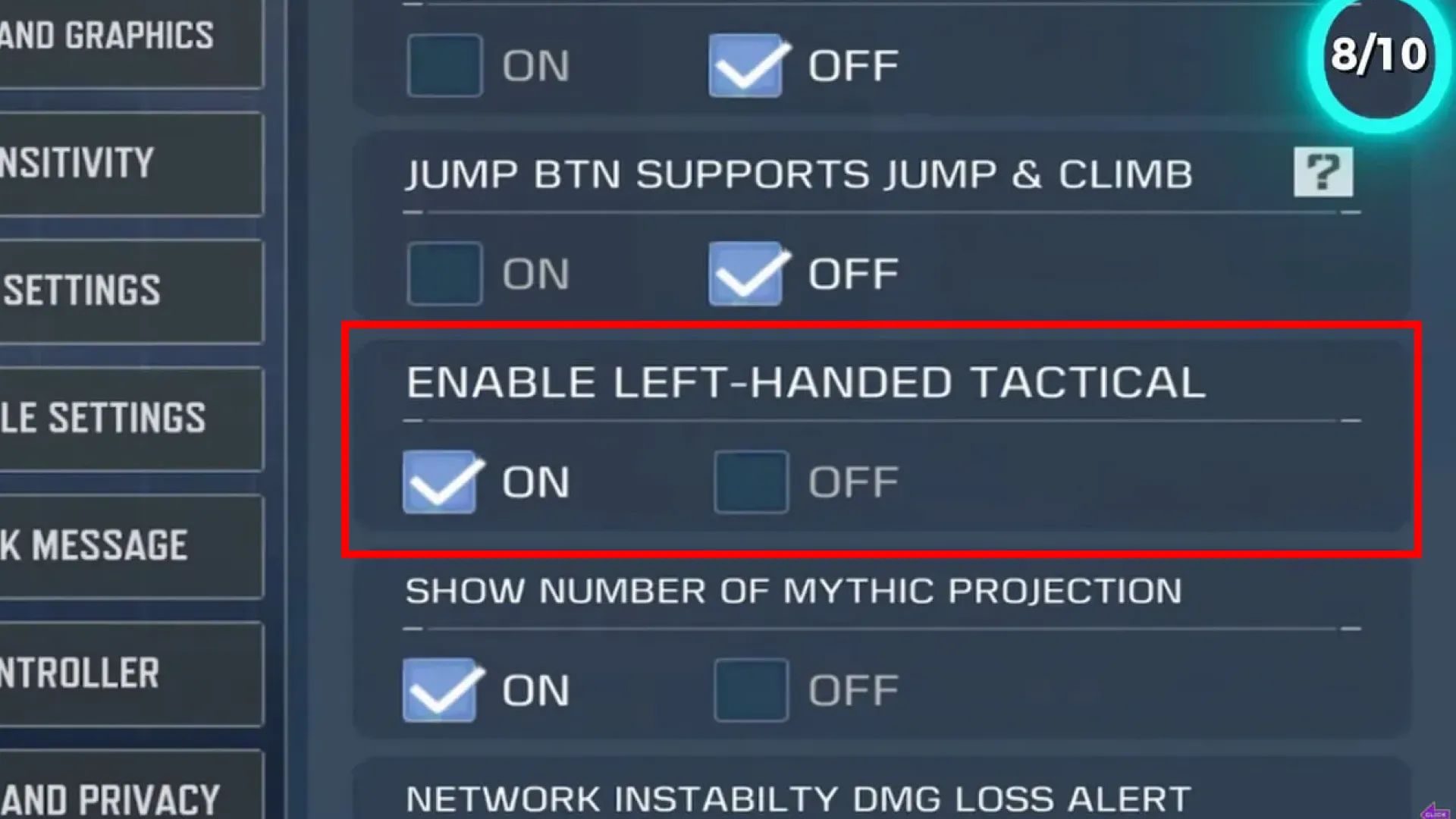
Activate Left‑Handed Tactical to use tactical gear with your left hand while keeping your main aim steady — a favorite trick of professional players to maintain pressure during combat.
If you’re a fan of sniping and always looking for awesome skins and loadouts without spending money, this blog is made just for you 👇
Best Free Shock Bolt Sniper Combo – COD Mobile
3. Show Damage Numbers

Turn this on to see the exact damage output for each bullet. It’s particularly useful in S&D modes, helping you decide whether to push or retreat based on how weak your opponent is.
For cheap COD Mobile CP purchases with secure payment options, head over to Item4Gamer — you’ll get real discounts, faster spins, and collect your favorite items even quicker!
⚡ Secure payment · Instant delivery · Real discount
4. Customize Sensitivity Profiles
Using someone else’s pro sensitivity won’t make you a pro. Experiment with each sensitivity layer — camera, firing, gyroscope — until it matches your natural rhythm and weapon control.
✅ Final Thoughts
By fine‑tuning these 10 essential COD Mobile settings, you’ll dramatically improve your aim accuracy, movement fluidity, and combat reaction speed. Whether you’re going for ranked domination or clutch 1v1 situations, these minor tweaks make a massive difference.