If you think professional movement in PUBG Mobile is a skill reserved only for veteran players, you’re seriously mistaken! With our step-by-step guide, you can transform from a complete noob into a movement pro in just three short days. The drills and settings you’ll learn in this article are taken directly from the playbooks of professional players. With the keyword Jiggle in PUBG Mobile as your new mantra, you’re on the fast track to incredible growth!

Customer Satisfaction at Item4Gamer
Table of contents
Day 1: The Basics and Your Control Setup
Step 1: Choose the Right Control Layout To achieve precise and professional movement, it’s best to use Control Layout 3. This layout keeps your joystick in a fixed position, leading to smoother and more predictable movements.

Step 2: Optimize Your Joystick Size and Placement The recommended size for your movement joystick is 116. This size offers a great balance between speed and control. Be sure to place it in a comfortable position for your thumb to ensure you can move effortlessly during intense fights.
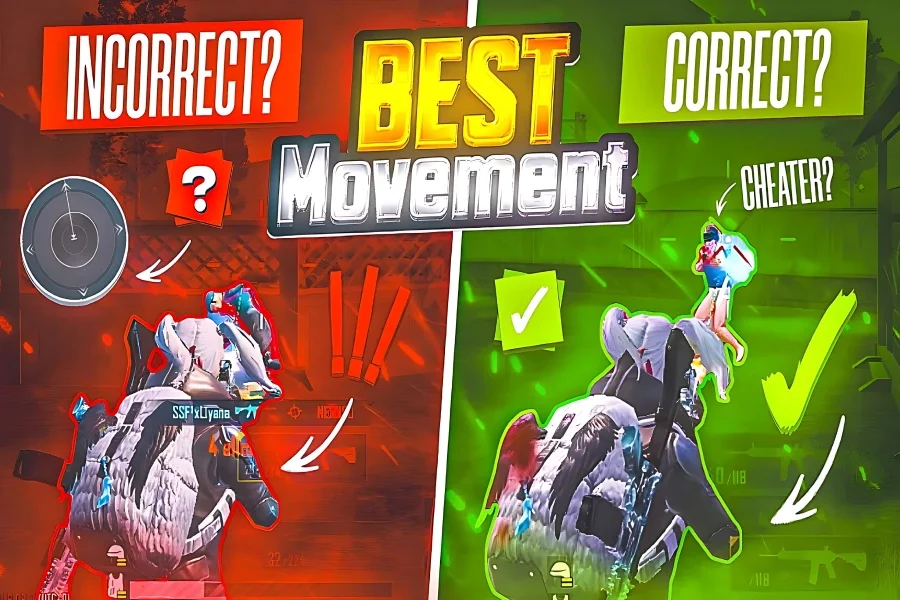
Step 3: Learn the Basic Jiggle in PUBG Mobile Let’s start simple. In the training grounds, practice moving left and right slowly. Your main goal here is to keep your crosshair as steady as possible on a single point. For now, don’t shoot. Just focus on making the movement smooth and getting your muscle memory dialed in.


Day 2: Professional Drills and Sensitivity Tuning
Step 4: Add Firing to Your Jiggle Now that you’re comfortable with the basic movement, it’s time to add shooting. Repeat the same left-right jiggle, but this time, fire your weapon simultaneously. Always keep your aim at head level. With consistent practice, the mechanism of moving and shooting at the same time will become second nature.
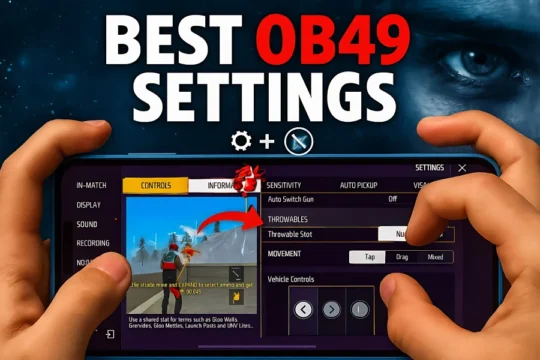
Step 5: Dial-In Your Pro Sensitivity Settings
- Enable the Horizontal Swipe Acceleration option.
- TPP Camera Sensitivity: Set it between 70-90.
- TPP Gyroscope Sensitivity: Set it between 300-400 (Pro players often use 400).
- Sprint Sensitivity: Set it to 65.
These settings are designed to improve your reflexes and allow for faster turns, which is crucial when an enemy rushes you.

You’re down to your last few UC in the middle of an intense PUBG Mobile match. The new skin you’ve been eyeing is finally in the shop—but you don’t want to risk waiting for a slow or sketchy top-up. That’s when you remember Item4Gamer: quick delivery, secure payment, and zero hassle. Top up Pubg Mobile UC instantly and jump back into the action looking like a true legend!
Day 3: Advanced Techniques and Movement Combos
Step 6: Master the Crouch Jiggle and One-Sided Movement
- Crouch Jiggle: Start with a simple jiggle, but suddenly crouch in the middle of the movement. Pause for a split second to let your crosshair reset and become stable, then fire.
- One-Sided Movement: Strafe continuously in one direction while hip-firing. This move confuses your opponent and makes your next move much harder to predict.

Top Up PUBG Mobile UC fast and safe with Item4Gamer—game on, no limits!
Step 7: Jiggle with Jumps and Firing from Cover Learn to incorporate jumps into your movements. When an enemy has their aim locked on you, a sudden jump-shot can completely throw them off. To do this effectively, separate the Jump and Climb buttons in your settings. This ensures you jump when you want to jump, instead of accidentally climbing over an obstacle.
Step 8: Perfect the Peak + Crouch This is the most essential technique for duels behind cover. While behind a wall or obstacle, simultaneously peek, crouch, and fire. Mastering this will give you a massive advantage in close-quarters battles and wall-to-wall fights.

Conclusion
In these three days, we’ve walked the fast track to becoming a movement pro in PUBG Mobile. Remember, the ultimate key to success is consistent practice and repetition of the Jiggle in PUBG Mobile and all the other movement techniques. Start today and you will feel the incredible difference in your gameplay!
Also read: How to Master PUBG Mobile Gyroscope for Zero Recoil in 2025
Frequently Asked Questions (FAQ)
A TPP Camera sensitivity of 70-90, Gyroscope at 400, and Sprint Sensitivity at 65 is a great starting point for pros.
Combine the Peak and Crouch techniques when firing from behind cover. This exposes a much smaller part of your body.
Layout 3 provides a fixed joystick, which gives you higher precision and more consistent control over your character’s movements compared to the floating joystick in Layout 1.