Select your preferred language and currency for the best experience.
Language
No results found.
Currency
No results found.
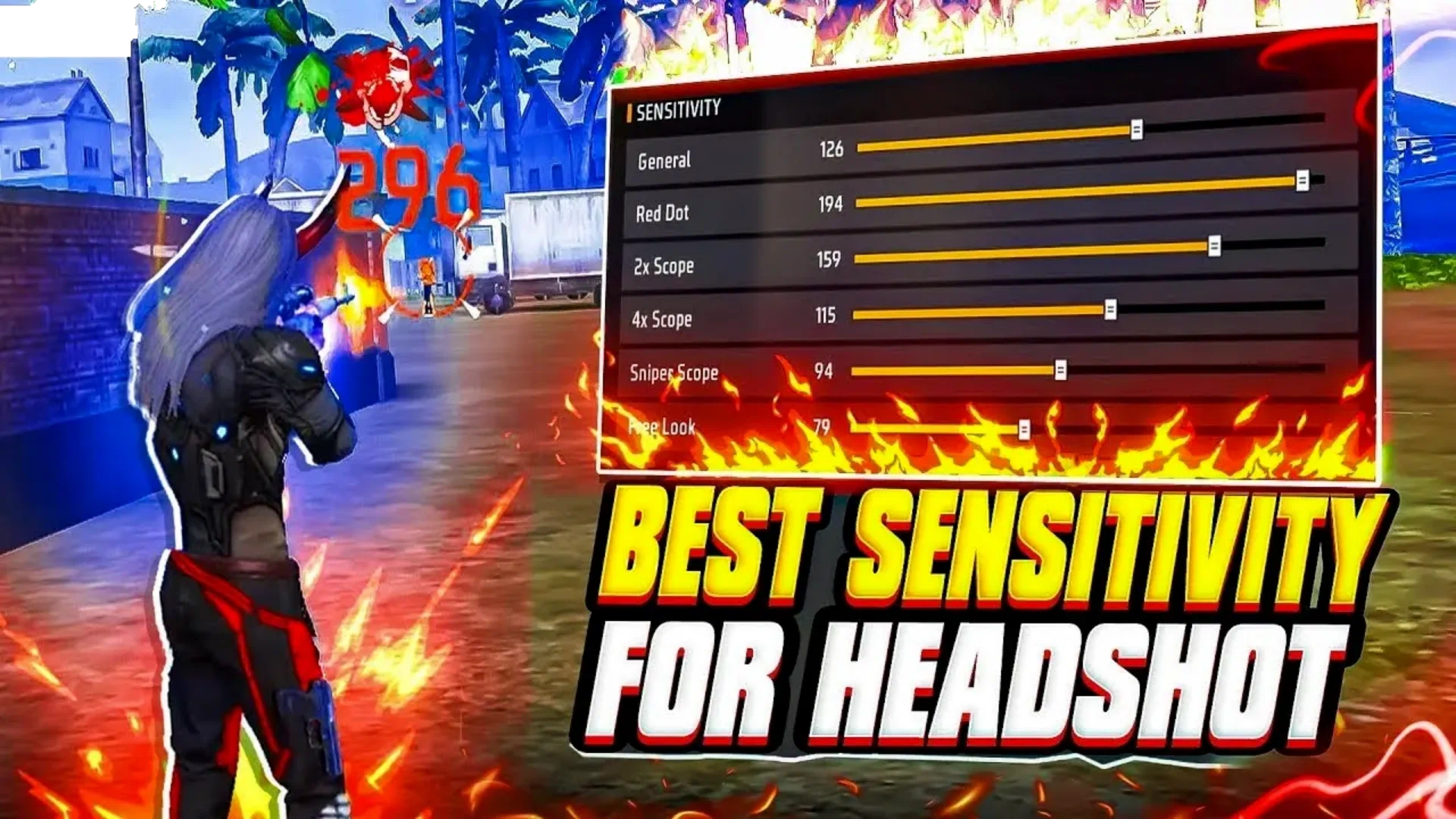
Free Fire Headshot Settings: Become a 2026 Headshot Machine!
Written by Shiva Dastjerdi
0
Tired of spraying bullets at enemies only to watch them survive in Free Fire? We’ve all been there—thinking your opponent is using hacks, when in reality, they’ve simply mastered their Free Fire headshot settings. In 2026, it’s time to stop hitting body shots and start racking up those “Only Red” numbers. Let’s dive into the technical secrets that separate casual players from the pros!
You might have a legendary gun skin, but without optimized settings, your recoil will be all over the place. Professional players don’t rely on luck; they rely on precision. Here is the ultimate setup to lock your aim onto the enemy’s head.
1. Control Settings: The Brain of Your Gameplay
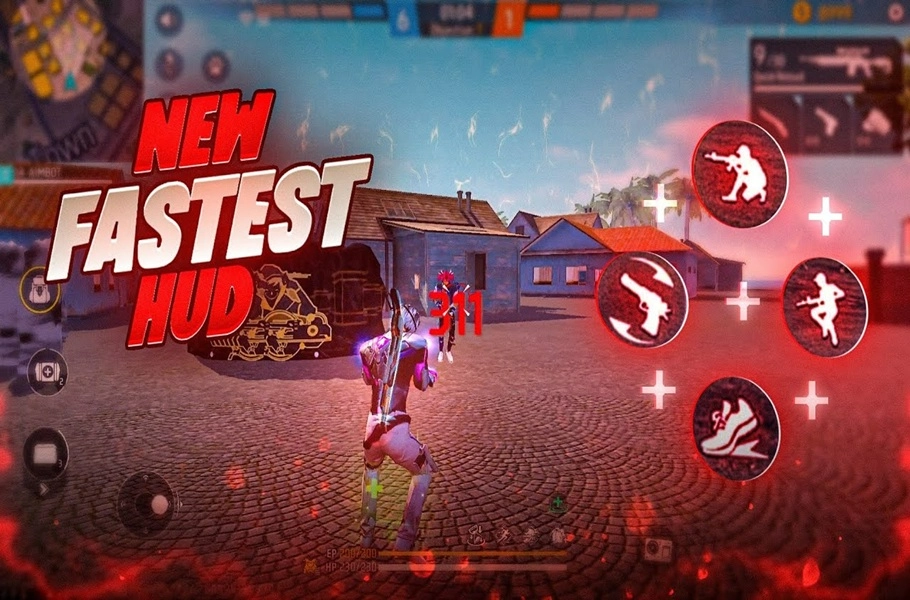
Aim Precision: Always set this to Default. It’s the only setting that offers the “aim assist” needed to snap onto heads during intense fights.
The Left Fire Button Trick: This is a pro-tier secret! Set your Left Fire Button to Always.
Pro Tip: Jump, scope in, and immediately fire with your Left Fire Button. This creates a smoother aim lock and drastically increases your headshot rate.
2. Sniper Mastery: Hold Fire to Scope
Sniping just got faster. Enable Hold Fire to Scope. With this, you don’t need to manually click the scope button. Just hold the fire button to zoom, aim, and release to take the shot. It’s lightning-fast and leaves your enemies no time to react!
Throwable Slot: Set to Double Slot. This separates your Gloo Wall from your grenades, ensuring you never throw a frag when you need cover.
Gloo Smart Throw: Keep this OFF. You want full manual control over your wall placement to stay protected in high-pressure situations.
Run Mode: Keep it on Tap for the best joystick responsiveness, allowing for those slick, jittery movement patterns.
To truly take advantage of those smooth drag headshots and pro‑level controls, upgrading your Free Fire account is a must. With affordable prices, instant delivery, and guaranteed safety, item4gamer is the best place to top up Free Fire Diamonds fast and securely. Unlock premium skins, Elite Pass, powerful characters and more — trusted by thousands of players worldwide. ✅ Boost your account today and dominate every lobby with confidence! 🔥
Visibility: Spot Enemies Like a Pro
Enemy Outline: Turn this ON. Enemies will be highlighted with a yellow glow, making them visible even through dense foliage or at long ranges.
Gun Shot Alert: This is a lifesaver. It shows the direction of incoming fire on your HUD, giving you the tactical advantage to counter-attack instantly.
Insurance for Your Settings: Setting Sync
Don’t lose your perfect layout! After finding your ideal configuration, go to Account & Basic and hit Upload in the Setting Sync menu. If you ever reinstall the game or switch devices, your settings are just one click away.
Final Thoughts
Felipe (and gamers!), mastering your Free Fire headshot settings is the fastest way to level up in 2026. Spend some time in the Training Ground to get used to these changes, and you’ll be dominating matches in no time.
Ready to become an elite player? Apply these settings, hit the battlefield, and let us know your favorite loadout in the comments below!
Follow us on social media 🚀
Frequently Asked Questions (FAQ)
Q: Do these settings work for low-end devices (2GB/4GB RAM)?
A: Absolutely! These settings focus on reducing unnecessary recoil and improving input response, which actually helps boost performance on lower-end devices.
Q: Will these settings get my account banned?
A: No. These are legitimate in-game settings provided by the developers. They optimize your playstyle, not hack the game.
Q: What is the best vibration setting?
A: Keep only Footsteps, Gunshots, and Taking Damage active. Others are just battery drains that offer no tactical advantage.