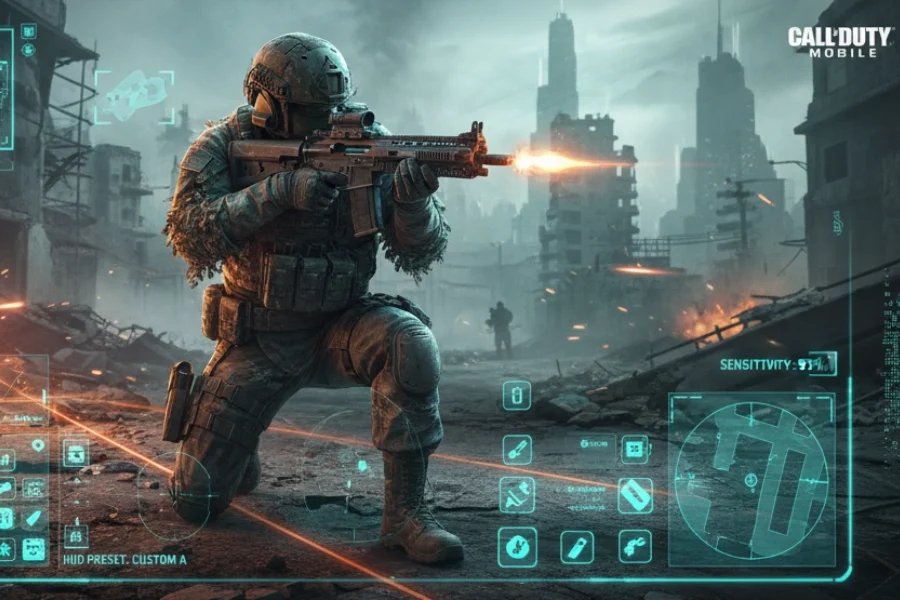
If your COD Mobile HUD and sensitivity feel off after the latest update, you’re not alone. Many players struggle to find a stable combination that delivers pinpoint accuracy and smooth movement. In this guide, we’ll break down the HUD layout and sensitivity settings used by top players, designed for both deadly close‑quarters combat and precise long‑range shots.
Table of contents

Four‑Finger HUD: Max Control for Pro Moves
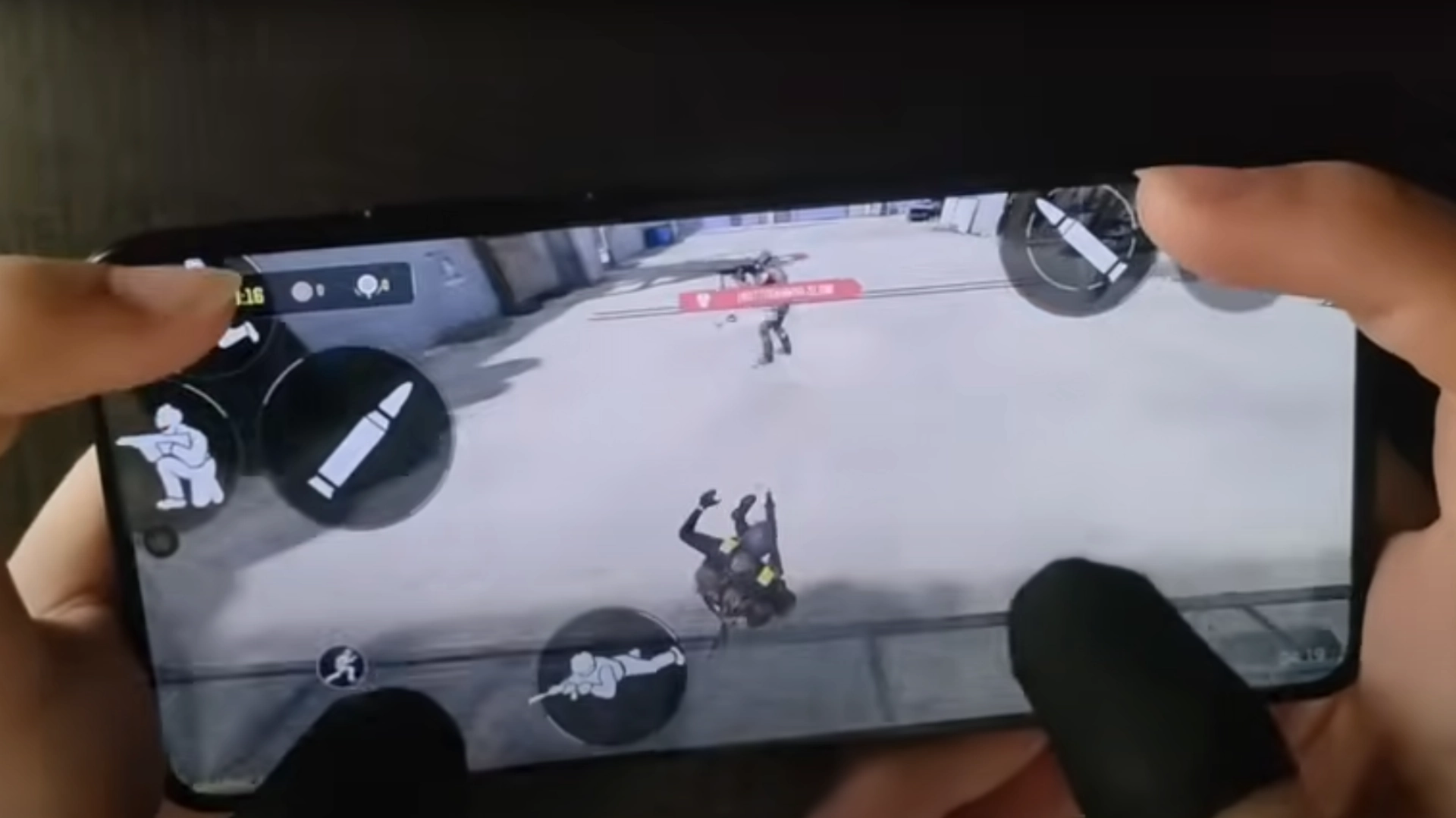
A well‑designed four‑finger HUD lets you execute advanced movements without missing a beat:
- Drop Shot – Shooting while instantly going prone
- Jump Shot – Firing mid‑air to surprise enemies
- Pump Shot – Quick shotgun flicks with perfect timing
Key commands like fire, ADS, jump, and prone are placed in separate screen zones, allowing each finger to perform its own task without interference. If you’re still playing with two or three fingers, upgrading to a four‑finger HUD can unlock your full movement potential.
Multiply Your Power in COD! ⚡ Instantly Get CP Now from G4A4!
Recommended Sensitivity for Maximum Accuracy
- Scope Sensitivity: Above the standard (around 130) for faster reactions.
- Rotation Speed: Slightly on the slower side for more precise targeting.
This balance helps you track enemies faster while still keeping your crosshair steady. Before judging, give these settings a few days of practice to build muscle memory.
Stress Management: The Hidden Game‑Changer
Even with the perfect COD Mobile HUD and sensitivity, stress can wreck your aim. Many missed shots—especially in close‑range shotgun fights—come from tension, not bad settings.
Pro tip:
- Stick to one setup.
- Avoid constantly changing your sensitivity.
- Play enough matches to let your hands adapt.
Follow us on social media and stay one step ahead of the game! 🚀






How to Get HUD & Sensitivity Codes
- Codes are shared inside the streamer’s Telegram channel.
- Direct links are available in the YouTube bio and pinned comments.
- If the code doesn’t work, screenshots and manual setup instructions are provided.
- No multiplayer‑specific codes are offered — settings are for Battle Royale only.
Read More: Last Chance to Get Legendary M4 Black Gold Royal in CODM
Abstract
This guide explains how to use a pro‑level four‑finger HUD and the right COD Mobile sensitivity settings to achieve laser‑sharp aim. You’ll also learn stress management tips and where to get HUD codes.
FAQ
Yes, with practice, it becomes second nature and gives you access to more advanced moves.
Around 130 for scope and slower rotation for aiming consistency.
No — stability leads to better muscle memory and improved results over time.