Select your preferred language and currency for the best experience.
Language
No results found.
Currency
No results found.
Best COD Mobile Gyroscope Sensitivity Guide (2026)
Written by Shiva Dastjerdi
0
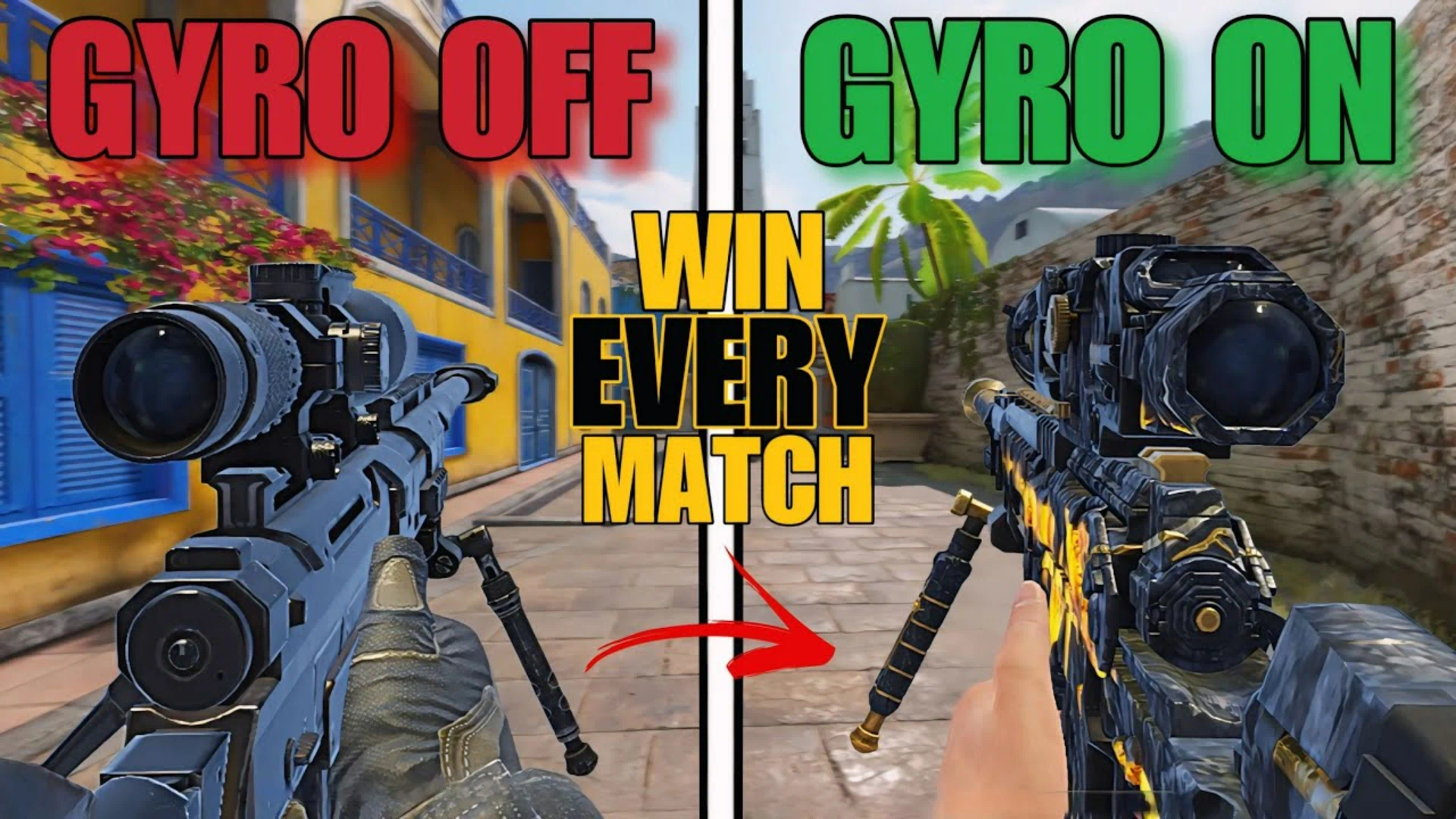
If you play COD Mobile, especially Battle Royale, and you want your aim, recoil control, tracking, and movement to feel insanely smooth, then getting your COD Mobile gyroscope sensitivity right is absolutely essential. Once you properly learn gyro, everything from long‑range beams to close‑range shotgun fights feels easier and more controlled.
In this guide, you’ll learn:
What gyroscope is and how it actually works in COD Mobile
How to find your own COD Mobile gyroscope sensitivity instead of copying random numbers
How to use gyro to control recoil on your favorite guns
How to set different gyro sensitivities for red dot, 3x/4x scopes, and sniper
Pro tips to master gyro faster and become an aim god in BR 😈
What Is Gyroscope in COD Mobile and Why Is It So Powerful? 🔥
If you’re new to gyro, let’s keep it simple:
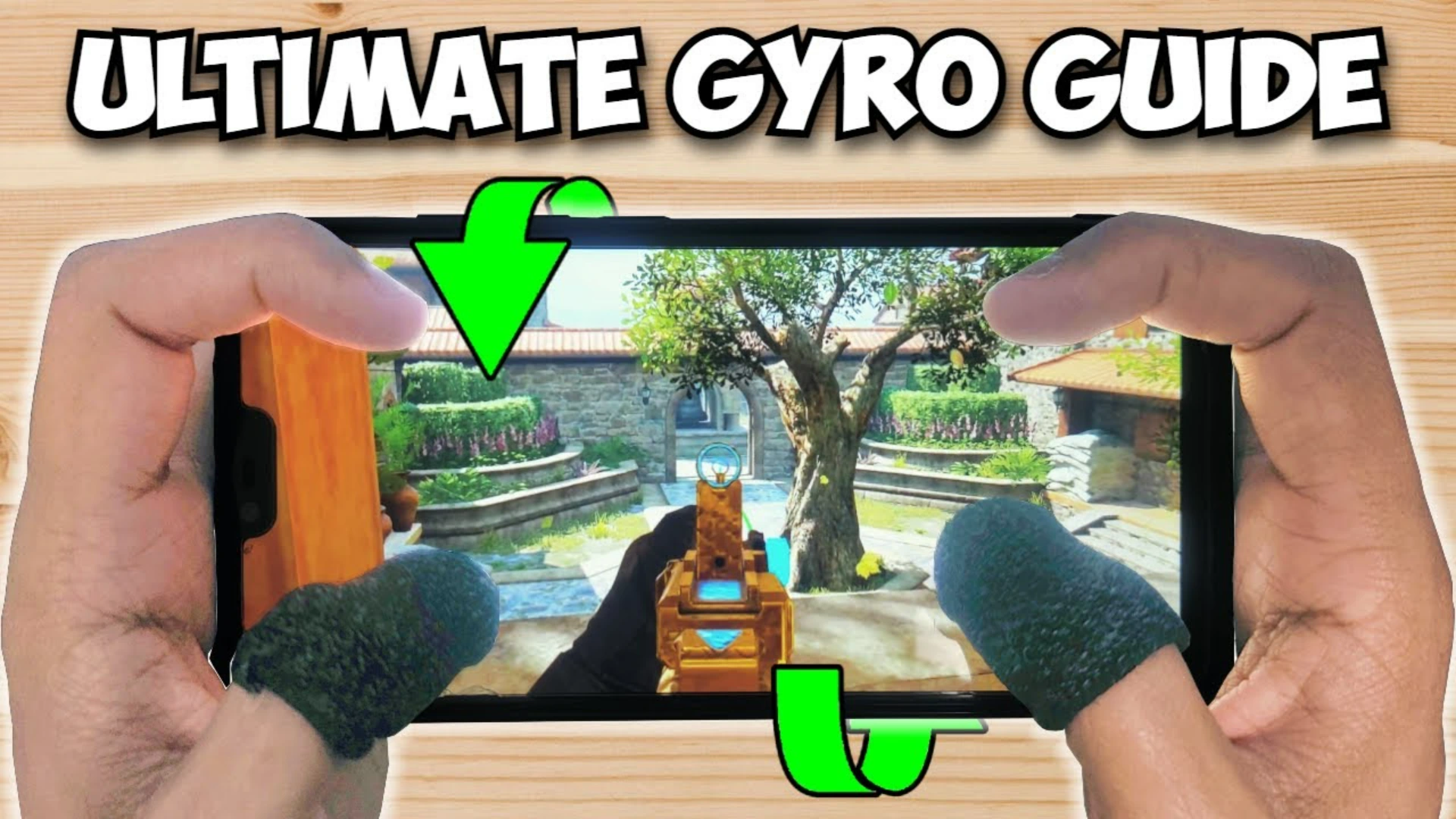
Gyroscope means controlling your aim by physically moving your phone, not just dragging your fingers on the screen.
Tilt your phone left → your aim goes left
Tilt your phone right → your aim goes right
This mechanic is one of the biggest reasons why pro BR players have insane tracking and recoil control, especially in COD Mobile Battle Royale where:
You fight at long range and close range
You’re sliding, jumping, drop‑shotting, and challenging constantly
Once you get used to gyro:
Your tracking becomes smoother
Your recoil control feels way easier
Your aim starts looking like an actual aim god on the killcam
At first, gyro will feel weird, uncomfortable, or even annoying. But after some practice, your hands and brain adapt automatically. And once that happens, you’ll honestly wonder:
“How did I ever play without gyro before?” 😅
Don’t Just Copy Pro Players’ Sensitivity 😬
Before you rush to YouTube and copy a pro player’s settings, understand this:
There is no universal “best gyroscope sensitivity” that fits everyone.
What works for one player may be terrible for you, because sensitivity depends on:
Your device size, screen, and weight
Your finger movement and grip style
Your hand stability (how shaky or steady your hands are)
How aggressively you tilt your phone
Your playstyle: aggressive, passive, long‑range, close‑range, etc.
Some players move their phone very aggressively.
Others just use tiny wrist movements to control everything.
That’s why:
Blindly copying someone else’s sensitivity often makes your aim worse
You keep changing numbers, your muscle memory never builds, and you stay inconsistent
In this guide, you’ll learn how to find your own COD Mobile gyroscope sensitivity and adjust it yourself any time you switch devices or change playstyle. That’s what real aim gods do. 🔥
High vs Low Gyro Sensitivity: What’s the Difference? 🧠
Before you start tweaking, you need to understand what “high” and “low” gyro sensitivity actually mean:
High gyro sensitivity
Small phone movement = big aim movement
Great for quick flicks and fast reactions
But if it’s too high → your aim shakes, you overflick, and long‑range fights become harder
Low gyro sensitivity
You need to tilt your phone more to move your aim
Good for precise control
But if it’s too low → your tracking is too slow, recoil control feels heavy, and fast fights feel clunky
🎯 Goal: Find a balanced sensitivity.
Not too high, not too low. Just comfortable, stable, and controllable.
Step‑by‑Step: How to Find Your Own COD Mobile Gyroscope Sensitivity 🛠️
Step 1: Start in Training Ground, Not Ranked BR ⚠️
One of the biggest mistakes players make:
They go straight into Ranked Battle Royale and try to “test” sensitivity there.
That just leads to frustration, panic, and lost rank points.
Do this instead:
Open the Training Ground / Practice Range
This is where you’ll calmly test and adjust your gyroscope without pressure
Step 2: Tune Your Camera Gyro Sensitivity First 🎥
Start with your Camera Gyroscope Sensitivity (when you’re not ADS’ing, just looking around).
Stand still and focus on a target or a specific spot on the wall.
Slowly tilt your phone left and right.
Ask yourself:
If the crosshair flies everywhere with small movement → your sensitivity is too high → lower it
If you need huge hand or arm movement just to turn → sensitivity is too low → increase it
🎯 You want a point where:
Small, controlled wrist movements move your camera naturally
The camera doesn’t feel shaky or sluggish
It feels like an extension of your hand
Step 3: Test Recoil Control with Your Main AR 🔫
Now it’s time to test how gyro handles recoil.
Pick an AR you use a lot, for example:
AK117
M4
Or any main gun you rely on frequently
Then:
Stand at medium range from a target or wall.
Start spraying full auto.
Try to control recoil mainly using gyro – don’t rely too much on finger drag.
Watch what happens to your recoil:
If the gun’s recoil goes up too fast and you can’t pull it down comfortably →
➜ Slightly increase your gyro sensitivity
If your aim starts shaking left and right while spraying →
➜ Slightly lower your gyro sensitivity
When the spray starts feeling smooth, your recoil feels controlled, and the crosshair stays relatively centered without dancing around, you’re close to your sweet spot ✅
Step 4: Practice Tracking Moving Targets 🎯
Next, you need to make sure your gyro sensitivity also works for tracking enemies in motion.
Strafe left and right (move side to side).
Aim at moving targets or dummies.
Try to keep your crosshair smoothly on them, using gyro as your main control.
Now evaluate:
If your crosshair keeps going past the enemy (overshooting) → sensitivity is too high
If you can’t keep up with the enemy movement and your aim lags behind → sensitivity is too low
Good gyro sensitivity should feel:
Smooth
Stable
Controlled
Like your aim is locked onto the enemy without jittering
ADS Gyroscope Sensitivity: Different Scopes, Different Rules 🔭
Now let’s talk about ADS gyroscope. This is where a lot of players mess up. Different scopes need different sensitivity.
Red Dot / Iron Sight (Close‑Range Fights)
For red dot and iron sight:
Higher sensitivity usually works better
Close‑range fights are fast and chaotic
You need to react quickly, change targets, and snap onto enemies
So:
Set your ADS gyro sensitivity for red dot/iron sight a bit higher
But not so high that your aim becomes shaky while hip‑firing or pre‑aiming around corners
3x and 4x Scopes (Mid‑Range Control)
For 3x and 4x scopes:
A medium sensitivity is ideal
You want enough speed to track enemies at mid‑range
But you still need enough control to handle recoil without overshooting
This is the sweet spot for beams across mid‑range angles in BR.
Sniper Scope (Precision Over Speed) 🎯
For sniper scopes:
Most players prefer lower sensitivity
Because precision is more important than raw speed
A tiny over‑tilt can turn a clean headshot into a complete miss
But remember:
Comfort > copying others
If you genuinely feel better with slightly higher sniper gyro, don’t force someone else’s numbers on yourself
Upgrade Your Game: Cheap & Safe CP at Item4Gamer 🎮
Once you’ve unlocked the “Aim God” potential with your new gyro settings, it’s time to gear up and show off those legendary skins. To get the best value, head over to Item4Gamer to buy cheap, safe, and reliable Call Of Duty Mobile CP. Whether you need to finish your battle pass or pull for the latest Mythic, Item4Gamer provides the most secure service with great pricing, ensuring you can focus on the game while looking your absolute best on the battlefield. 🔥
6 Pro Tips to Master Gyroscope Faster 💡
Tip 1: Stop Changing Sensitivity Every Day ❌
One of the biggest mistakes:
Players change sensitivity after every bad match.
Your muscle memory needs time to adapt. If you keep changing numbers:
Your brain can’t lock in
Your aim stays inconsistent forever
Stick to one sensitivity for at least a few days and let your hand learn it.
Even pro players miss shots. That doesn’t mean their sensitivity is wrong.
Tip 2: Use Controlled Wrist Movements, Not Wild Arm Swings 🤏
Don’t treat gyro like you’re shaking a bottle of soda 😅
You should use small, controlled wrist movements
Not full arm swings or super aggressive phone tilts
Smooth movement = smooth aim
Those “aim god” players you see:
They’re not spazzing out
They’re using smooth, disciplined movements that keep their tracking perfectly on target
Tip 3: Learn Full Gyroscope If Possible ⚙️
If you’re just starting, you might be tempted to use ADS Gyro only. That’s okay as a beginner step.
But long term, if you want maximum control:
Try to learn full gyroscope instead of only ADS
Yes, it’s harder at first.
But the benefits:
Better hip‑fire control
Smoother tracking in every situation
Easier recoil control during jumps, slides, and fast close‑range fights
Deadly performance with SMGs and shotguns in close range
Tip 4: Train in Practice Range 10–15 Minutes Daily 📆
You don’t need to grind 10 hours a day.
What you need is consistent, focused practice.
Here’s a simple daily routine:
5 minutes: AR spray practice with gyro recoil control
5 minutes: Tracking moving targets while strafing
5 minutes: Flicks + movement (jump, slide, peek, then aim with gyro)
Doing this every day will build muscle memory much faster than random long sessions.
Tip 5: Don’t Panic in Gunfights 😤
A lot of players lose fights not because their sensitivity is bad, but because they panic:
Enemy jumps → panic
Enemy slides → panic
Aim goes crazy, gyro feels out of control, and they lose
The key is:
Stay calm
Trust your gyro
Track smoothly instead of overreacting
Once you become comfortable with gyro, your aim will be way more consistent and your confidence in fights will skyrocket.
Tip 6: Gyroscope + Good Movement = A Dangerous Player 😈
The deadliest combo in BR:
Good movement (slides, jumps, drop‑shots, strafes)
Plus strong gyro tracking
With that combo:
Enemies struggle to even hit you
Meanwhile you’re lasering them with stable, gyro‑assisted aim
That’s when you truly become an aim god in Battle Royale.
Don’t Quit Gyro After One Day 🚫
Every good gyro player struggled at the beginning.
You WILL:
Feel uncomfortable
Miss shots
Lose some fights you’d normally win
Question if gyro is for you
That’s completely normal.
The players who become insane with gyro are the ones who stay consistent:
After a few days → your tracking starts to feel automatic
Your recoil control becomes smoother
Your overall confidence and performance in fights increase a lot
The transformation honestly feels amazing. 🔥
Conclusion: Your Path to Becoming an Aim God with Gyro 🏁
Mastering COD Mobile gyroscope sensitivity isn’t about finding a “magic number” from someone else’s video; it’s about building your own settings through consistent practice.
Start in the Training Ground, not Ranked.
Adjust your Camera Gyro for smooth, natural movement.
Find your recoil sweet spot with your main AR.
Dial in separate sensitivities for Red Dot, Scopes, and Snipers.
Stick to one setting to build muscle memory.
Aim for Full Gyro to gain the ultimate edge in hip-fire and movement fights.
Practice 10–15 minutes daily, stay calm in fights, and combine your gyro tracking with crisp movement.
If you stay consistent, you’ll stop fighting your sensitivity and start dominating your lobbies. Transformation takes time, but once it clicks, you’ll never look back!
Follow us on social media 🚀
Frequently Asked Questions (FAQ) ❓
1. How do I know if my COD Mobile gyroscope sensitivity is correct?
You’ve found the right sensitivity when your crosshair follows moving targets smoothly without lagging behind or overshooting, and your recoil control feels natural using only small, controlled wrist movements.
2. Should I use ADS Gyro or Full Gyroscope?
While ADS Gyro is a great starting point for beginners, Full Gyroscope offers superior control in the long run, especially for hip-fire, shotgun fights, and complex movement mechanics in Battle Royale.
3. How often should I change my sensitivity settings?
Avoid changing your sensitivity after every match. Stick to one setting for at least a week to allow your brain to build muscle memory. Only make minor, incremental adjustments if you notice a consistent issue with your aim.
4. How long does it take to master the gyroscope?
It typically takes 3 to 7 days to get over the initial “weird” feeling, and about 2 weeks of consistent daily practice to see a significant improvement in your recoil control and tracking performance.