If you are a regular Call of Duty:Mobile player, you know that in close-quarters combat, a standard sniper rifle isn’t enough. The difference between an average player and a high-tier sniper is the mastery of the quickscope. This technique allows you to aim down sights (ADS) and fire in a split second, turning your sniper into the deadliest gun in the lobby.
The Secret to Perfect Quickscoping
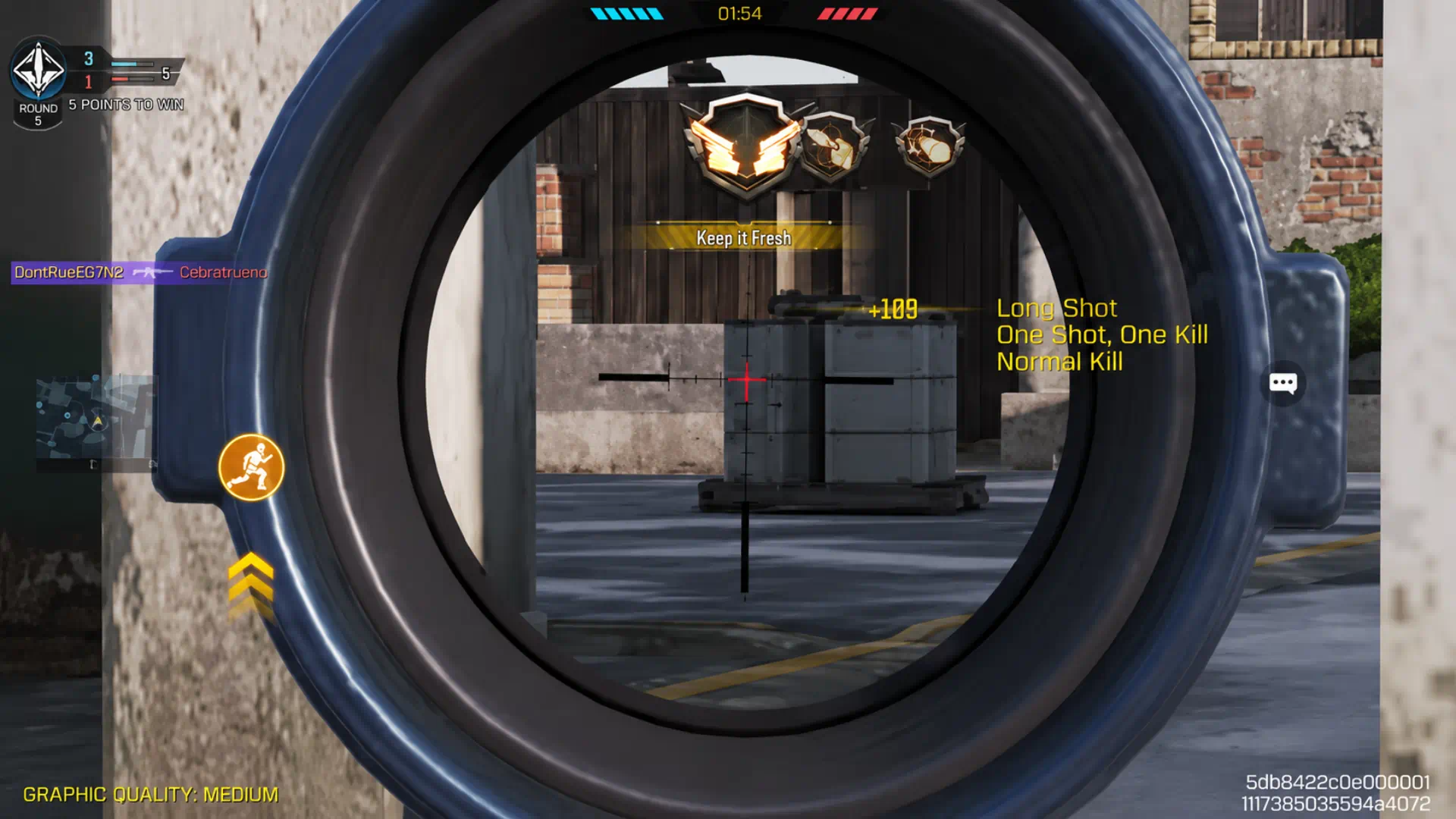
Quickscoping is not just about clicking the fire button. It is a combination of timing, muscle memory, and positioning.
To execute these quickscopes perfectly, you need the top-tier gear and Mythic weapons that offer superior handling. If you want to boost your loadout and secure the best skins in the game, Grab your instant PSN Gift Card. Equip your best gear, master your quickscope, and dominate the battlefield today!
1. Centering: Your First Priority
Before you even hit the ADS button, your crosshair must be centered on where the enemy is expected to appear. If your crosshair is already on target, the time it takes for your scope to fully load is negligible. Practice this in the Training Mode—don’t rely on your reflex to “flick” the scope; rely on your crosshair placement.
2. Synchronize ADS and Fire
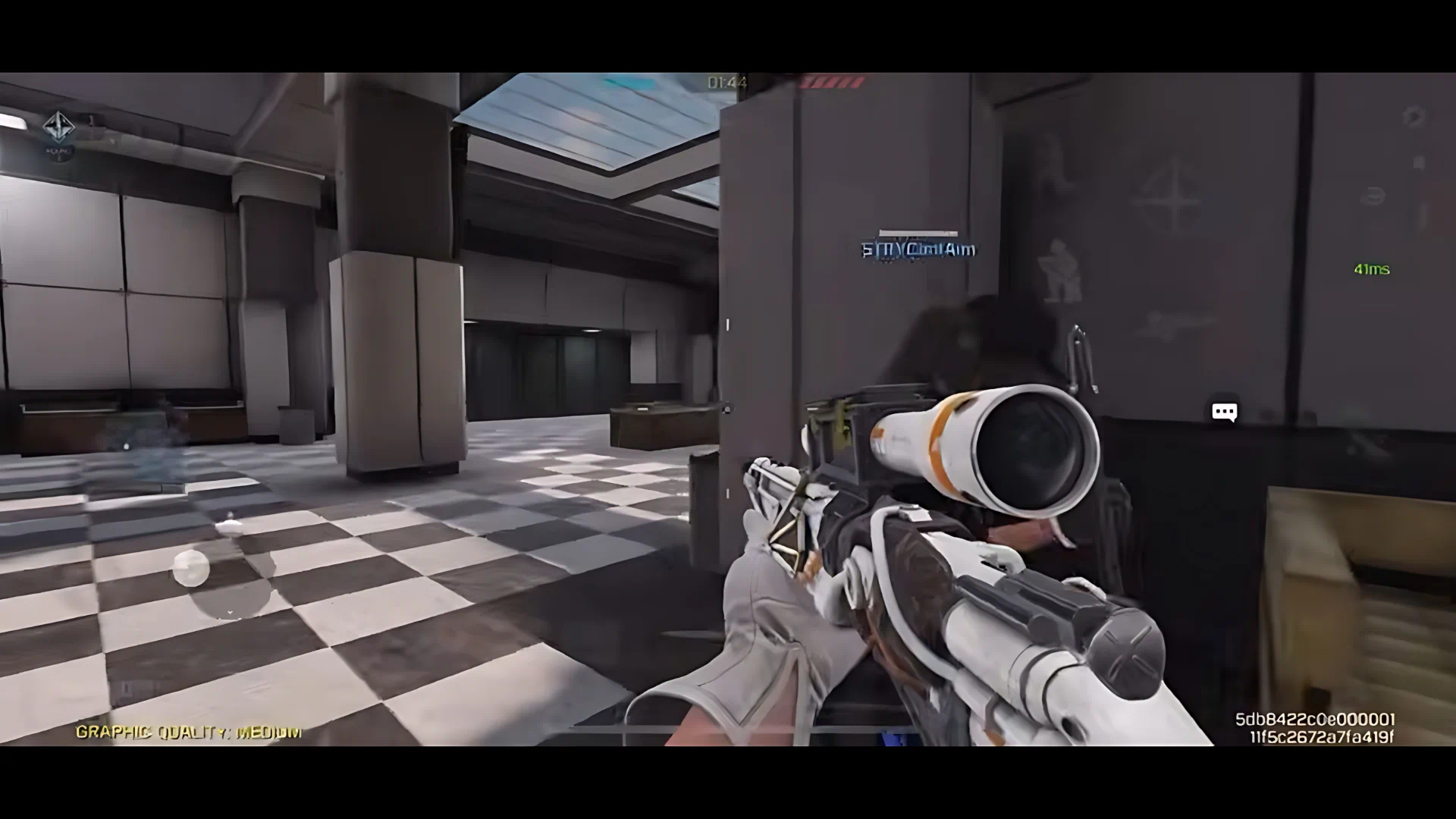
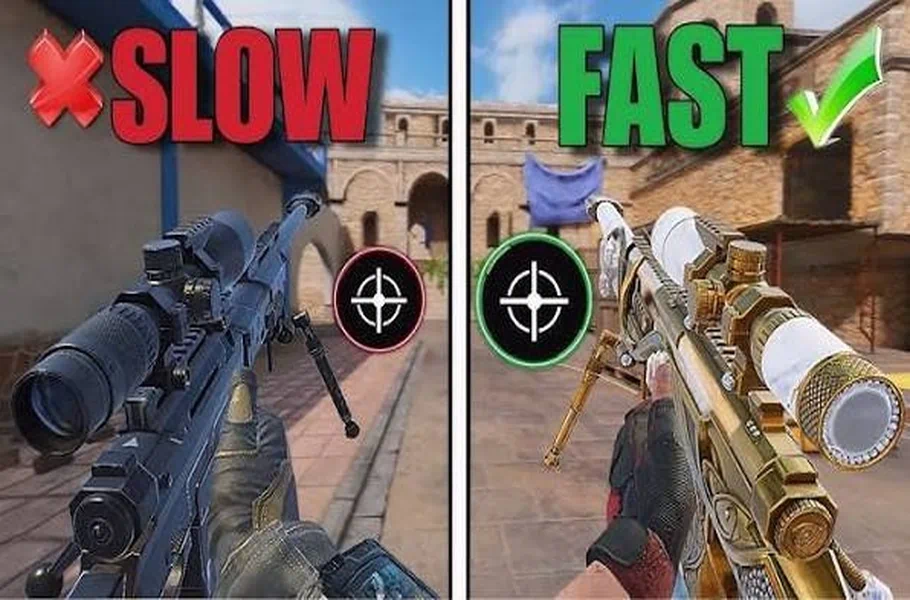
The most common mistake is firing before the ADS animation is fully complete. While some guns have a faster ADS speed, you must train your finger to time the fire button exactly when the scope hits the eye. This creates that “snap” shot that is impossible for enemies to react to.
3. Movement is Key
A pro quickscoper never stands still. Once you take your shot, immediately slide, jump, or crouch to reposition. If you miss or need to reload, your movement is the only thing keeping you alive. Incorporating these movement patterns into your quickscoping workflow is what separates pros from casual players.
Smooth Gameplay: The Lag Factor
Even the most talented sniper will lose a gunfight if their connection is unstable. Lag can cause your ADS input to delay, ruining your timing. Ensuring a stable connection through a game booster is essential. A smooth, lag-free experience is mandatory when every millisecond counts in a quickscope duel.
Related article: Mastering the Best 3-Finger HUD Layout for Call of Duty: Mobile
Conclusion
Quickscoping in CODM is more than a skill; it’s an aggressive playstyle that puts intense pressure on your opponents. By optimizing your gun attachments, focusing on centering, and maintaining a stable network connection, you will soon become a nightmare for other snipers on the map. Consistency is key—spend time in the training grounds daily, and you will see your K/D ratio soar.






Frequently Asked Questions (FAQ)
Not all snipers are equal. You should choose guns specifically built for “Aggressive Sniping,” prioritizing attachments that boost ADS speed.
This is often due to network lag or “hit registration” issues. Ensure your ping is low, as high latency will cause your shots to miss even when your aim is perfect.
Head to the Training Mode and set the targets to move randomly. Focus on keeping your crosshair centered before aiming. Muscle memory is everything!