

In this guide, we’ll break down the best sensitivity for Free Fire one tap headshot 2025, designed to help you achieve accurate headshots on any mobile device. whether you’re using a 2GB budget phone or a 12GB flagship. The settings here are practical, tested, and 100% working across different devices.

Table of contents
1. Why Sensitivity Matters in Free Fire
Most Free Fire players believe headshots depend purely on aim — but that’s only half true. Your sensitivity settings directly affect how smooth your aim, movement, and rotation feel.
If your sensitivity is too high, your aim becomes shaky and uncontrollable. If it’s too low, you’ll struggle to move the camera or drag for headshots.
So, a perfect sensitivity balance is essential for consistent headshots and professional‑level gameplay.
Related article: Best Free Fire Headshot Tricks 2025 | Become a True One‑Tap Pro
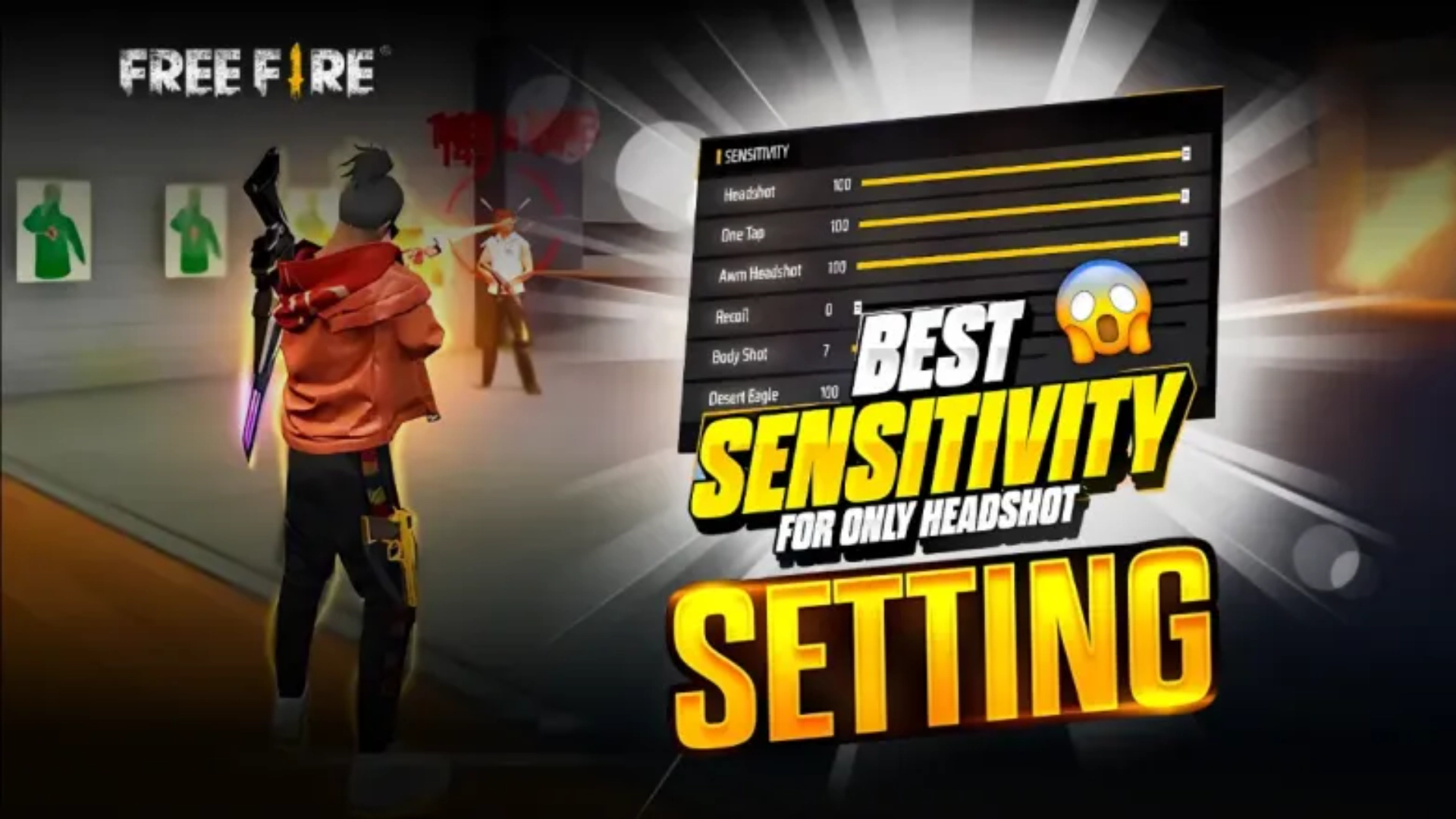
2. Recommended Sensitivity Settings (General & Red Dot)
Let’s test and compare how different sensitivity levels affect gameplay.
Using various phones like Poco X7 Pro, Infinix GT 30 Pro, Realme 7, Realme 8 Pro, iPhone 15 Pro Max, and Samsung Galaxy S25 Ultra, the following results were noted:
| Type | Sensitivity |
|---|---|
| General / Red Dot: 100 | Poor movement, almost no headshots |
| General / Red Dot: 150 | Weak headshots, inconsistent |
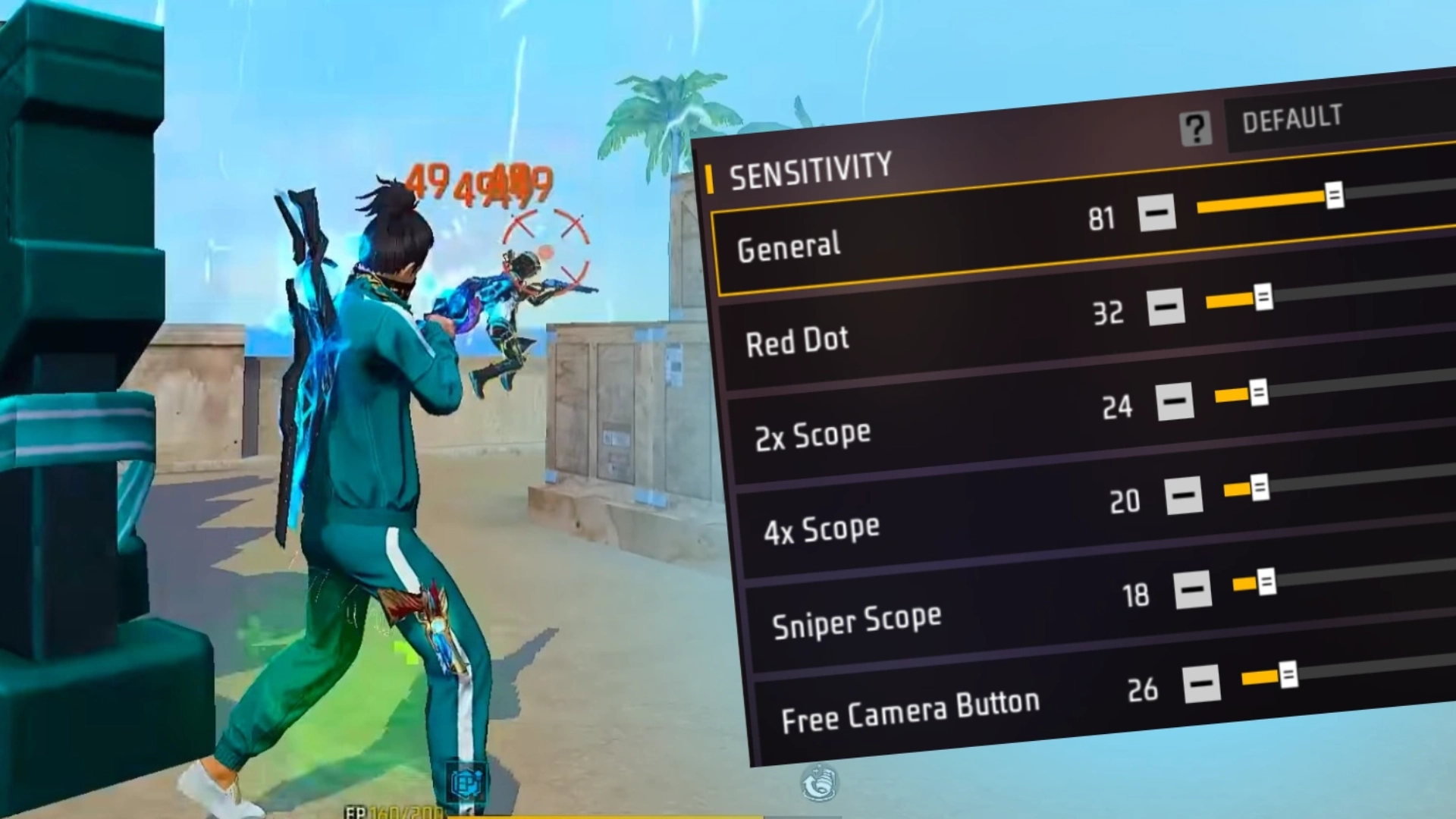
| General / Red Dot: 200 | Balanced, accurate one tap headshots |
- ➡️ Optimal Range: 180‑200 for most Android phones
- ➡️ If your aim feels stiff, increase slowly by 10 points until you find your sweet spot.
- ➡️ Going beyond 200 may make the screen too sensitive and hard to control.
3. DPI and Device Type Adjustment
Sensitivity doesn’t act alone — DPI (display density) also influences how fast your aim moves. To adjust it safely:
- Open Developer Options → Smallest Width (DPI)
- If your phone is 2GB/4GB/6GB RAM, set DPI between 450‑500
- For high‑end phones (12GB/16GB RAM), you can safely raise 550‑600
⚠️ Do not go above 600 DPI, as it may cause overheating or touch lag.
Get instant Free Fire Diamonds safely and at the best price from Item4Gamer — your trusted store for fast top‑ups and exclusive gaming deals!
4. The Real Secret: Practice & Movement
Even the best sensitivity settings won’t help if you lack movement control.
To master one tap headshot:
- Practice daily in Training Ground.
- Control your drag timing — slight downward rotation before drag gives perfect results.
- Combine rotation drag and one tap technique — drag smoothly upward just after rotation.
Consistency comes from muscle memory, not only from values. Stop blaming the device, improve your reflexes too.
5. Sensitivity Settings for Different Scopes
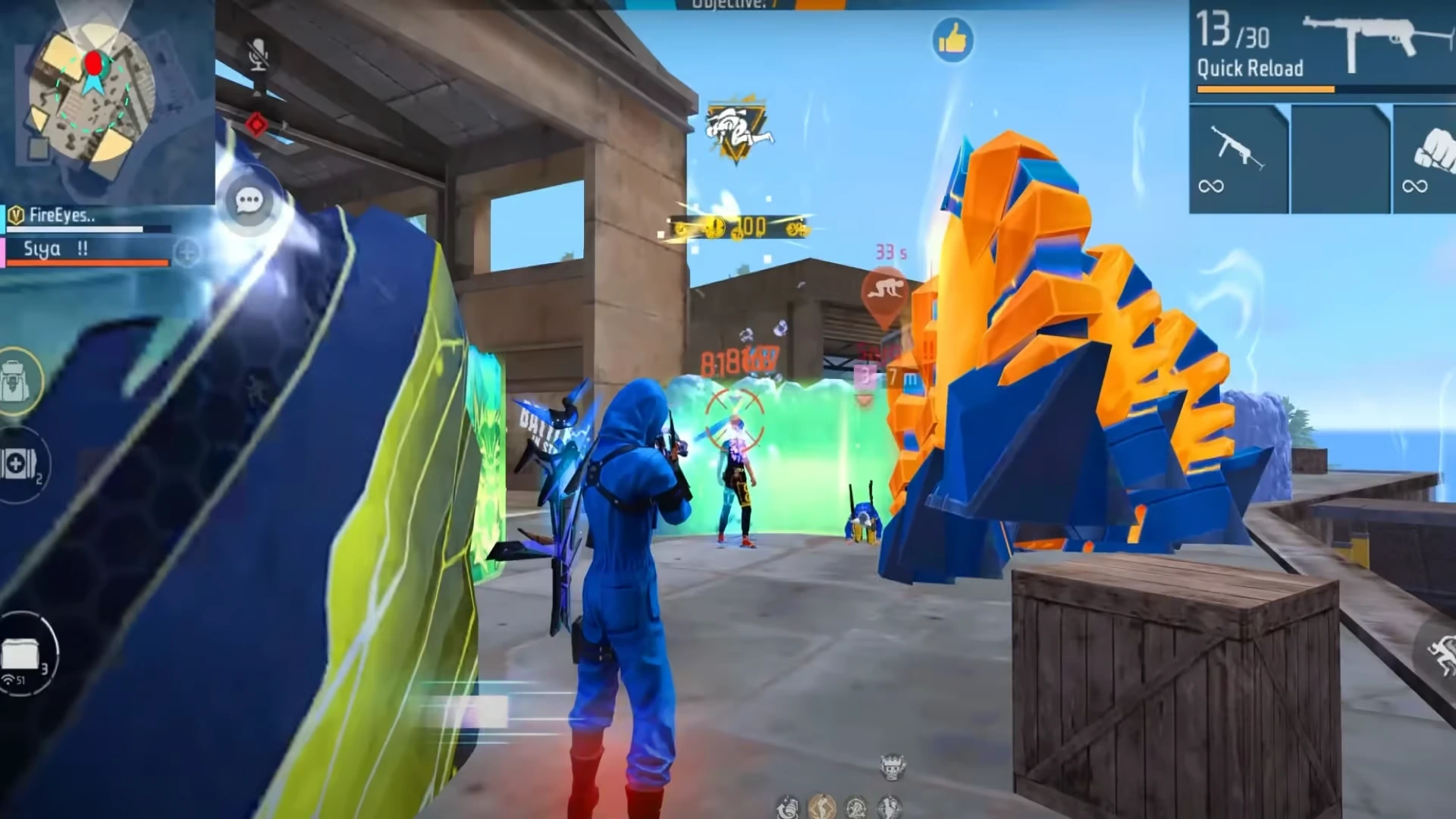
Every scope type works differently — balance them wisely.
| Scope | Suggested Range | Purpose |
|---|---|---|
| Red Dot | 180‑200 | Close range one tap headshots |
| 2x Scope | 150‑180 | Mid‑range drag shots |
| 4x Scope | 100‑150 | Long‑range accuracy |
| Sniper Scope | 10‑20 | Precise aiming, avoid over‑sensitivity |
Tip: Don’t use high sensitivity in Sniper mode — it makes aiming unstable. Low sensitivity gives more steady aim for long distances.
Follow us on social media and stay one step ahead of the game! 🚀






6. Device‑Specific Notes
- Low‑end phones (2‑4GB RAM): Use lower DPI (450‑500) and moderate sensitivity (150‑180).
- Mid‑range phones (6‑8GB RAM): Set to 180‑200.
- Flagship phones (12‑16GB RAM): 200‑220 works well with higher DPI (~550).
These values create a good balance between control and reaction time for your finger drag.
Conclusion
The best sensitivity for free fire one-tap headshot 2025 isn’t about copying numbers — it’s about finding your balance. Start from the recommended range (180‑200), adjust gradually, tweak DPI according to your phone, and practice consistently.
Whether you use a budget Android or an iPhone 15 Pro Max, follow these steps, and you’ll land clean, consistent one tap headshots like a pro.
FAQs
A sensitivity of 180‑200 works best for most phones, allowing smoother drag and precise one tap headshots.
No, increase or decrease by 10 points gradually depending on your phone’s touch response and performance.
Yes. DPI affects touch speed, helping fine‑tune sensitivity. Low‑end devices should stay under 500 DPI.
At least 20–30 minutes daily in Training Ground to build muscle memory for perfect drag headshots.





1 Comment
Mahatab rifat –
Free fire best headshot tricks