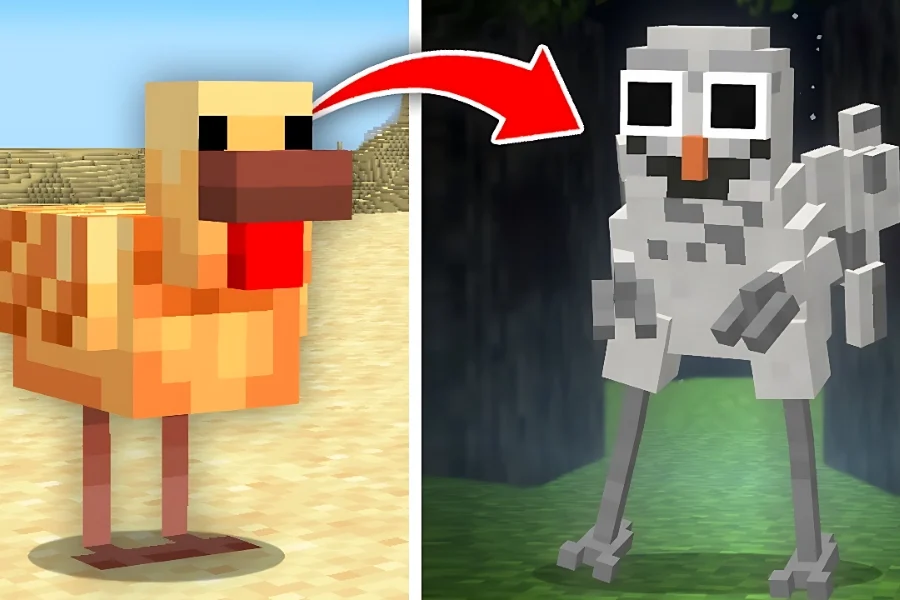
Learn how to create 99 Nights in The Forest mobs in Minecraft from scratch. Follow these structured steps to select base models, redesign their appearance, retexture them, and assign custom behaviors. By the end, you’ll be able to replicate the original 99 Nights in The Forest experience inside Minecraft and even develop your own unique mobs.

Table of contents
1. Create the Owl from the Chicken
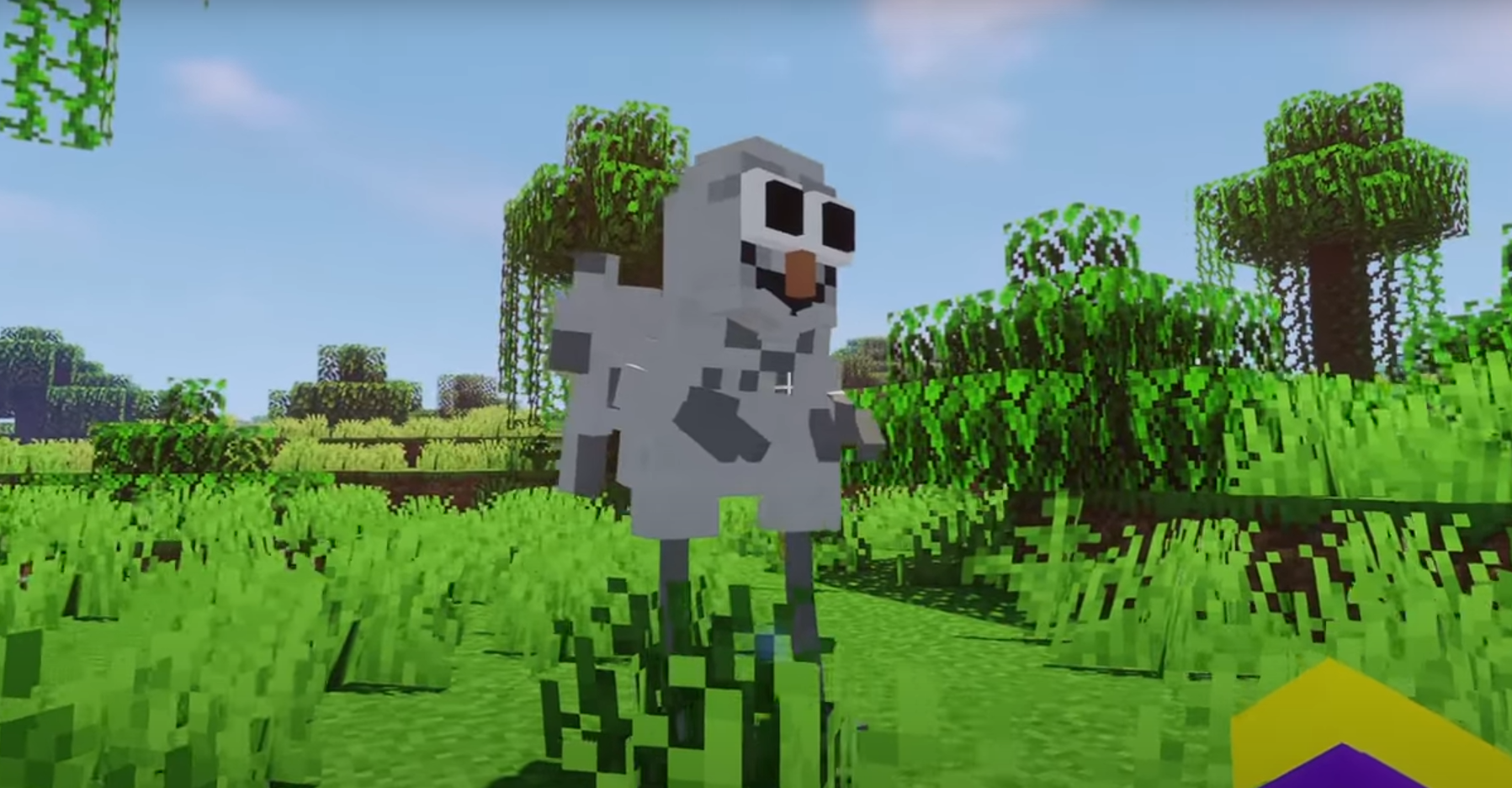
- Select the chicken model.
- Enlarge and reposition the body.
- Add new legs and position them symmetrically.
- Create a new body and reshape the head.
- Add wings and an extra arm.
- Paint the entire body grey with darker patches; color the beak orange.
- Add a scary mouth and colored eyes.
- Configure AI to chase players but stop near campfires.
- Make it resistant to weapons; only fire can kill it.
Follow us on social media and stay one step ahead of the game! 🚀






2. Design the Cultist from the Villager
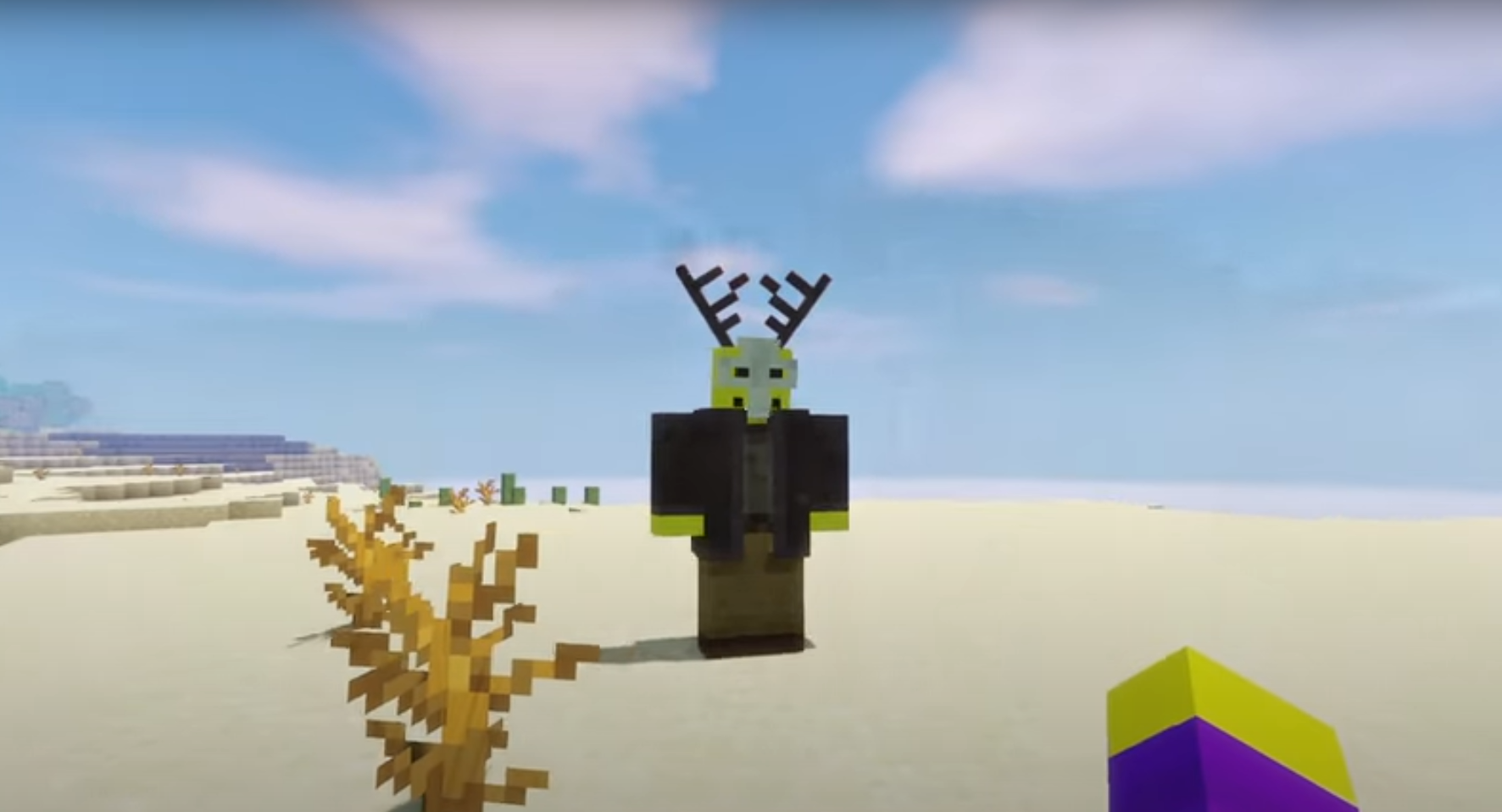
- Choose the villager model.
- Remove unnecessary parts.
- Add Roblox-sized arms and larger legs.
- Shrink the head and convert parts into a mask.
- Add deer-like horns.
- Color the coat dark grey, shirt lighter grey, pants and shoes in different tones.
- Program AI to remain non-hostile unless attacked.
3. Build the Elite Alien from the Vindicator

- Select Vindicator as the base.
- Remove extra arms, adjust leg and body proportions.
- Resize and relocate the nose.
- Redesign the head and add a sword to the hand.
- Paint shirt fully blue and pants dark green.
- Replace original eyes with enlarged eyebrows as eyes.
- Increase health and damage slightly compared to normal mobs.
Expand your Minecraft world! Get Minecoins now from I4G – fast, secure, and hassle‑free.
4. Create the Alpha Wolf from the Wolf
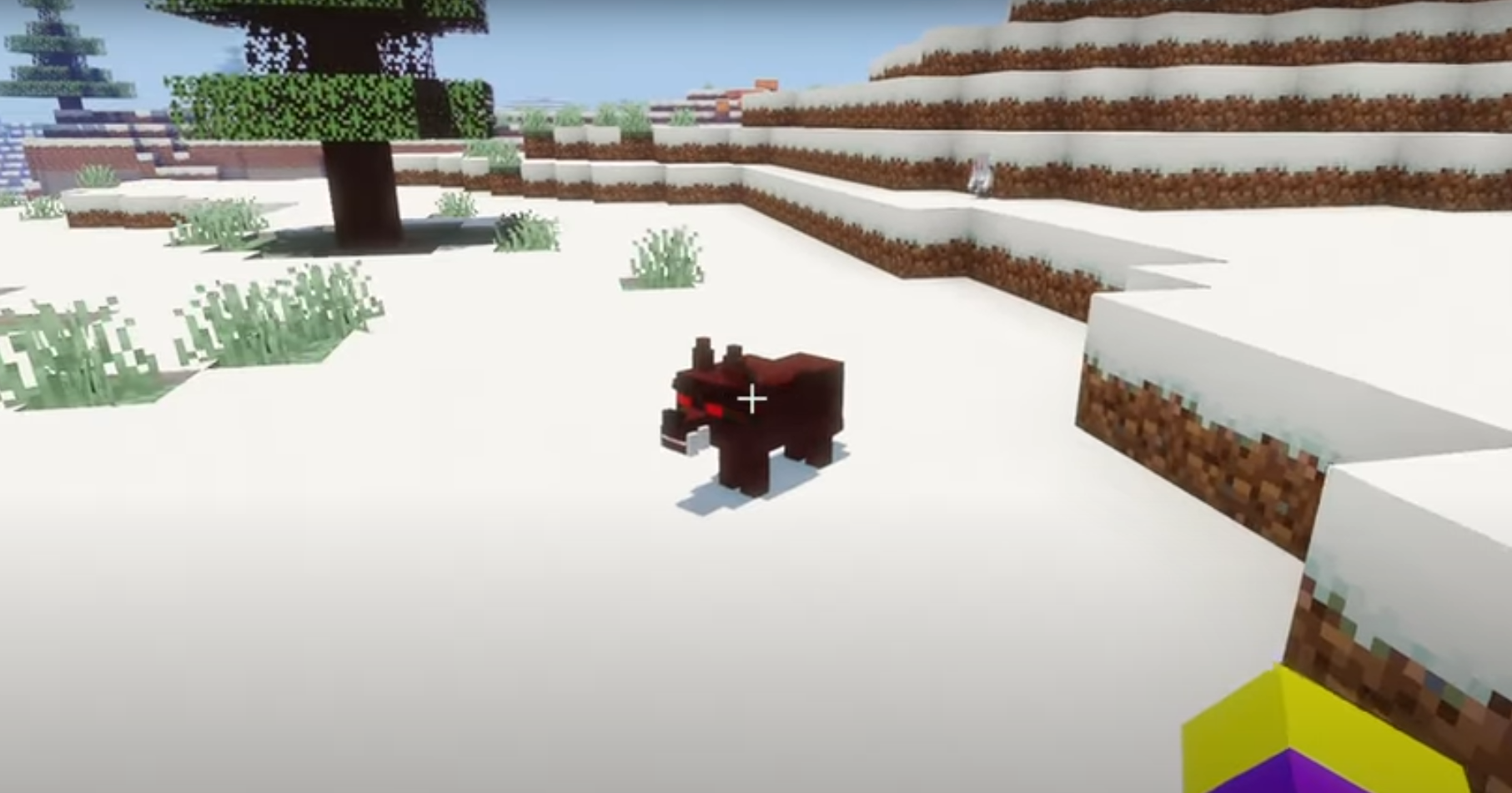
- Pick the wolf model.
- Enlarge the body size slightly.
- Move the head and mouth position.
- Add sharp, oversized teeth and pointed ears.
- Paint top fur dark brown, underside lighter brown.
- Make the eyes bright red, the nose black.
- Configure AI to attack players and deal higher damage.
5. Make the Deer from the Creaking (Piglin-based)

- Use “Creaking” (likely Piglin) as the base.
- Reshape the body and flatten the head.
- Add new arms and legs.
- Create ears and antlers.
- Paint body brown, antlers slightly darker.
- Program behavior: peaceful during the day but fast and aggressive at night.
- Make it immune to weapons; only bright light (e.g., lava) can kill it.
TL;DR
This blog teaches you how to create 99 Nights in The Forest mobs in Minecraft by choosing base models, redesigning shapes, applying new textures, and programming behaviors. Detailed instructions for five unique mobs (Owl, Cultist, Elite Alien, Alpha Wolf, and Deer) help you replicate or customize them for your own game.
Read More: Simple Minecraft Builds: 5 Golden Tricks to Save Time in 2025