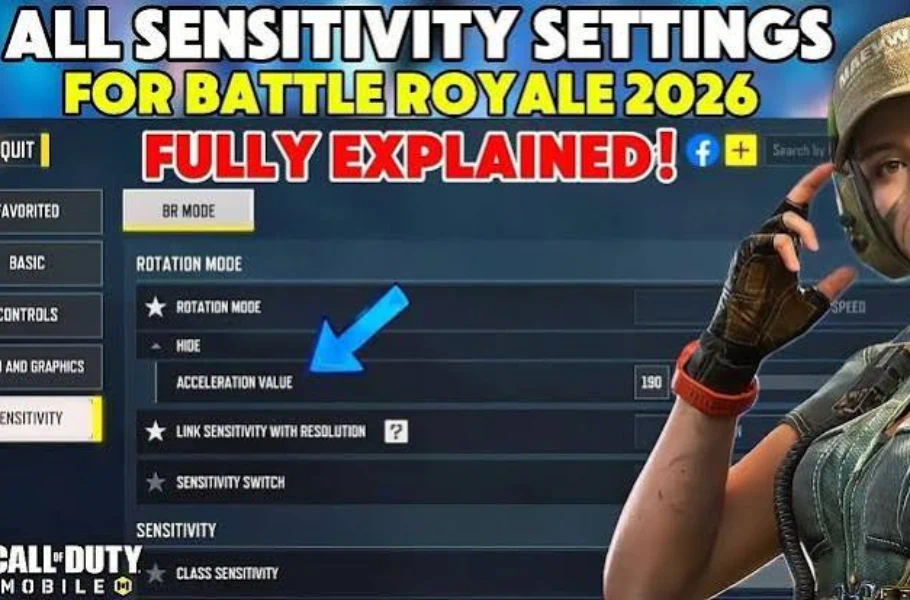
Every pro player knows that winning fights in Battle Royale requires the best Call of Duty sensitivity settings. Wrong settings ruin your aim and lose you crucial gunfights. In this guide, we break down every sensitivity section so you can move smoothly like a pro and loot enemies in seconds.
Table of contents
Rotation Settings
There are three main camera rotation modes to choose from based on your playstyle:
- Fixed Speed: Best for beginners. Your camera movement speed is always fixed. Recommended value: 190 to 198.
- Distance Acceleration: Camera movement depends on how far you drag your finger. Great for precise control and medium-to-long-range tracking. Recommended value: 190 to 200.
- Speed Acceleration: Camera movement depends on how fast you swipe. Best for rapid backslide movements and close-range fights. Recommended value: 171 to 180.

ADS Sensitivity Switch
Crucial for SMG and sniper players:
- Switch while opening ADS: Used by most competitive players. Snaps straight to ADS speed the exact moment you tap the scope button, letting you control recoil instantly.
- Switch after ADS animation ends: Keeps hip-fire speed during zoom-in. Best for passive or long-range playstyles.
- Gradually switch: Smooth transition, but harder to build consistent muscle memory.
Camera Sensitivity
For looking around and tracking enemies before firing:
- Red Dot / Holo: Set between 144 to 148 for precise target tracking.
- ADS Sensitivity: Match your Red Dot values (144 to 148).
- Sniper Scope: Set between 90 to 100 for fast and smooth quick scoping.
- Third Person: Set between 110 to 120 for optimal third-person camera movement.
Vital Firing Sensitivity
When holding down the fire button, your crosshair stability is everything:
- Vertical Turning Sensitivity (Crucial): If too low, your gun kicks upward uncontrollably. If too high, it’s impossible to focus. 110 is the ultimate sweet spot for a no-recoil aim.
- Red Dot / ADS Firing: Keep values between 144 to 148 for steady shots.
- Sniper Firing: Maintain values between 90 to 100 for clean quick scopes.
Vehicles and Classes
- Classes: Keep default 150 for Ninja, Trap Master, and launchers.
- Vehicles: Set Ground Vehicle to 100 for smooth driving and camera movement.
- Free View: Set to 150 for easy surroundings check using the eye button.
Related article:Mythic Ram-7 Is Back! The Ultimate Weapon in Call of Duty Mobile
Conclusion
Finding the best call of duty mobile sensitivity settings isn’t about blindly copying numbers; it’s about tweaking them to match your device and playstyle. Use these values as your starting point to achieve flawless aim. Test them out in practice or normal matches before jumping straight into ranked queues!






Frequently Asked Questions
Speed Acceleration is ideal for aggressive players because it speeds up camera rotation instantly during fast movements.
It is the perfect balance for most mobile devices—preventing excessive vertical recoil while keeping crosshair control manageable.
A sniper scope sensitivity between 90 and 100 gives you the speed needed to acquire targets rapidly.