Free Fire General Sensitivity: Best Values for Every Device (2026)
작성자 Shiva Dastjerdi
2
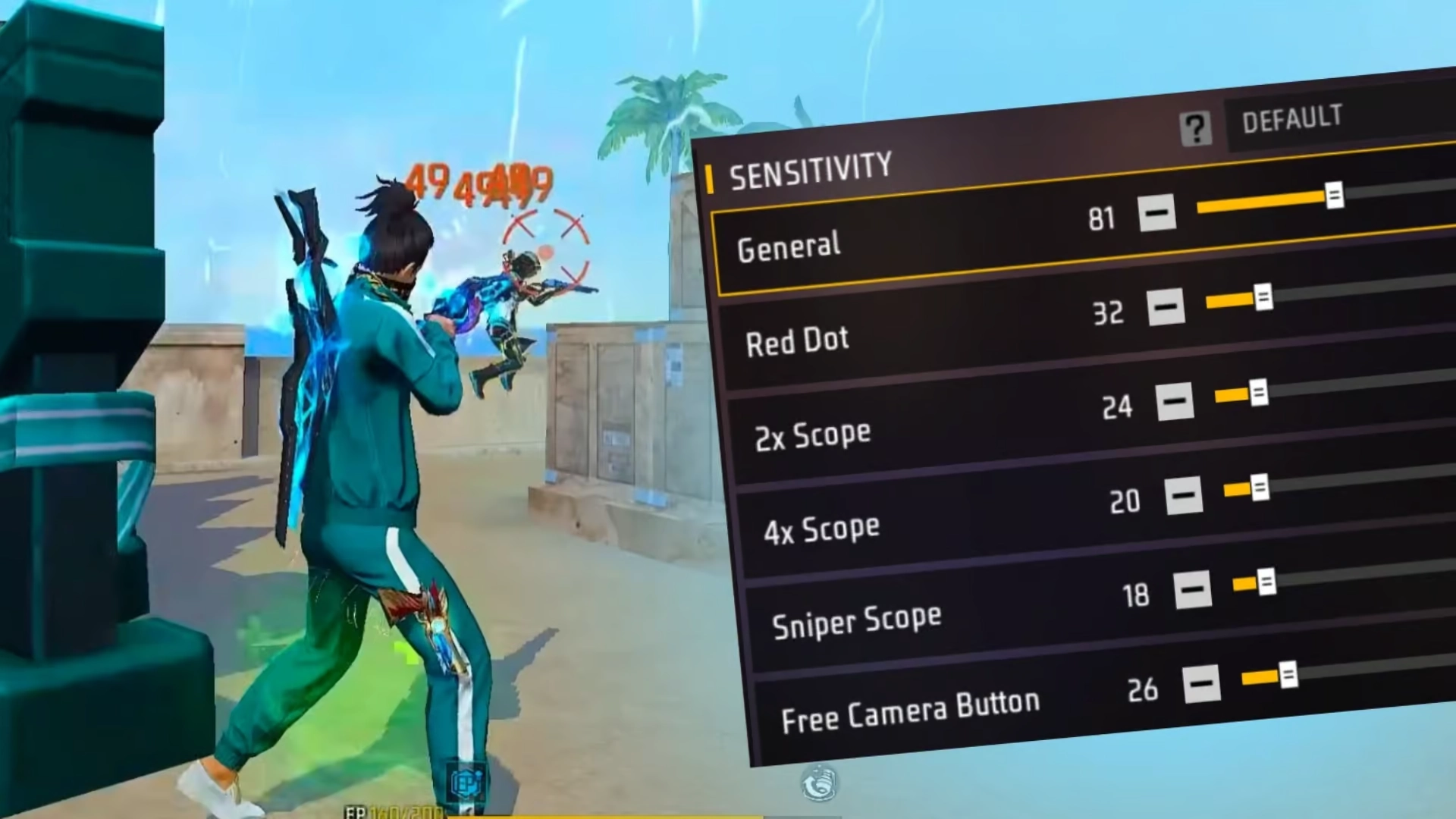
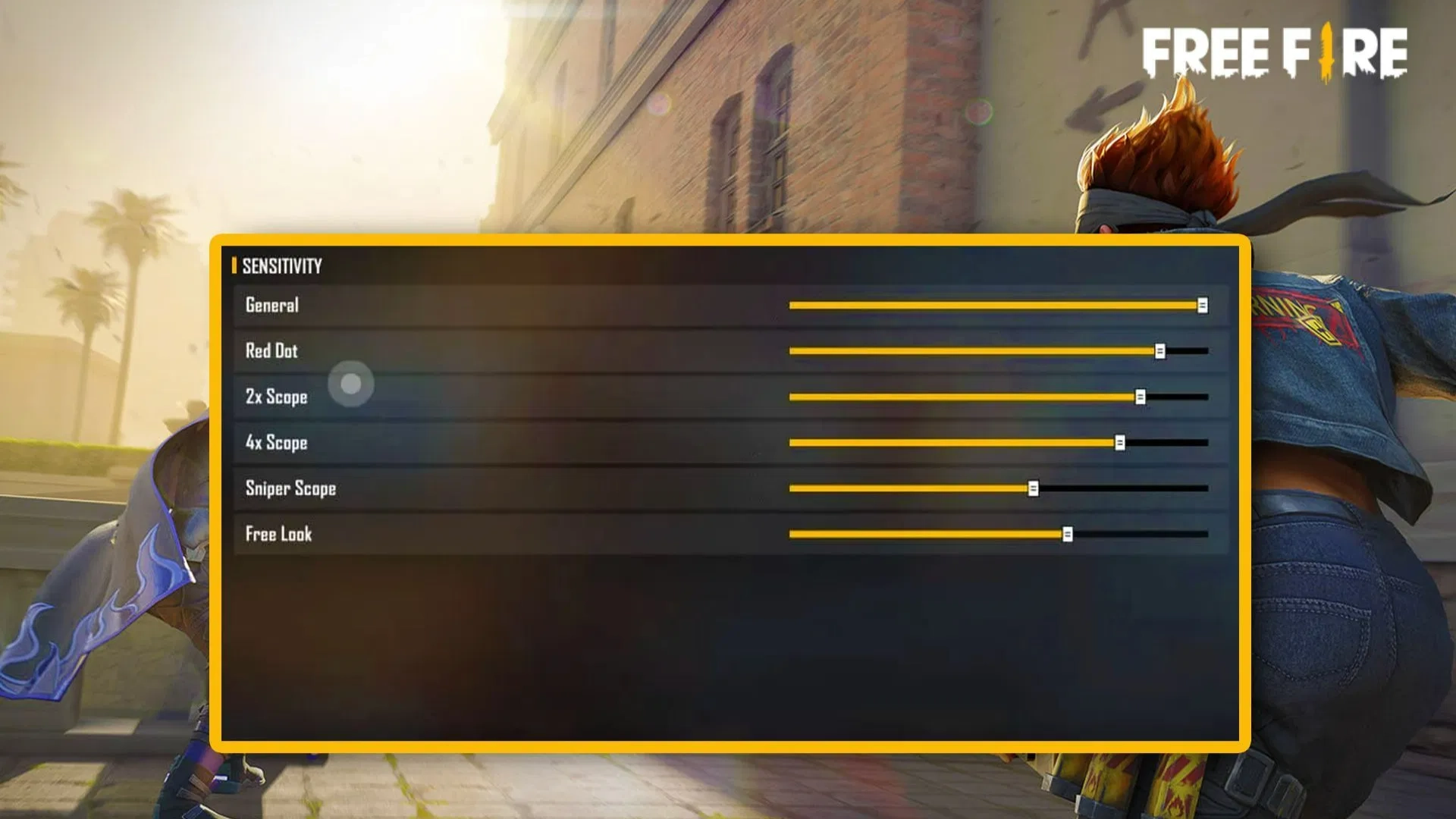
In fast-paced battle royale games like Garena Free Fire, winning a fight often comes down to how quickly and accurately you can aim. While many players focus on weapons and strategies, one critical setting is often overlooked: General Sensitivity.
This setting acts as the foundation of your aiming system. Whether you’re turning to face an enemy, tracking movement, or engaging in close-range combat, General Sensitivity plays a key role in your overall performance.
In this guide, we’ll break down everything you need to know—from basic concepts to pro-level optimization.
General Sensitivity is active in several core gameplay scenarios:
🔹 1. Free Look Movement
When you’re exploring or scanning your surroundings, this setting controls how quickly you can look around.
🔹 2. Hip-Fire Combat
In close-range fights, many players rely on hip-fire instead of scopes. General Sensitivity determines how well you can track enemies in these situations.
🔹 3. Quick Turns & Reflexes
Sudden encounters require instant reactions. A well-tuned sensitivity allows you to turn and respond without delay.
💎 Want faster progress with weapon skins and OB51 items? Get Cheap Free Fire Diamonds from Item4Gamer, now offering: ⚡️Instant delivery 💸Secure and Diverse Payment Methods ✔️Reliable and Legitimate
⚖️ Low vs Medium vs High Sensitivity (Full Breakdown)
🐢 Low Sensitivity (0–40)
Low sensitivity offers:
Greater stability
Better precision for beginners
Reduced screen shake
However, it also:
Slows down reaction time
Makes it harder to track fast-moving enemies
👉 Best suited for new players or those struggling with control.
⚖️ Medium Sensitivity (40–70)
This range provides:
Balanced speed and control
Consistent performance in most situations
Easier adaptation for different playstyles
👉 Ideal for the majority of players.
⚡ High Sensitivity (70–100)
High sensitivity delivers:
Faster camera movement
Quick flick shots and turns
Strong advantage in close combat
But:
Can cause over-aiming
Requires better finger control
👉 Preferred by aggressive and experienced players.
Smooth touch allows lower sensitivity for better control
🔧 How to Find Your Perfect Sensitivity
Follow this step-by-step method:
Go to Training Grounds
Set General Sensitivity to 70
Practice tracking moving targets
Adjust:
Increase if aim feels slow
Decrease if aim feels unstable
Repeat until your aim feels smooth and natural
Consistency is more important than copying pro players.
🎮 Now that your sensitivity settings are fully optimized, it’s time to power up your gameplay even more!
To truly take advantage of those smooth drag headshots and pro‑level controls, upgrading your Free Fire account is a must. With affordable prices, instant delivery, and guaranteed safety, item4gamer is the best place to top up Free Fire Diamonds fast and securely. Unlock premium skins, Elite Pass, powerful characters and more — trusted by thousands of players worldwide. ✅ Boost your account today and dominate every lobby with confidence! 🔥
🏁 Conclusion
General Sensitivity is the backbone of your aiming system in Garena Free Fire. Mastering it can significantly improve your reaction time, accuracy, and overall gameplay.
There is no universal “perfect” setting—the best sensitivity is the one that matches your device, playstyle, and comfort level.
Take the time to experiment, adjust, and practice. With the right sensitivity, every movement becomes smoother, and every shot becomes more precise.
Follow us on social media 🚀
❓ Frequently Asked Questions (FAQ)
1. What is the best general sensitivity in Free Fire?
There is no single best value, but most players perform well between 60 and 80, depending on their device.
2. Is higher sensitivity better?
Not always. Higher sensitivity improves speed but can reduce control. Balance is key.
3. Should beginners use low sensitivity?
Yes, beginners often benefit from lower sensitivity for better control and stability.
4. Does device type affect sensitivity?
Absolutely. High-end devices require lower sensitivity, while low-end devices often need higher values.
5. How often should I change my sensitivity?
Avoid frequent changes. Adjust only when necessary and give yourself time to adapt.














2 댓글
Matthewimave –
Thank you very much for the excellent content you share.
Ayda Tajrizi –
Your welcome