The Ultimate Guide to the Best Aim Settings in COD Mobile (2026)
كتبه Shiva Dastjerdi
0
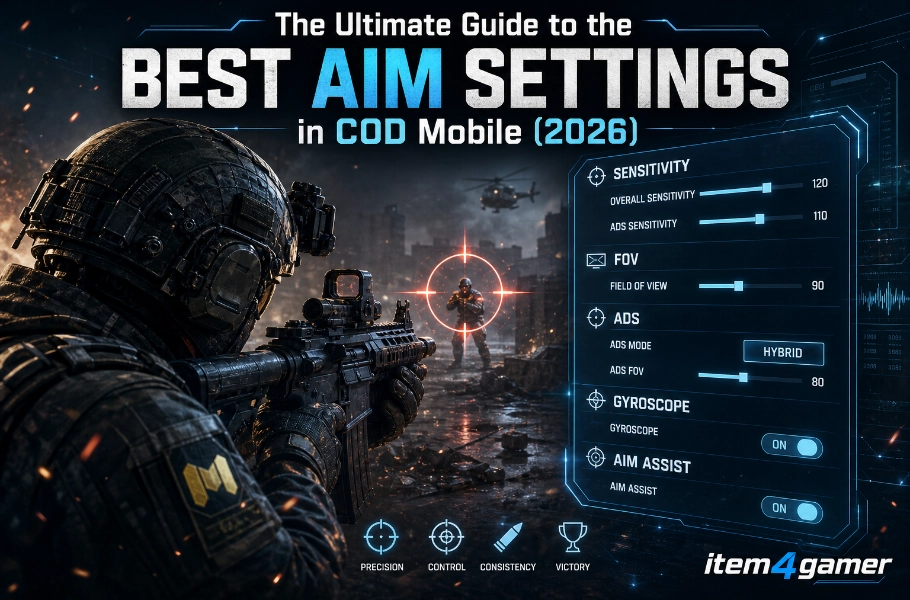
If you want to dominate in Call of Duty: Mobile, having a high-tier weapon isn’t enough—you need to hit your shots. Whether you are playing Multiplayer or Battle Royale, your aim settings are the bridge between your skill and a “Victory” screen. In this guide of Best Aim Settings in COD Mobile, we’ll dive deep into the pro-level settings that will help you lock onto enemies, control recoil, and improve your accuracy instantly.
Sensitivity is the most subjective part of the game, but most pros follow the “Lower is Better” rule for precision.
Camera Sensitivity in Best Aim Settings in COD Mobile
This affects how fast you look around without firing.
Standard Sensitivity: 70-90
ADS Sensitivity: 80-100
Sniper Sensitivity: 45-55
Firing Sensitivity
This is the most important setting for controlling recoil.
ADS Firing Sensitivity: Should be slightly higher than your Camera Sensitivity (around 105-110) to help you pull down against the gun’s kick.
Get your Call Of Duty Mobile CP from ITEM4GAMER and go for the draw with confidence—quick delivery, reliable service, and options that fit your budget. Lock in the CP, upgrade the mythic, and hop back into Ranked ready to fry.
Reducing Gun Shake & Visual Recoil
A common mistake players make is having too many visual effects active. To make your aim feel “sticky” and stable:
Camera Shake: Go to settings and turn this to 0 or the minimum value. This prevents the screen from bouncing while you shoot.
Weapon Perspective: Ensure your weapon model doesn’t block your view during ADS (Aim Down Sights).
HUD Layout & Crosshair Placement
Your HUD (Heads-Up Display) should allow you to move and shoot simultaneously (3-finger or 4-finger claw is recommended).
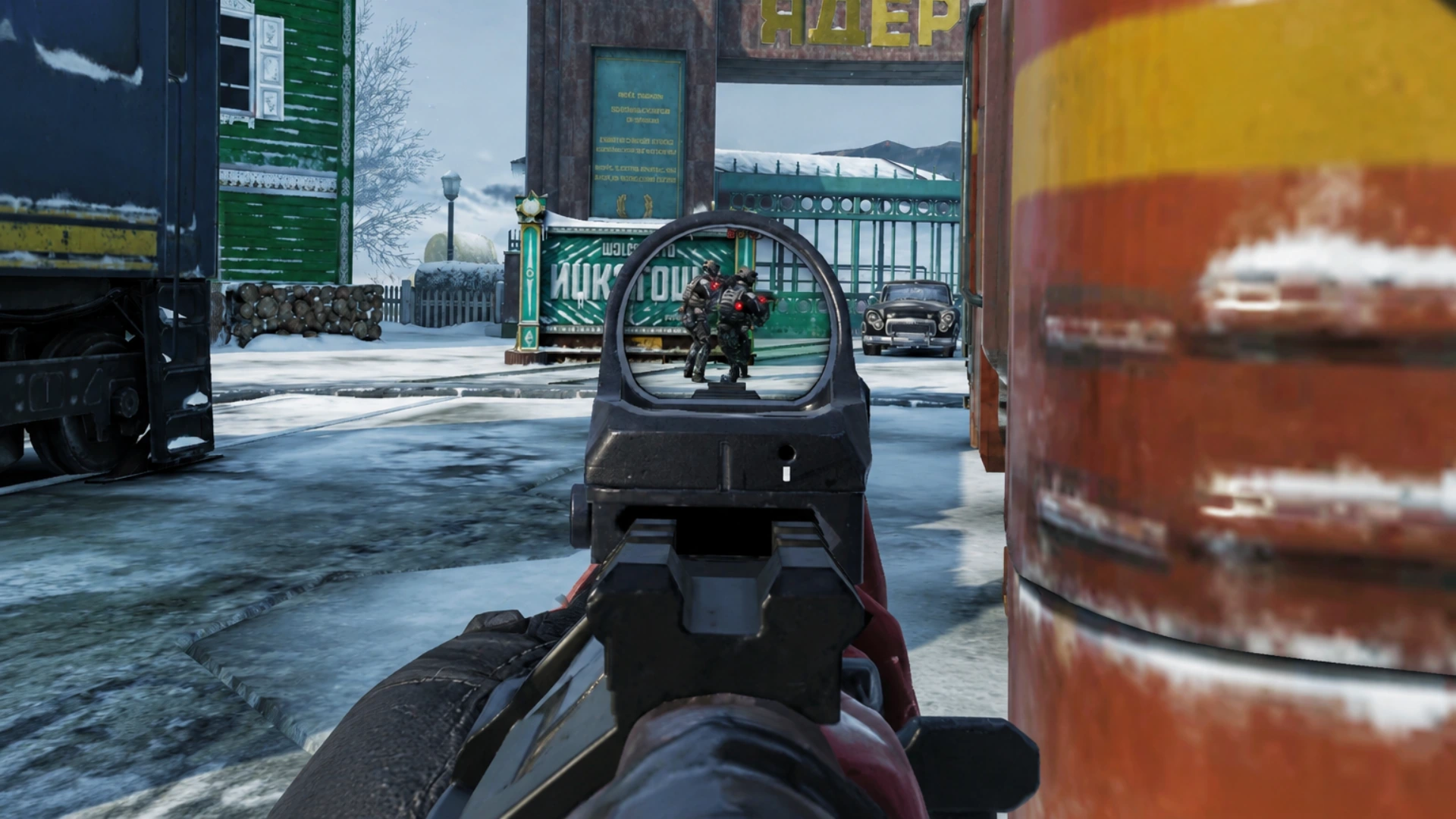
Pro Tip: Always keep your crosshair at chest or head height while moving. Never look at the ground. This minimizes the time needed to adjust your aim once an enemy appears.
Conclusion of Best Aim Settings in COD Mobile
Mastering your aim in COD Mobile is a mix of the right settings and consistent muscle memory. Start with these values, tweak them in the Training Mode, and you will see a massive difference in your K/D ratio.
Follow us on social media 🚀
Frequently Asked Questions (FAQ)
Q1: What is the best sensitivity for beginners?
A: We recommend starting with “Medium” presets and gradually lowering them for better control over long-range shots.
Q2: Should I use Gyroscope for aiming?
A: Yes, if you can master it. Gyroscope allows for micro-adjustments that are hard to do with just your thumb.
Q3: Why does my aim feel “shaky”?
A: This is likely due to high sensitivity or “Camera Shake” being turned on in the settings. Try lowering your ADS sensitivity.