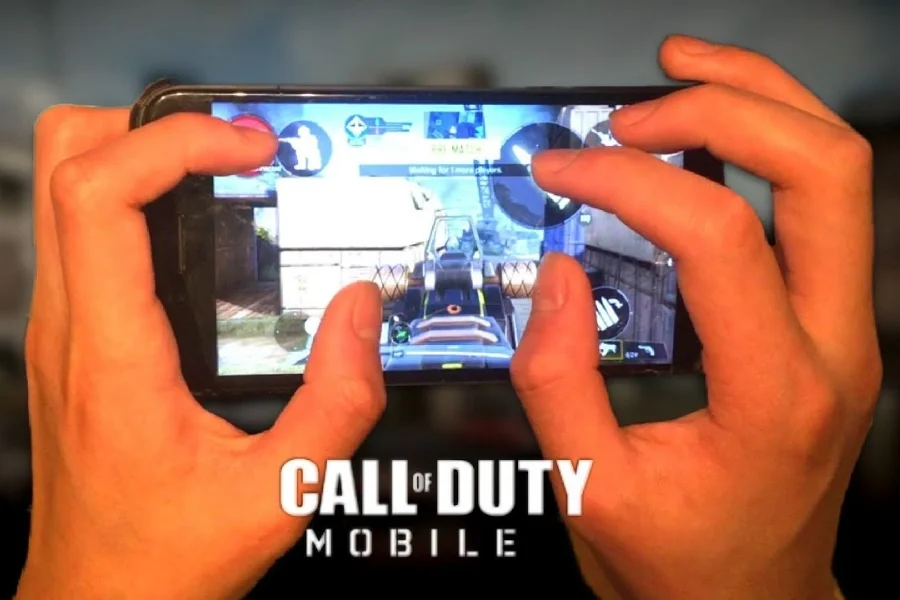
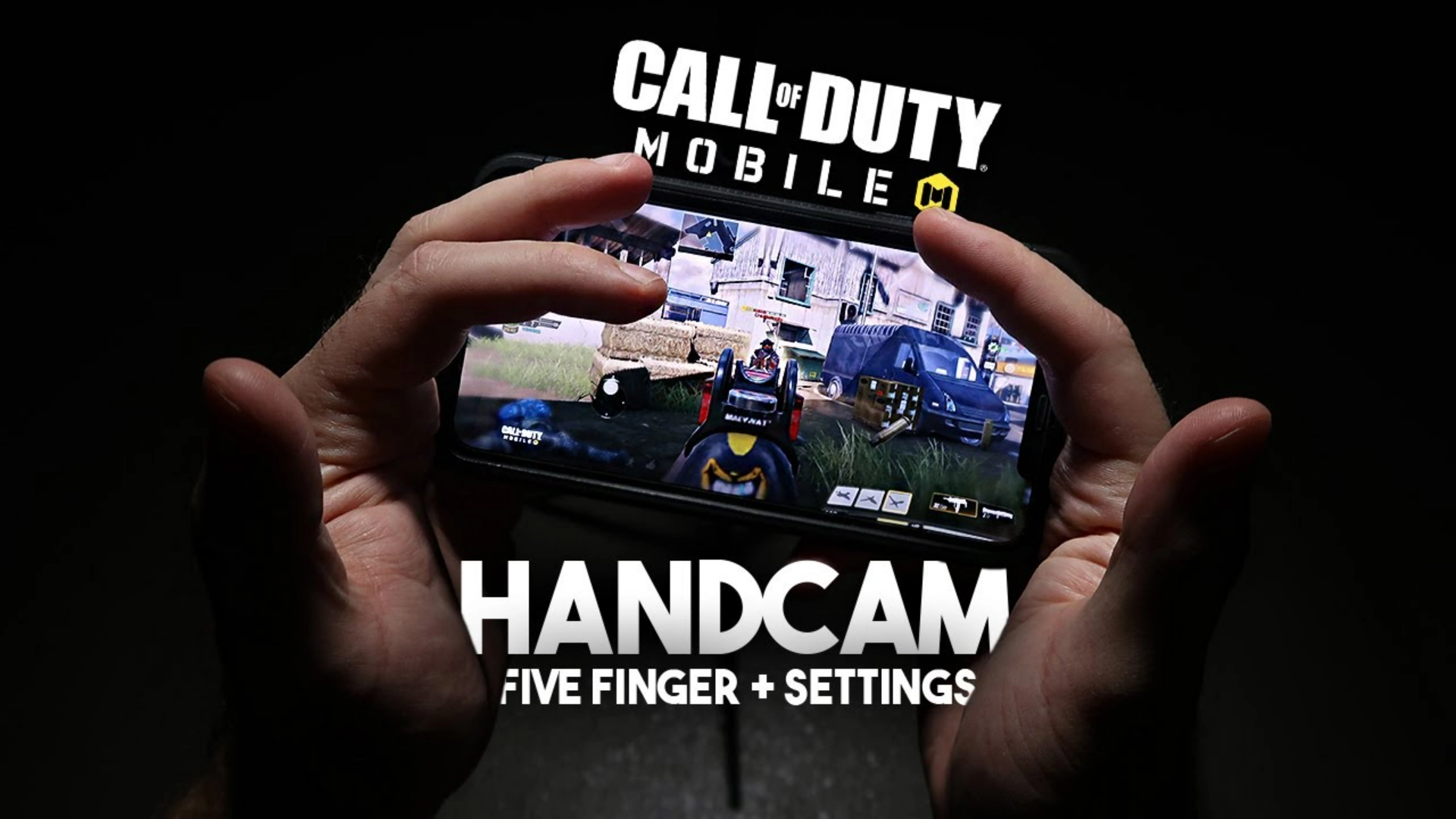
In competitive Call of Duty Mobile, raw aim alone is no longer enough to climb ranked consistently. What separates average players from high‑ranked and competitive CODM players is control — and that control starts with the right HUD setup. The 5 Finger HUD CODM layout allows players to fully separate aim, movement, firing, and ADS, giving faster reactions, better gunfight control, and more consistent performance in ranked matches. This guide is based on real ranked gameplay, live stream experience, and Legendary rank pushes — not theory or copied layouts.

Table of contents
Why 5 Finger HUD CODM Is So Important
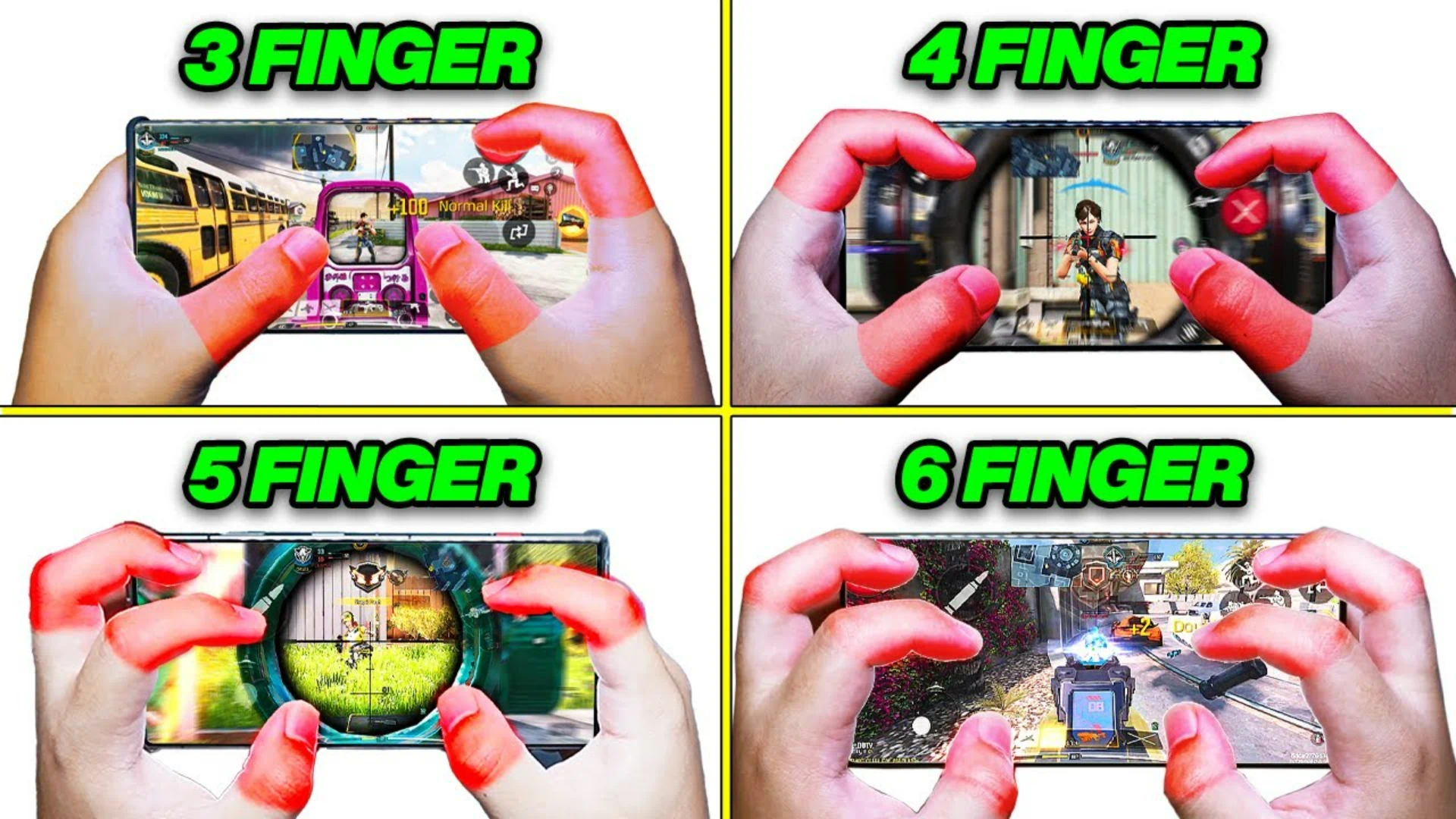
Traditional 3‑finger or 4‑finger setups often force players to aim and move with the same hand, slowing reaction time during gunfights.
With 5 Finger HUD CODM:
- Aim and movement are fully separated
- Fire and ADS are independent
- Slides, jumps, and drops are faster
- Micro‑adjustments become easier
The result:
- Higher headshot consistency
- Better close‑range fights
- Stronger clutch potential in S&D
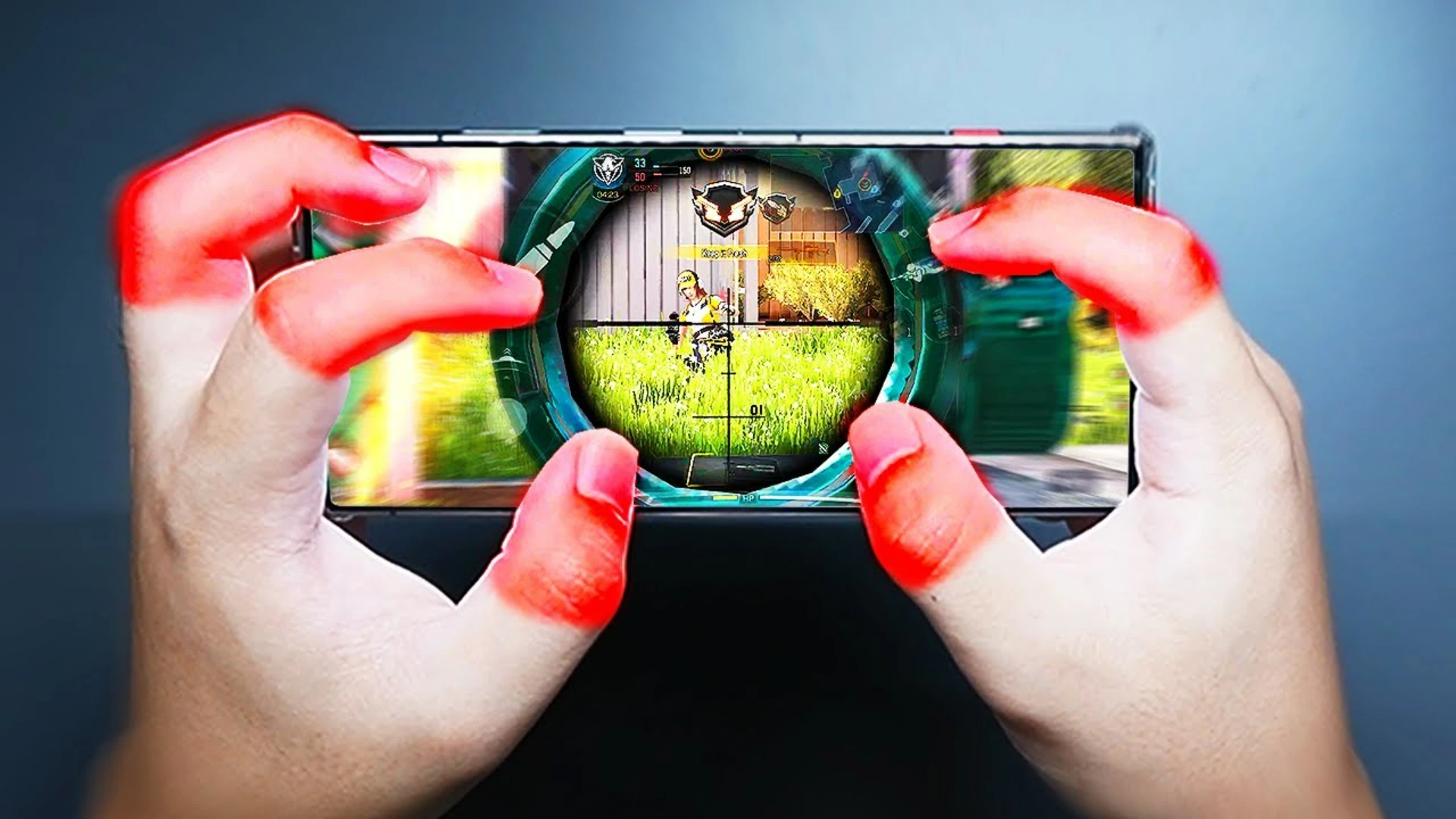
Standard 5 Finger HUD Layout
While layouts vary slightly, most effective setups follow this structure:
- Middle finger – Fire button
- Index finger – ADS
- Left thumb – Movement
- Right thumb – Aim
- Dedicated slide/jump buttons for clean movement
This separation reduces hand strain and improves decision‑making speed during fights.
Related article: How Long Is Mythic AK117 Free in COD Mobile?
Sensitivity Setup for 5 Finger HUD CODM
Sensitivity should support control, not speed.
Recommended baseline:
- Camera Sensitivity: 90–120
- Firing + ADS Sensitivity: ~75
- Sniper ADS: ~75
- Micro‑adjustments enabled
The goal is smooth tracking, stable recoil control, and consistent flicks — not aggressive over‑aiming.

Ranked Performance & Legendary Push
In ranked modes such as:
- Hardpoint
- Search & Destroy
- Control
A proper 5 Finger HUD CODM setup helps:
- Faster entries
- Better pre‑aiming
- Stronger hardpoint holds
- More reliable 1v2 and 1v3 clutches
This setup played a major role in reaching Legendary with less inconsistency and fewer forced mistakes.

Call Of Duty Mobile CP
Get your Call of Duty: Mobile CP with trusted, verified, and legal service.
Enjoy instant delivery, secure payments, and peace of mind — all backed by Item4Gamer’s reliability.
⚡ Fast • Secure • Officially Verified
Play smart, buy safe — Item4Gamer.—
Common Mistakes Players Make
Many players struggle because they:
- Overcrowd their HUD
- Use overly high sensitivity
- Change layouts too often
- Blindly copy pro HUDs
A good HUD should adapt to your hands, not force you to adapt to it.
Real Ranked Experience
- Ranked used as warm‑up
- Consistent Hardpoint & S&D queues
- Multiple 50+ kill games
- Cleaner clutches under pressure
All achieved through HUD consistency, not constant tweaking.
For cheap COD Mobile CP purchases with secure payment options, head over to Item4Gamer — you’ll get real discounts, faster spins, and collect your favorite items even quicker!
⚡ Secure payment · Instant delivery · Real discount
Final Thoughts
If you are serious about improving in CODM ranked, mastering the 5 Finger HUD CODM setup is not optional — it’s essential.
With the right HUD:
- Aim becomes more consistent
- Movement feels natural
- Ranked games become controllable
- Clutch potential increases dramatically
Stay consistent, practice your layout, and avoid unnecessary changes.
Performance will follow.
Follow Item4Gamer on social media and stay one step ahead of the game! 🚀






FAQ
Yes, but adjustment time is required. Expect a few days of adaptation.
4‑finger is viable, but 5‑finger provides better separation and control at high rank.
Absolutely. Separate aim and fire improve sniper consistency.
Larger FOV helps, but a good HUD setup works perfectly on phones as well.
Most competitive players keep it off for better consistency.