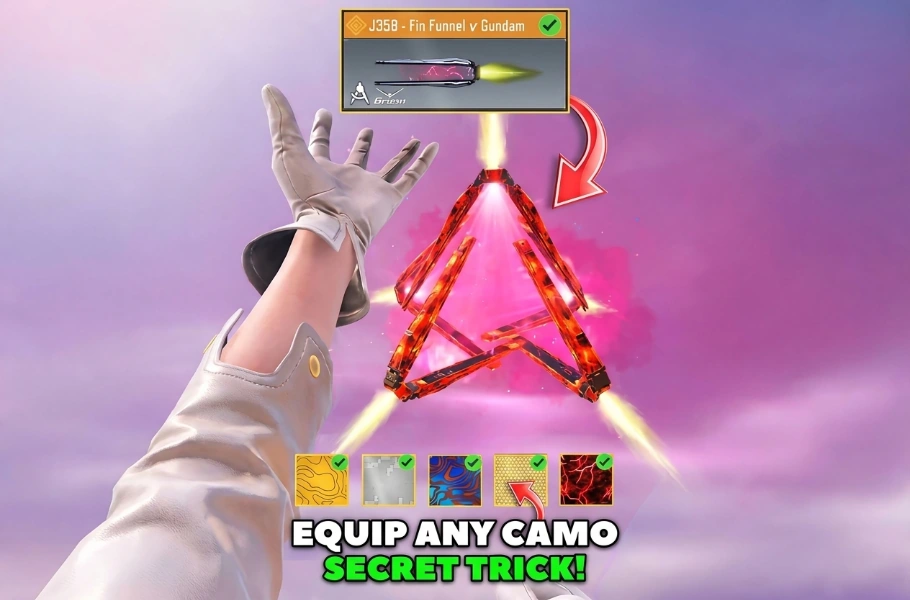
The Legendary J358 has been a massive hit in CODM, especially for those who managed to unlock it for free. However, a major complaint among the community is the “locked” look of the gun. Many players are asking: “Why can’t we apply any Camo to this Legendary skin?”
While the developers haven’t officially enabled Camo support for this blueprint, there is a hidden method to force it. By manipulating the Loadout save system, you can effectively “glitch” your preferred Camo onto the J358. Follow this step-by-step guide to unlock your customization potential.
Step-by-Step Guide to Customizing Your J358
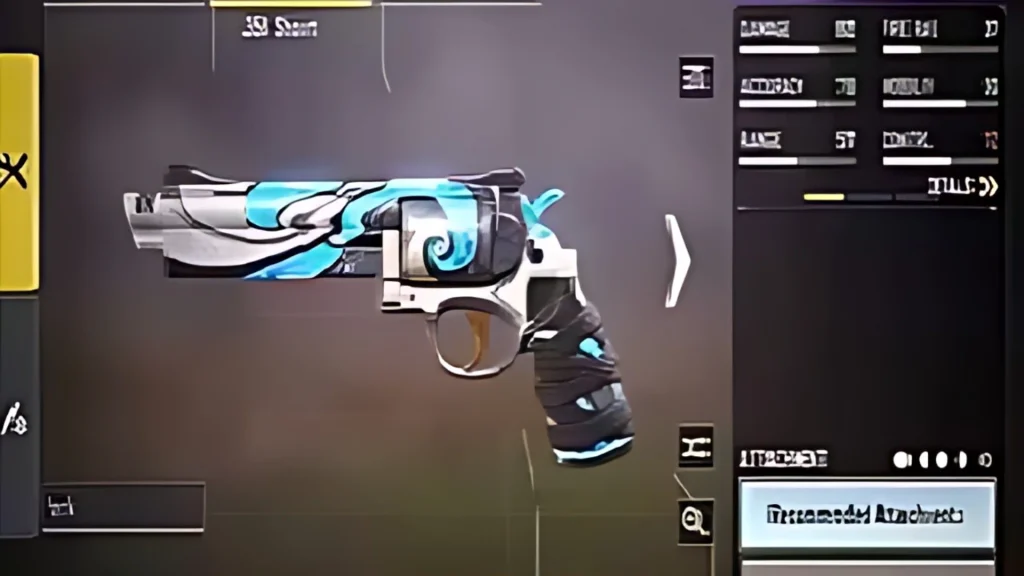
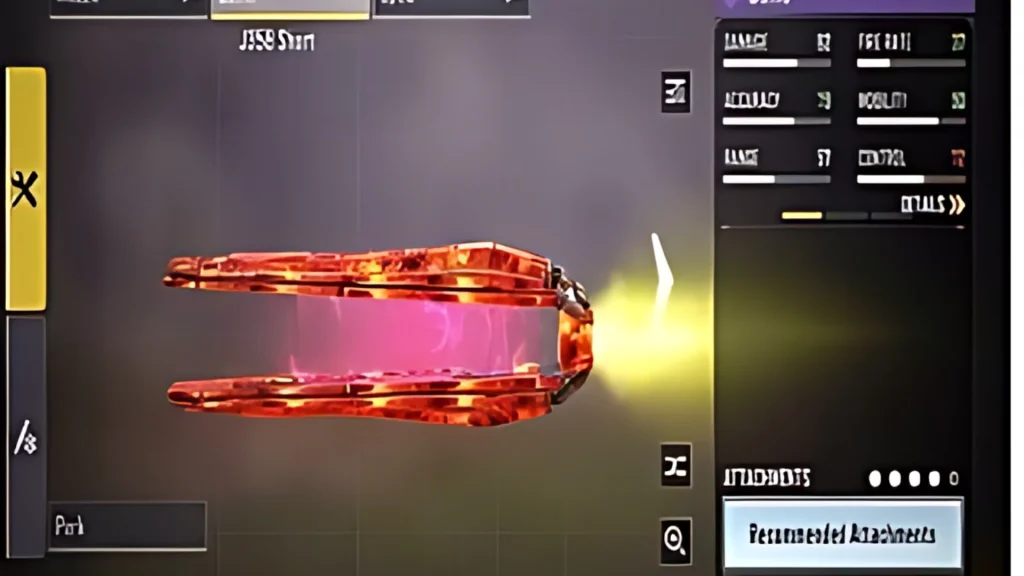
To successfully apply a Camo to your Legendary J358, you need to perform a “save-swap” between two different Loadouts. Follow these steps carefully:
- Select an Alternative Blueprint: Go to your Gunsmith and select any other non-legendary Blueprint of the J358.
- Apply Desired Camo: Equip the specific Camo you want to use on this secondary Blueprint.
- Save and Rename: Tap on Save and give this Blueprint a unique name (e.g., “J358 Custom”).
- The Setup: Go back to your main menu and select that newly saved “J358 Custom” Blueprint.
- Switch Loadouts: Now, move to a different Loadout slot where your Legendary J358 is already equipped.
- The Overwrite Trick: In this second Loadout, tap Save and then Rename it using the exact same name you gave your custom Blueprint in Step 3.
- The Final Sync: Return to your first Loadout (the one with the custom Camo). Tap Save, and then tap Save once more to confirm the data sync.
- Equip and Play: Switch back to your second Loadout. You will now see your customized Blueprint available in the list. Simply select it and Equip it!
By following this how to equip camo on J358 Legendary method, you can finally break away from the standard look and make your weapon truly yours.
Related article:CODM New Legendary Series & Free Rewards: The Ultimate Guide
Conclusion
Customization is a huge part of the CODM experience, and it’s disappointing when a top-tier Legendary skin feels “stuck” with one look. While this isn’t an official feature, using the Loadout management workaround is a reliable way to get the aesthetic you want. Now, you can head into Ranked matches with a J358 that stands out from the crowd!






FAQ
No. This is a built-in workaround using the game’s own Loadout and Blueprint saving system. It does not involve modifying game files or using third-party hacks.
Yes, once you have successfully equipped it in your Loadout, the customization will remain saved for that specific slot.
While this method is currently proven to work for the J358, the effectiveness on other Legendary skins may vary depending on future game updates.