Pilih bahasa dan mata uang pilihan Anda untuk pengalaman terbaik.
Bahasa
No results found.
Mata Uang
No results found.
Best Fast Movement Settings in Call of Duty Mobile (2026)
Ditulis oleh Mitra Mohammadpour
0
If you feel slow in Call of Duty Mobile Battle Royale fights or notice that your reactions and movement are weaker than pro players, the problem is usually not your skill — it’s your settings.
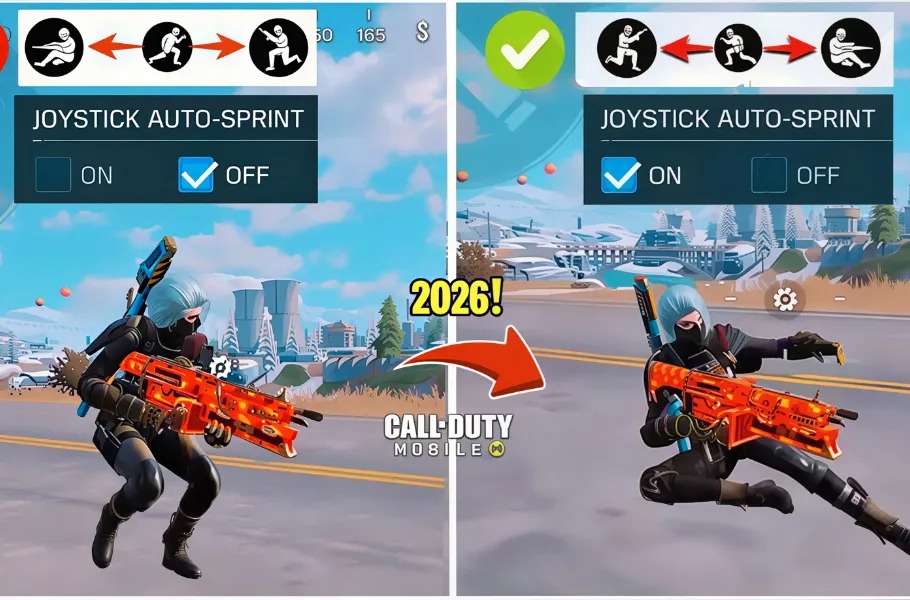
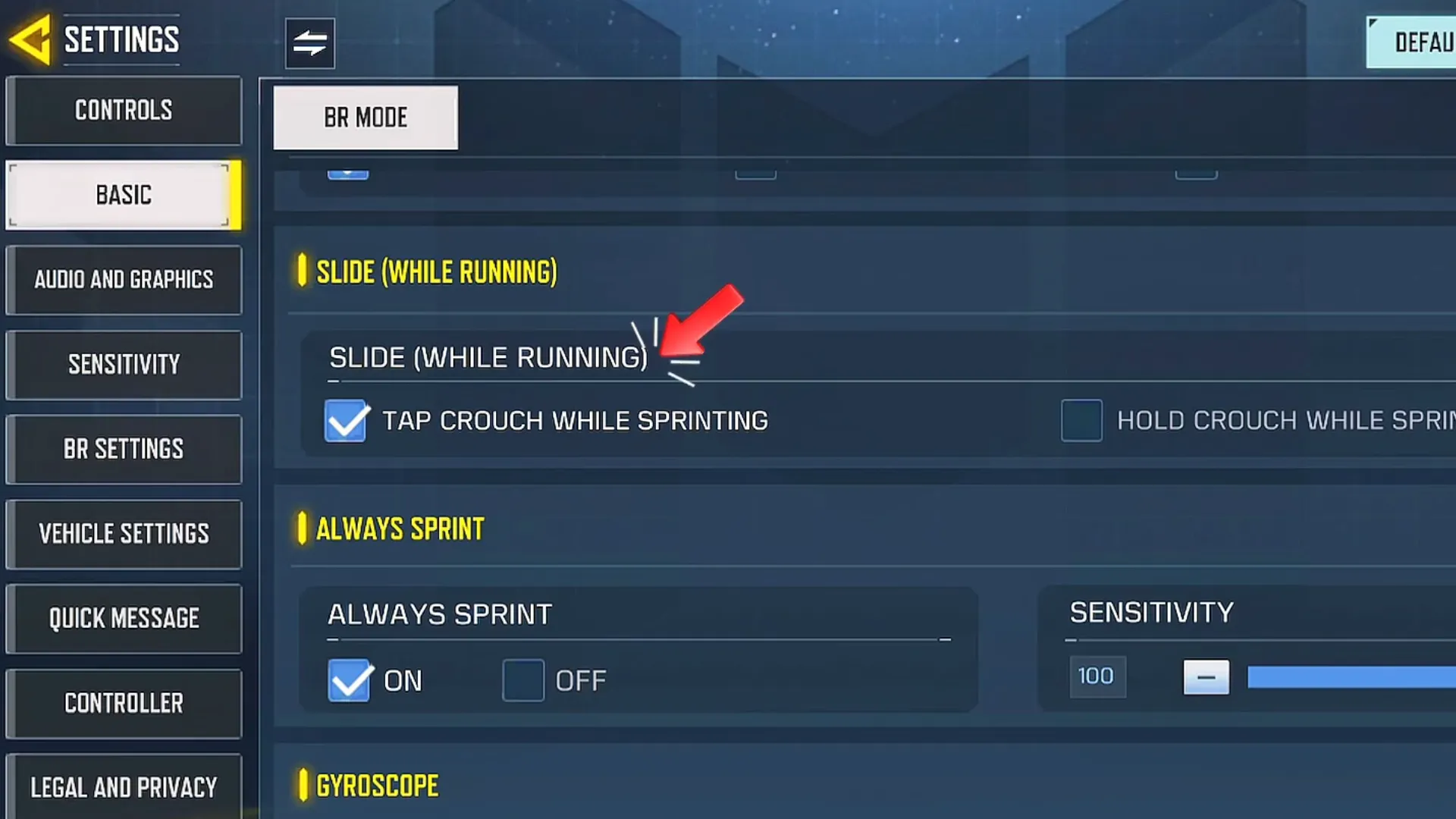
In this guide, we’ll break down the best fast movement settings in Call of Duty Mobile (2026) based on advanced gameplay analysis. These settings will dramatically improve your sprint speed, slide responsiveness, and overall movement control.
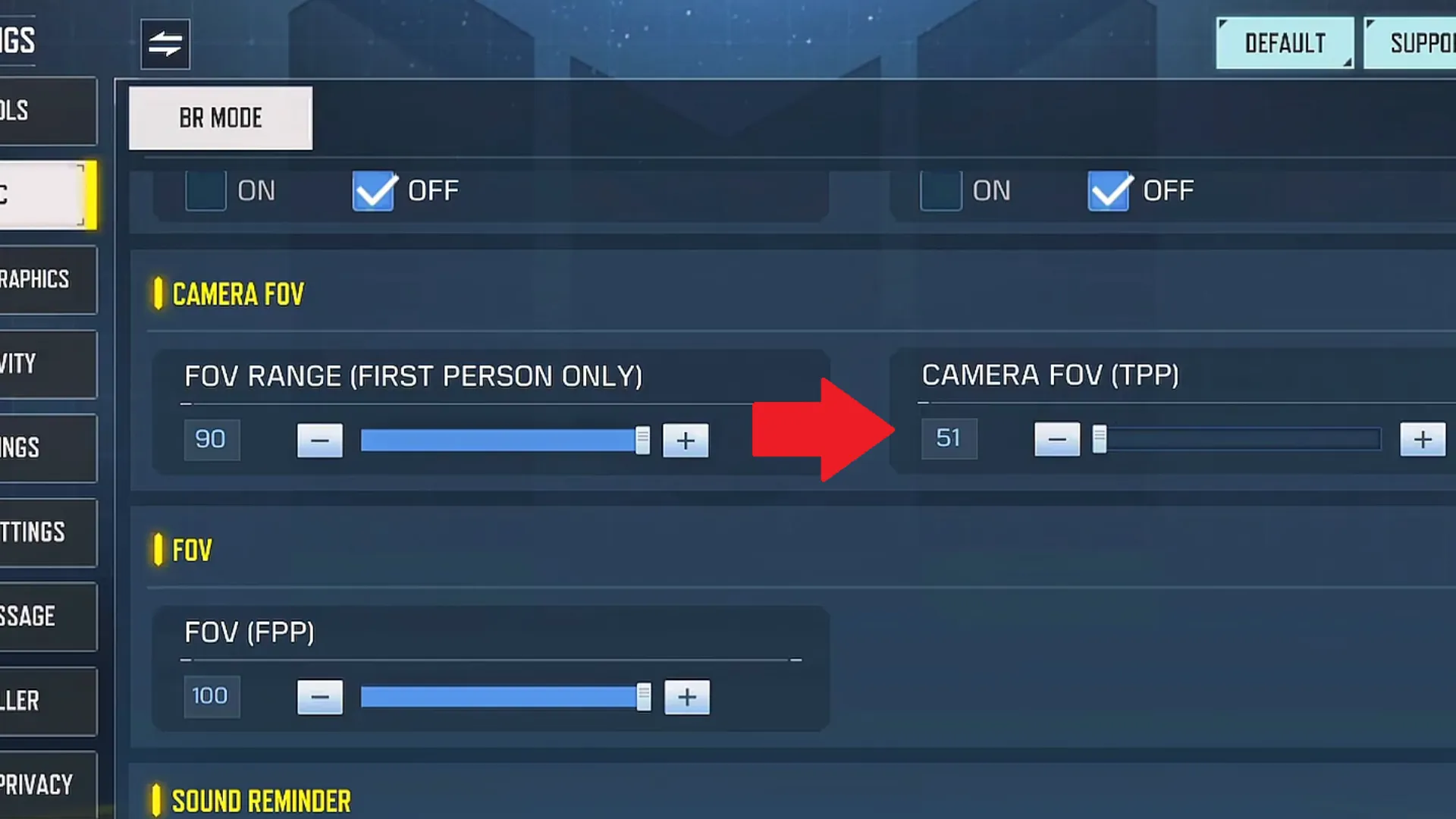
Higher FOV improves awareness and creates a faster movement feel.
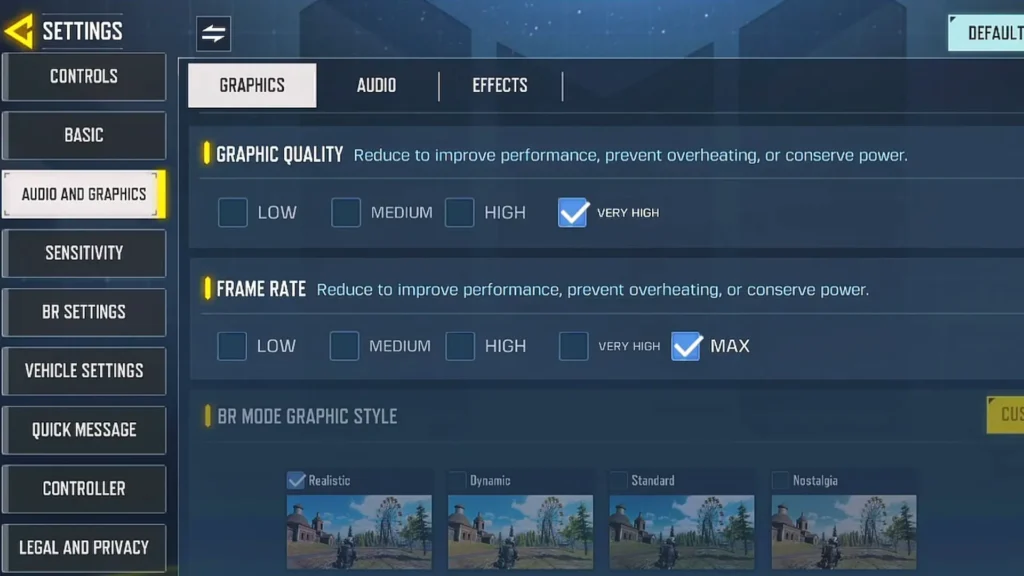
6. Graphics & FPS Optimization
Graphics: Low or Medium
Frame Rate: Max
Shader Preload: Every 2–3 days
Stable FPS = Faster movement and better reaction time.
Lag & Ping Optimization
High ping kills fast movement. You can use G4A4 network optimization services to lower ping safely and improve reaction speed without ban risk.
Sensitivity Settings for Fast Movement
Speed Acceleration
Recommended: 171 – 181
Critical for backslide and aggressive movement.
Camera Sensitivity
Recommended: 80 – 90
Too high causes shaky camera; balance is key.
Firing Sensitivity
Set equal to Camera Sensitivity for perfect aim‑movement sync.
Snowboard Speed Tip
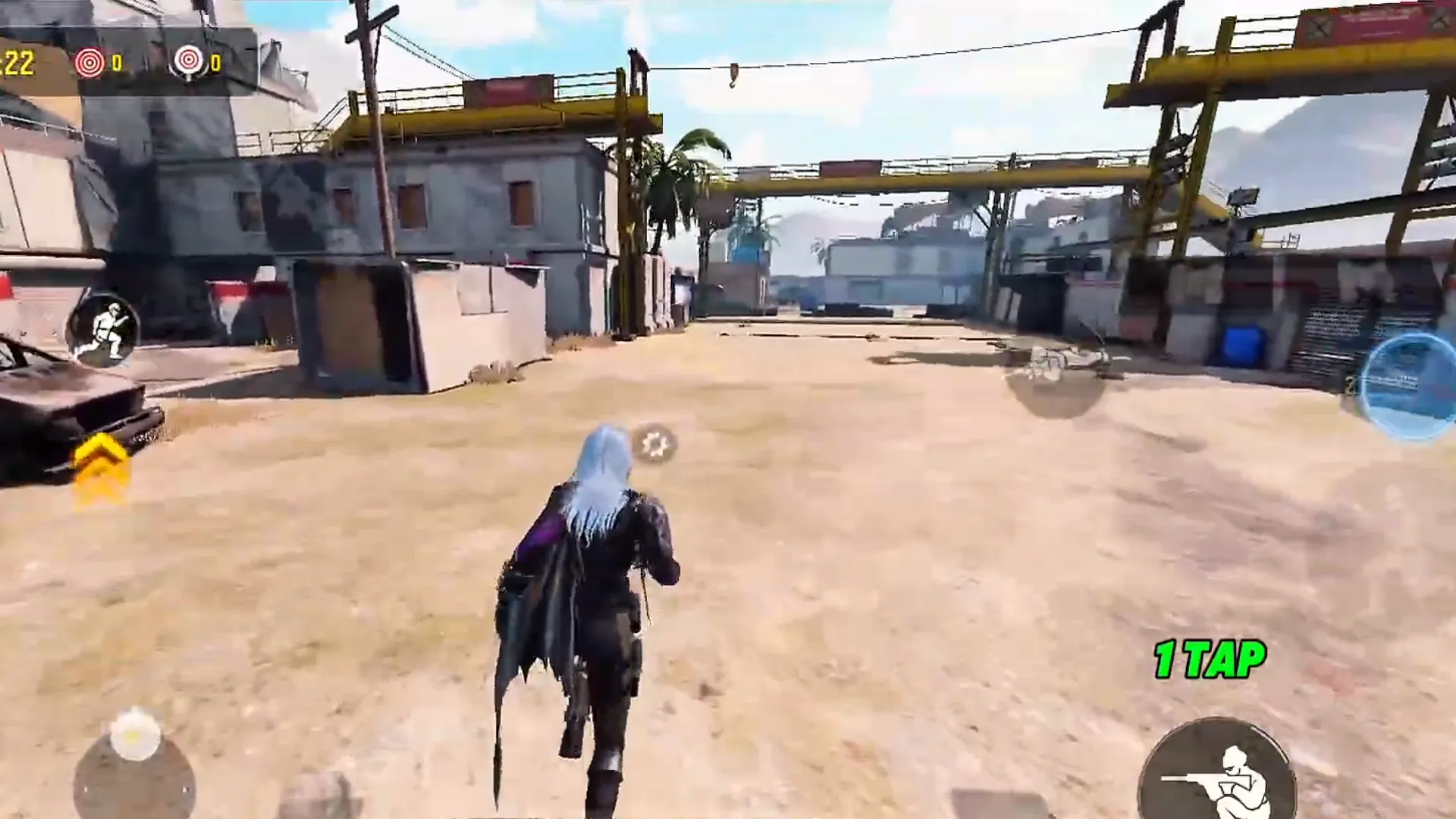
Sprint first → then activate Snowboard for max speed.
Negative CP in Call of Duty Mobile: Causes, Risks & How to Stay Safe
Pro Tips for Advanced Movement
Use Melee Weapon while sprinting
Choose BR Classes that boost mobility
Combine Bunny Hop + Sprint Slide
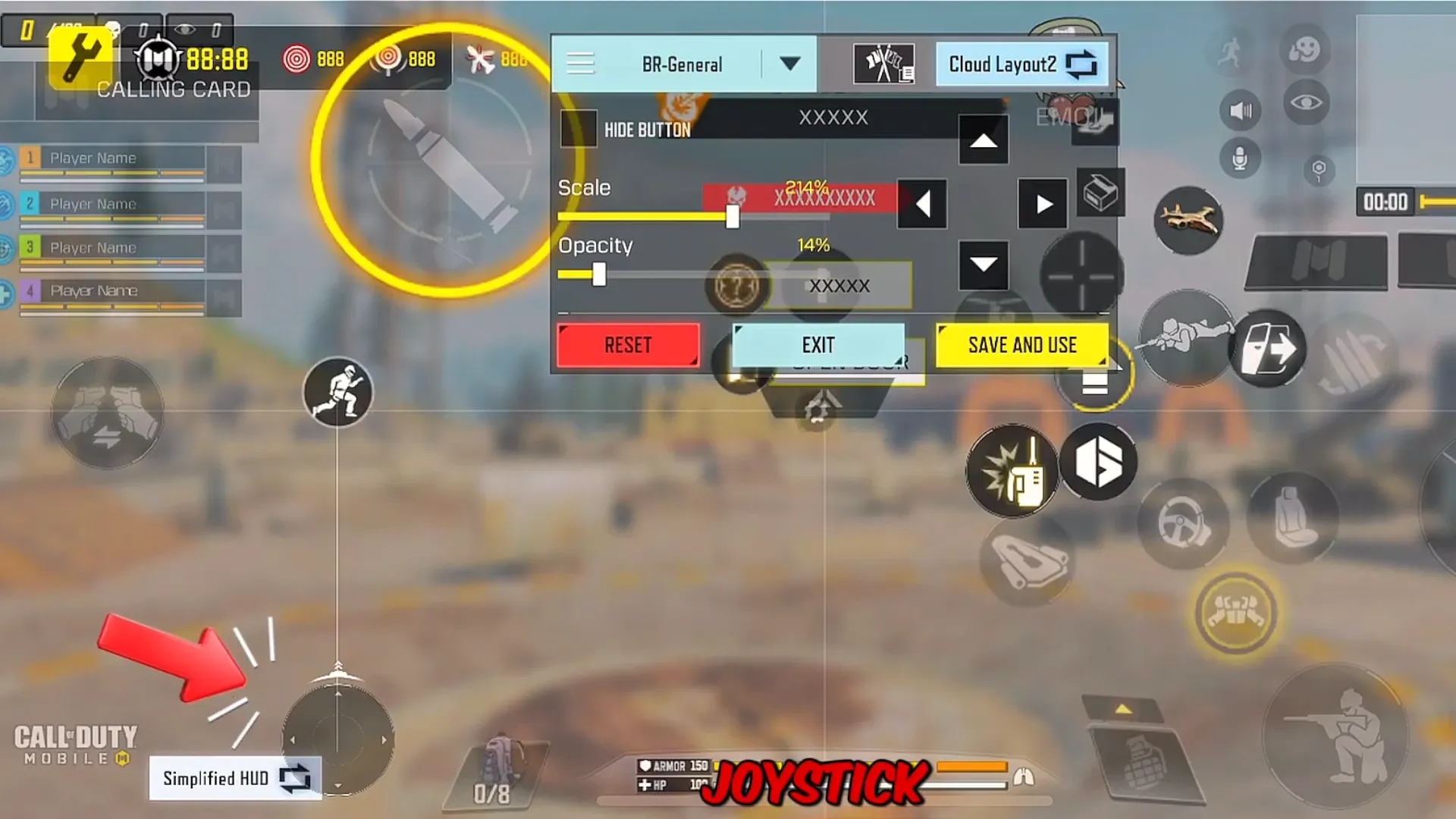
Disable Jump Support
Master Backslide Movement
Summary
Fast movement settings in Call of Duty Mobile are the key difference between average players and professionals. With the correct sprint, slide, sensitivity, and FOV configurations, you gain faster reactions, smoother combat flow, and higher survival rates in Battle Royale.
By applying this 2026 fast movement setup, you eliminate unnecessary delays, reduce input mistakes, and unlock the full movement potential of COD Mobile. Combined with stable FPS and low ping, these settings will dramatically elevate your gameplay.
For cheap COD Mobile CP purchases with secure payment options, head over to Item4Gamer — you’ll get real discounts, faster spins, and collect your favorite items even quicker! ⚡ Secure payment · Instant delivery · Real discount
Follow us on social media 🚀
FAQ
What is the best fast movement setting in COD Mobile?
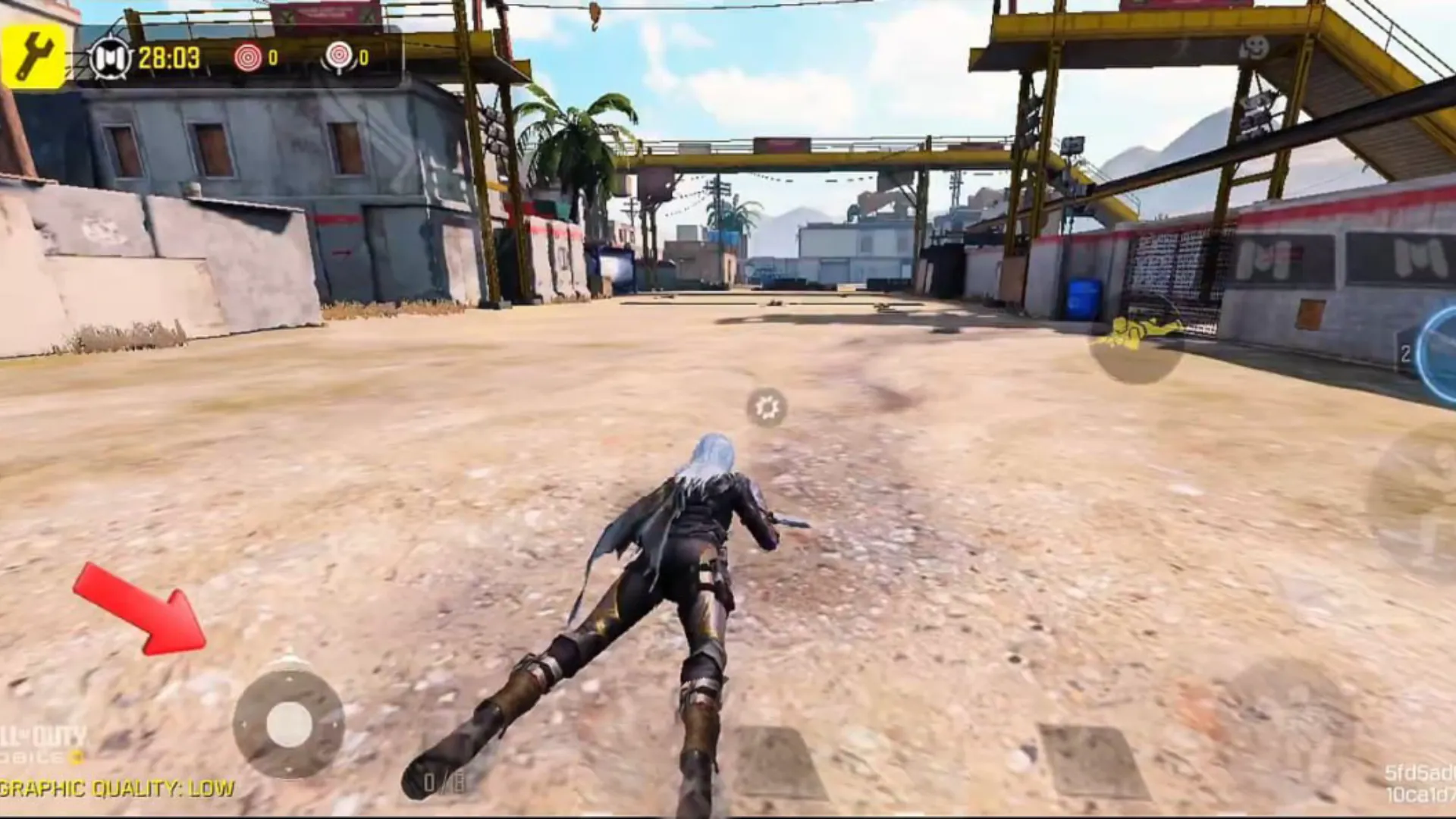
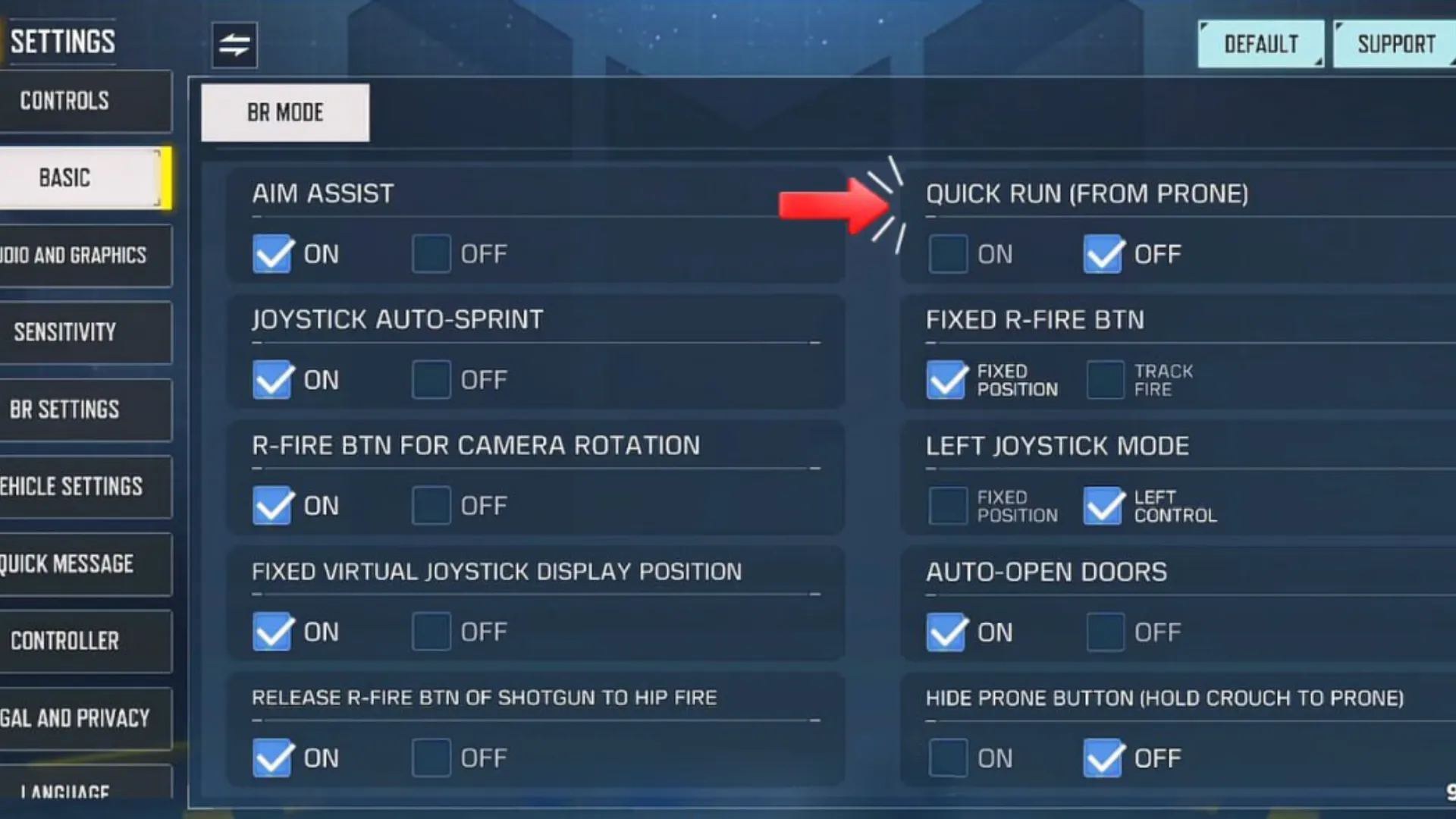
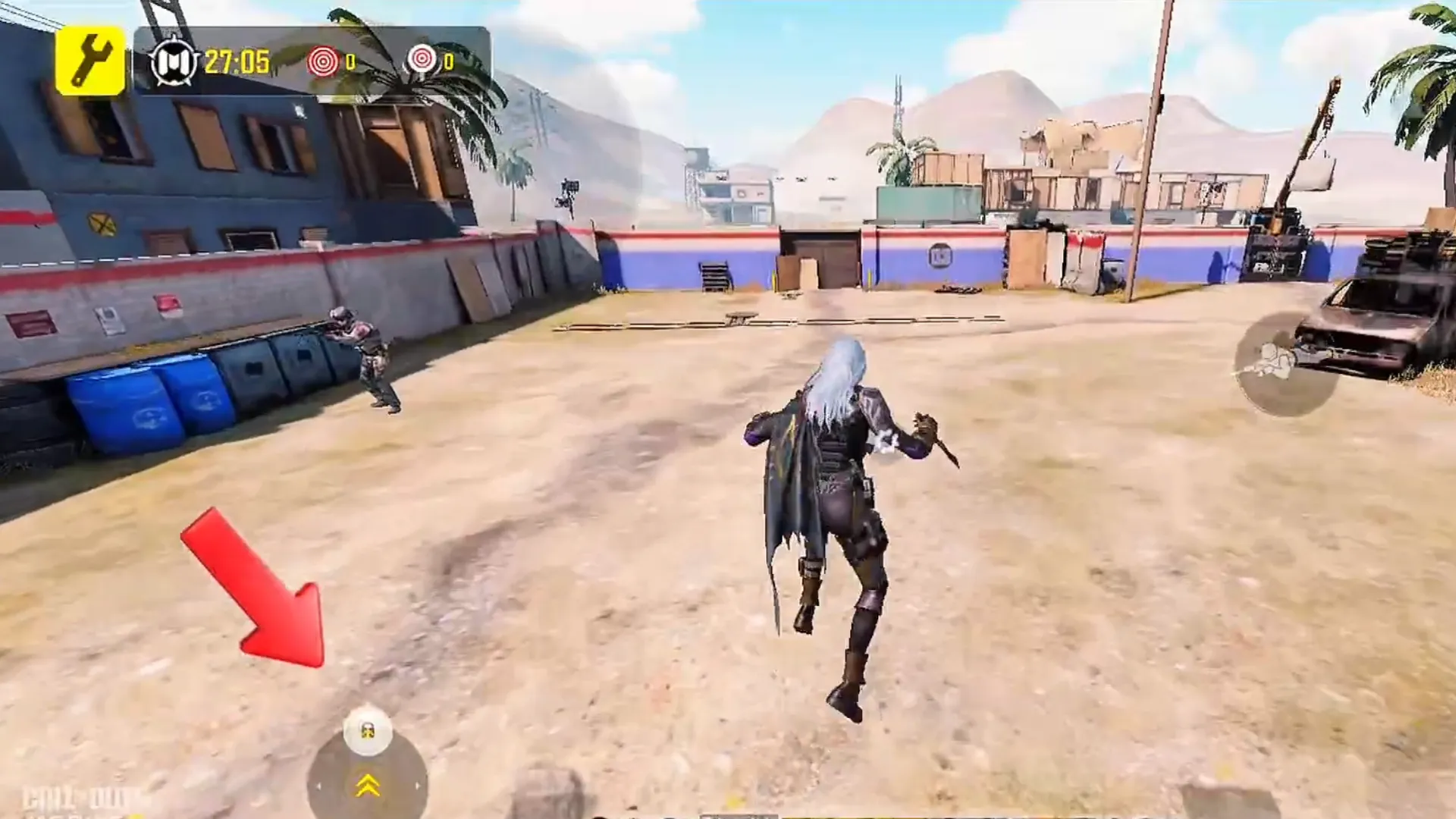
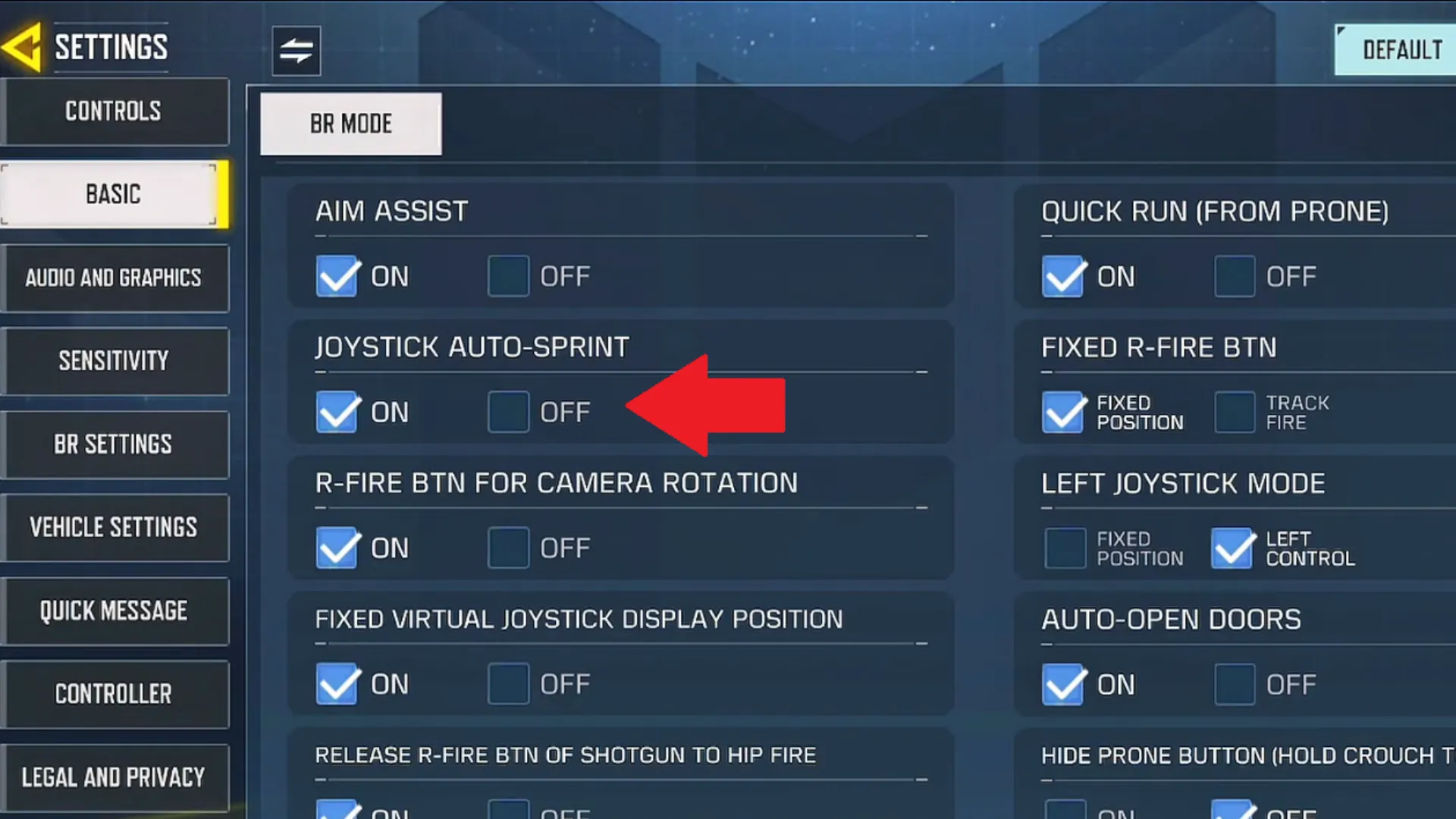
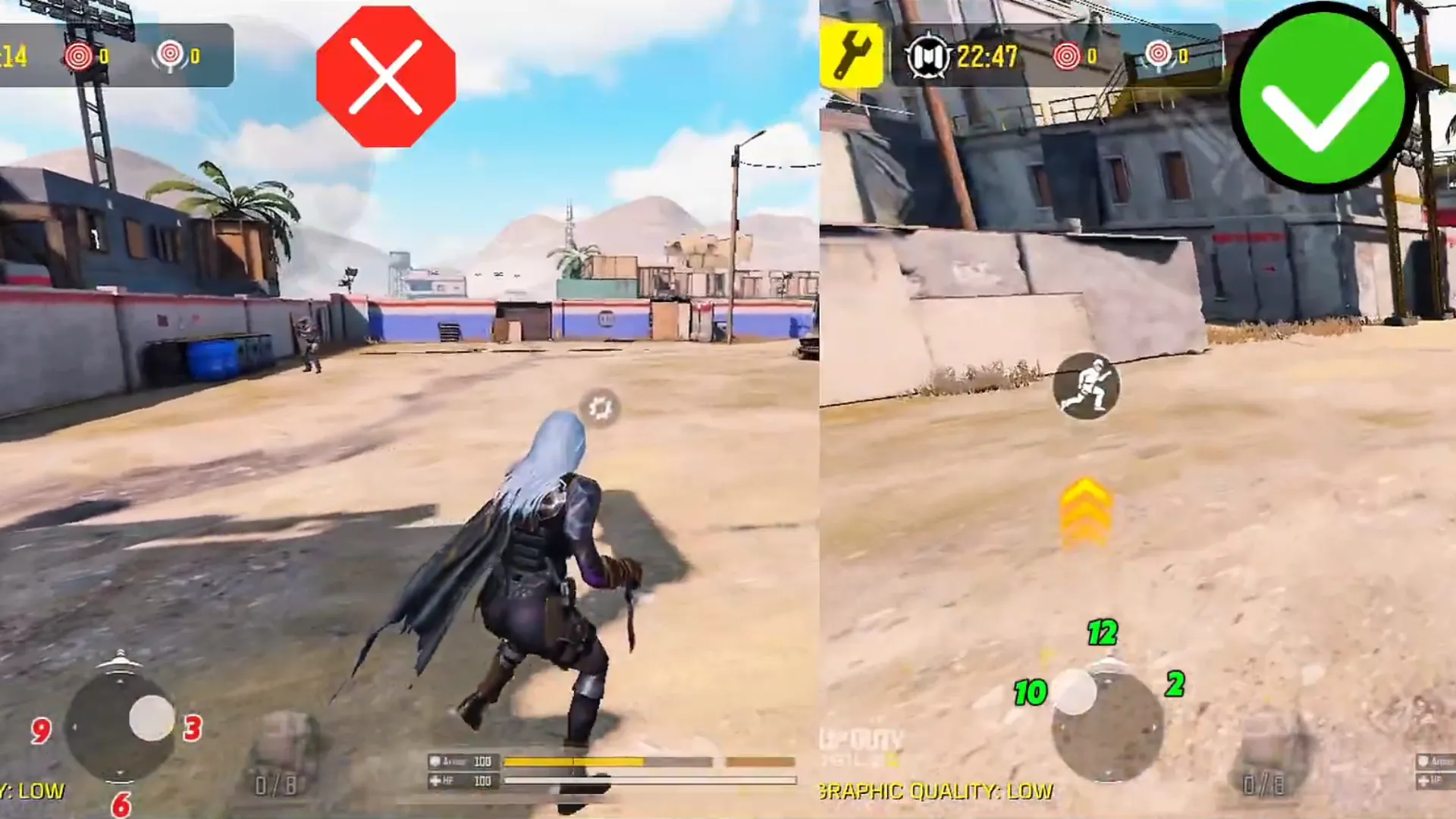
Quick Run From Prone and Auto Sprint are the most impactful.
Does FOV affect movement speed?
Yes, higher FOV improves speed perception and awareness.