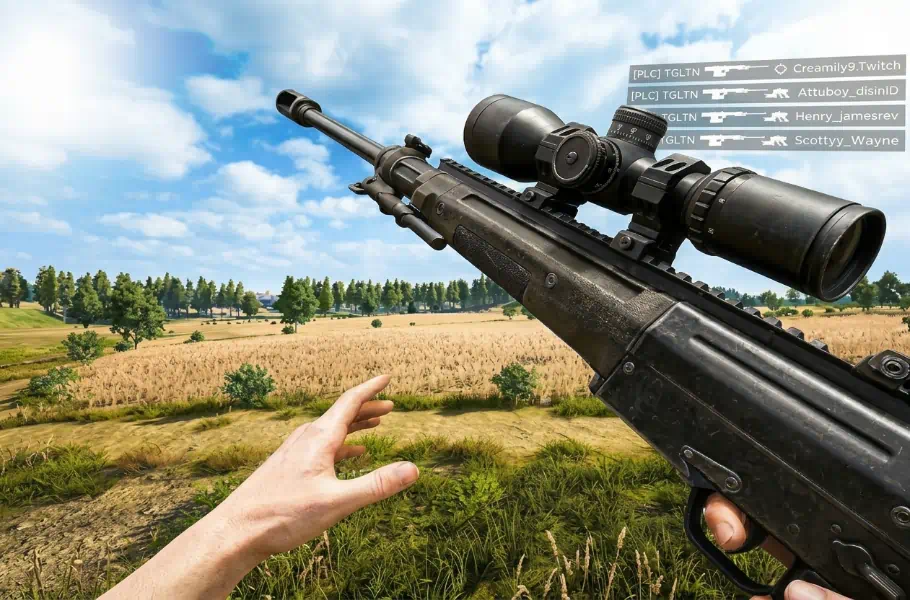
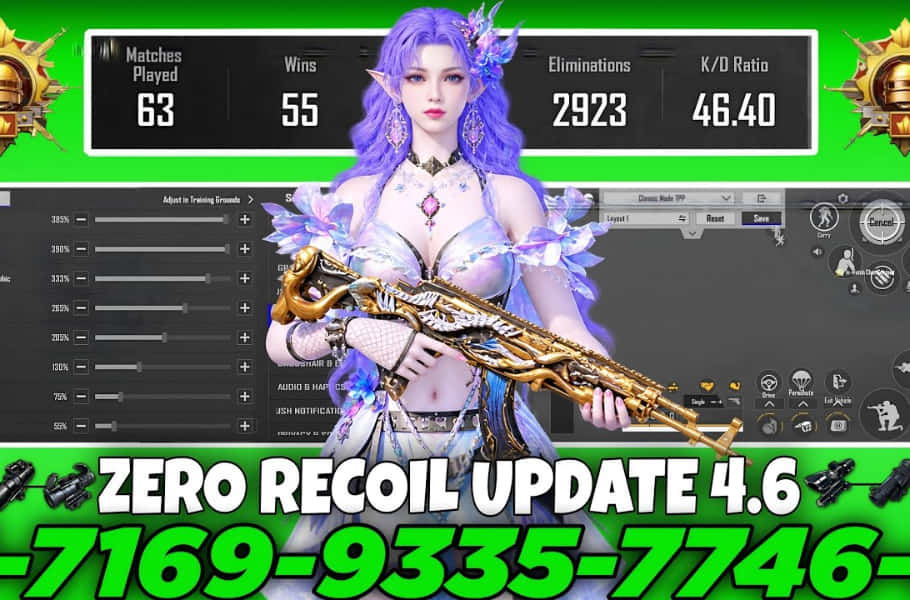
With every new update, weapon physics and recoil patterns can feel completely different, turning your previous muscle memory into a liability. If you want your sprays to hit like a laser and drop a Nuke on your opponents in ranked lobbies, you need the most precise PUBG Mobile sensitivity settings. This optimized layout is designed to deliver top-tier performance on both low-end and high-end devices, whether you play with Gyroscope or prefer a non-Gyro setup. Just remember: it takes a few practice matches to get your fingers synced with these new settings!
Controlling Your Weapon: Beyond Just Sensitivity
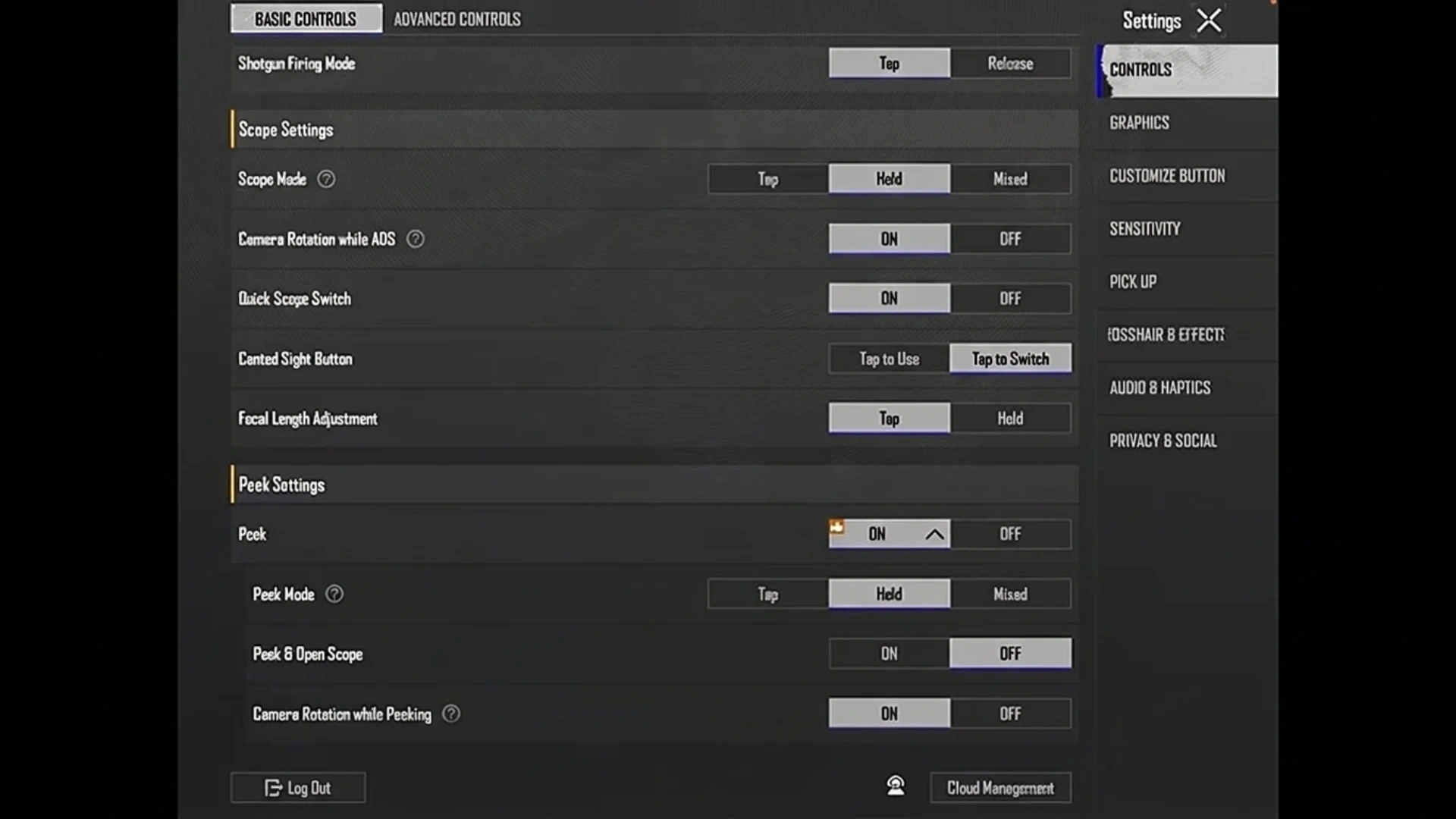
Many players mistakenly believe that recoil control is only about sensitivity percentages. However, your foundation lies in your control settings:
- Basic & Advanced Controls: Tweaking these settings is crucial for stable aim.
- Manual Input is King: We strongly recommend entering your percentages and settings manually. Shared sensitivity codes often have player limits and tend to expire within a day or two, leaving you with reset settings at the worst possible time.

Graphics & Audio: The Secret to Better Response
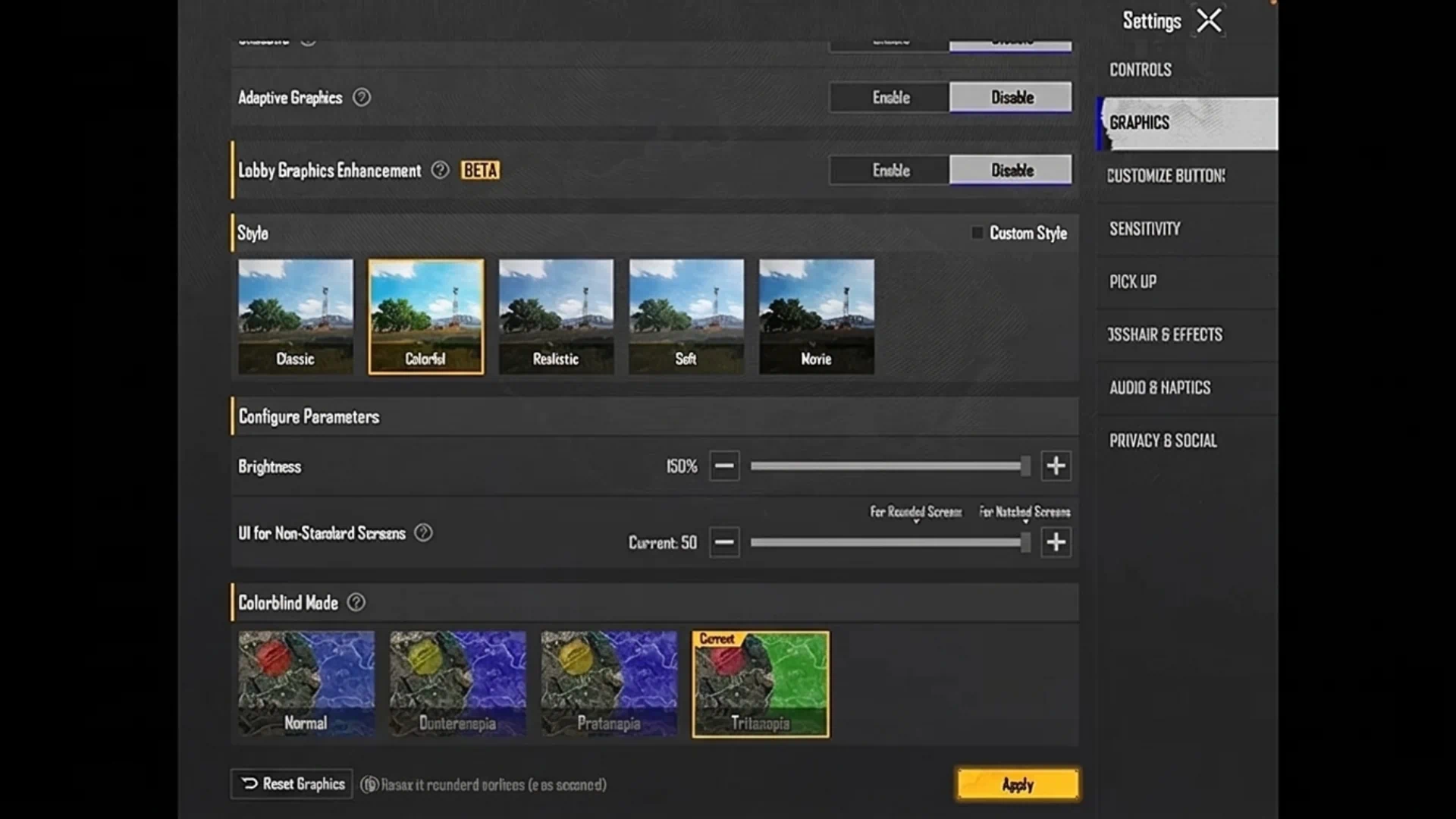
If your game stutters during a high-stakes fight, your aim will suffer, no matter how good your sensitivity is. To keep your movement fluid and your ears sharp:
- Graphics & Frame Rate: Always set graphics to Smooth and lock your frame rate to the highest your device supports (60, 90, or 120 FPS).
- Visual Style: Use the Colorful filter combined with increased brightness; it helps you spot enemies hiding in grass or shadows much faster.
- Sound: Set your SFX Quality to Ultra (if available). A clear soundscape is half the battle won.
Sensitivity, ADS, and the “4400” Trap
In this version, we’ve separated Gyroscope and ADS Gyroscope settings to give you complete control over your scope angles:
- Warning: Avoid “God-tier” or non-standard values (like 4400 for TPP/FPP No Scope). These extreme numbers in the new update will cause input delay, movement stuttering, and severe screen jittering.
- ADS Gyro: This sensitivity is calibrated to keep your aim locked on the enemy’s head during full-auto sprays without any screen jumping.
Related article:PUBG Mobile Ocean Odyssey Returns: Surf into the Lobby!
Conclusion
Controlling long-range sprays or high-recoil weapons like the M416 or Beryl isn’t just about individual skill—it’s about having a responsive device and consistent settings. By manually inputting these configurations and avoiding extreme, non-standard values, you’ll regain the confidence to dominate both close-quarters and long-range encounters.






FAQ
Sensitivity codes have a strict usage limit and a short expiration window (usually 24–48 hours). Manual input is the only way to ensure your settings stay permanent.
Yes. These sensitivity values have been tested to perform smoothly across a wide range of devices, from older phones to the latest flagships.
In recent updates, entering values that high triggers a bug that creates massive input delay and movement lag, making it impossible to track targets properly.