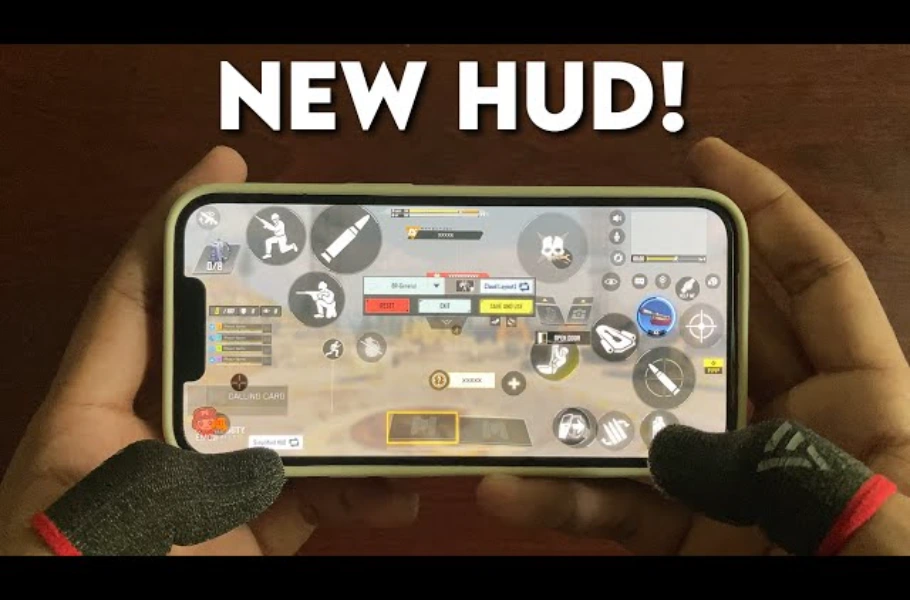
Many Call of Duty:Mobile players eventually realize that 2-finger controls limit their reaction time in intense gunfights. Transitioning to a 3-finger setup is the single most effective way to elevate your game. If you are looking for the Best 3-Finger HUD Layout for Call of Duty: Mobile, this guide is designed to help you take control of the map like a pro.
Preparation: Initial Settings
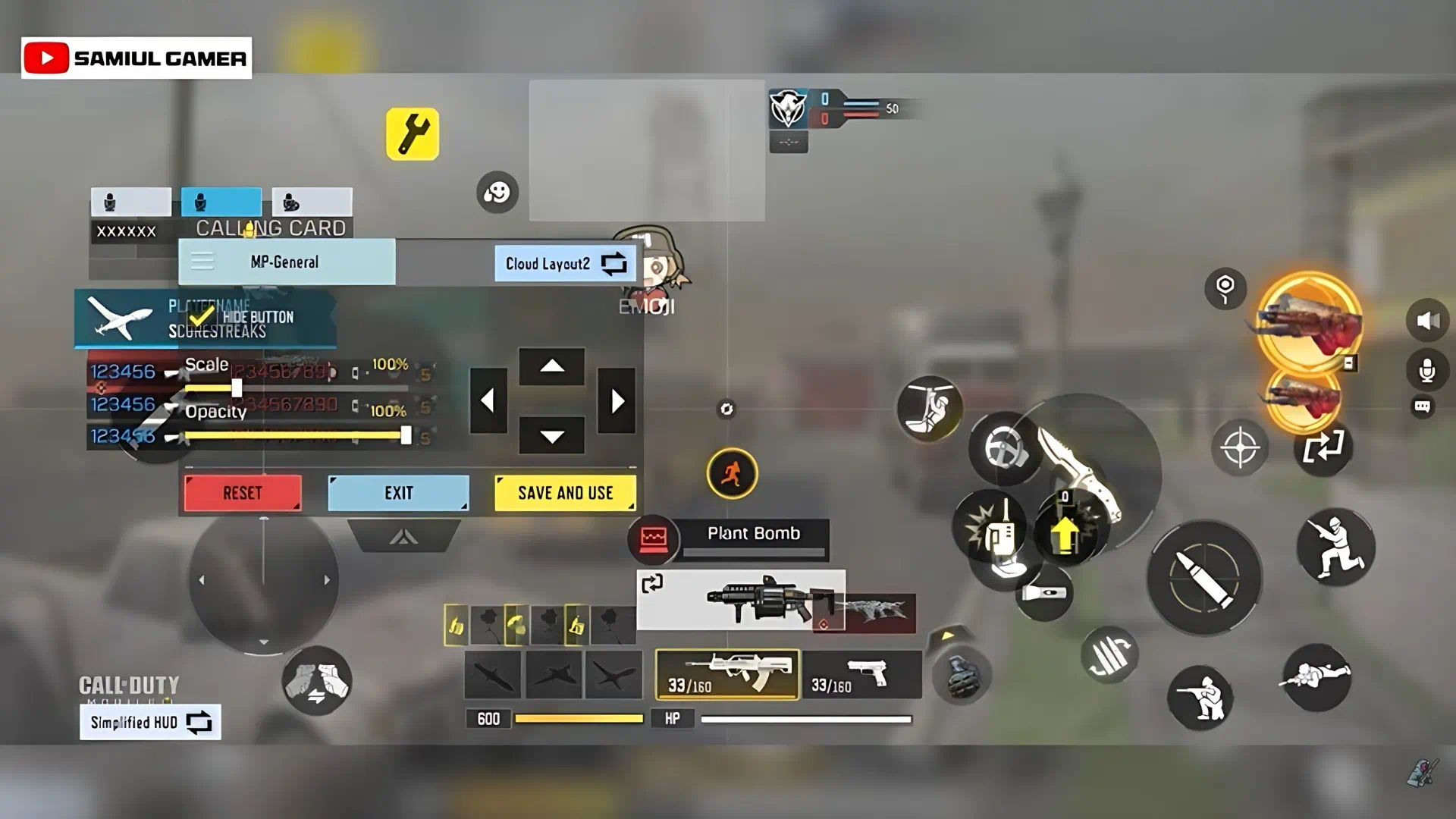
Before moving your buttons, optimize your interface. Navigate to Settings > Custom Layout. At the bottom left, change your HUD mode to “Simplified”. This reduces clutter, giving you a cleaner field of view—essential for tracking enemies in fast-paced combat.
Professional Button Placement
Dominating the mobile battlefield is just the start for a true gamer. If you’re looking to expand your library and dive into the latest console hits, it’s time to level up. Grab your instant PSN Gift Card , unlock premium content, and keep your winning streak alive across all platforms!
To achieve the best 3-finger HUD layout for Call of Duty: Mobile, prioritize button accessibility based on your finger reach:
- Top Section: Move the Mini-map to the top-center and place the Scoreboard to its right. Keep your Emote button to the left of the mini-map to ensure it stays out of the way.
- Right-Side Optimization: Move Chat and Microphone to the bottom. Shrink your Settings button and place it near the center. Disable or hide the Sprint button if it interferes with your view.
- Combat Zone: Place your Fire button in the top-right corner, with the Aim button right next to it. Position your movement buttons (Jump, Crouch, Prone) just below the fire button to allow for quick slides and jumps.
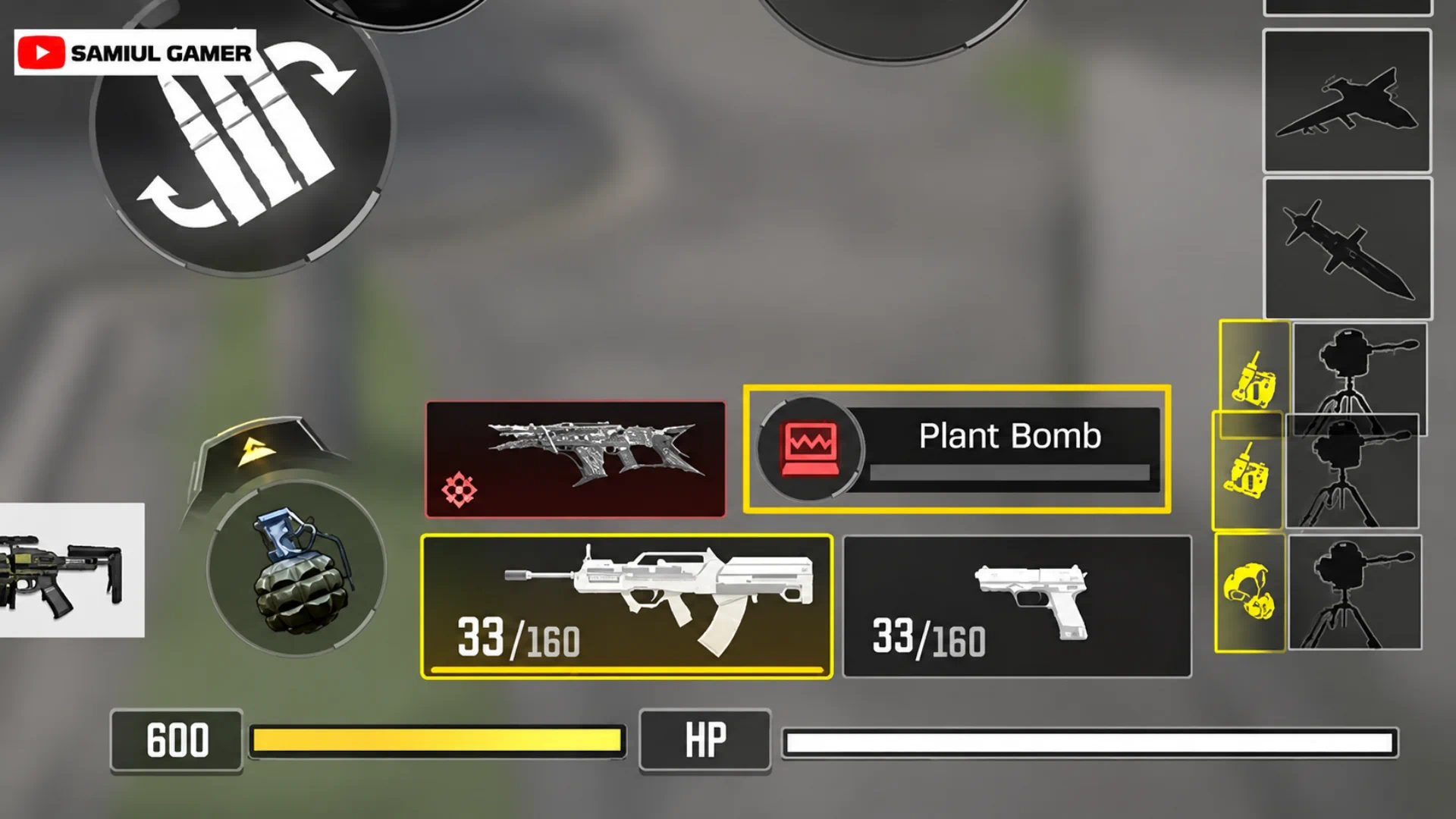
- Rapid Access: Enlarge your Reload button and place it in the bottom-right. Place Hip-fire just above the Reload button for instant access with your thumb during close-quarters encounters.
The 3-Finger Strategy (Finger Responsibilities)
The secret to this HUD layout is the division of labor between your fingers:
- Right Index Finger: Responsible for core combat actions—Jump, Crouch, Prone, Fire, and ADS (Aim Down Sight).
- Right Thumb: Handles camera rotation, weapon switching, Grenades, Reload, Scorestreaks, and mission objectives.
- Left Thumb: Dedicated entirely to the Joystick for fluid movement and positioning.
Pro Tip for Smooth Gameplay
Even with the best 3-finger HUD layout, a poor network connection can cost you the match. High ping is the enemy of reaction time. Using network optimization tools like Gear Up Booster can help you connect to the fastest local servers, ensuring your inputs register instantly.
Related article: COD Mobile Reto 10 14 Event & Win Free Rewards!
Conclusion
Transitioning to a 3-finger HUD might feel unnatural for the first few hours, but once you build the necessary muscle memory, your reaction speed will skyrocket. Stick to this layout, practice your timing, and you will see a massive improvement in your win rate and kill-death ratio.






Frequently Asked Questions (FAQ)
The 3-finger layout allows you to move, aim, and shoot simultaneously. You can jump and shoot or slide and aim, which is nearly impossible with a standard 2-finger setup.
Typically, it takes 2 to 3 days of consistent play to develop the muscle memory required for a 3-finger setup. Don’t get discouraged if you struggle at first!
Yes, this HUD layout is optimized for most screen sizes. You may adjust the scale of the buttons slightly based on your phone’s screen size and the comfort of your grip.