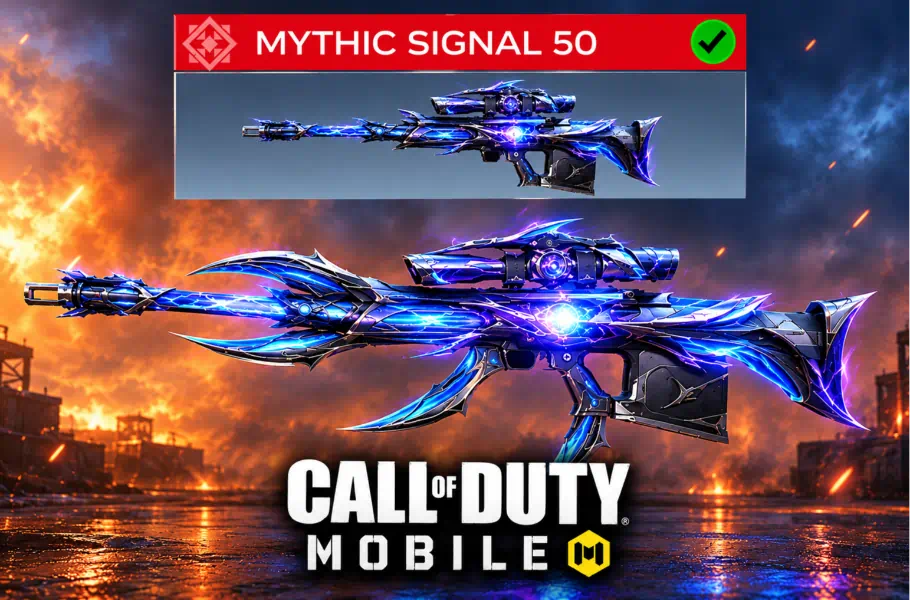
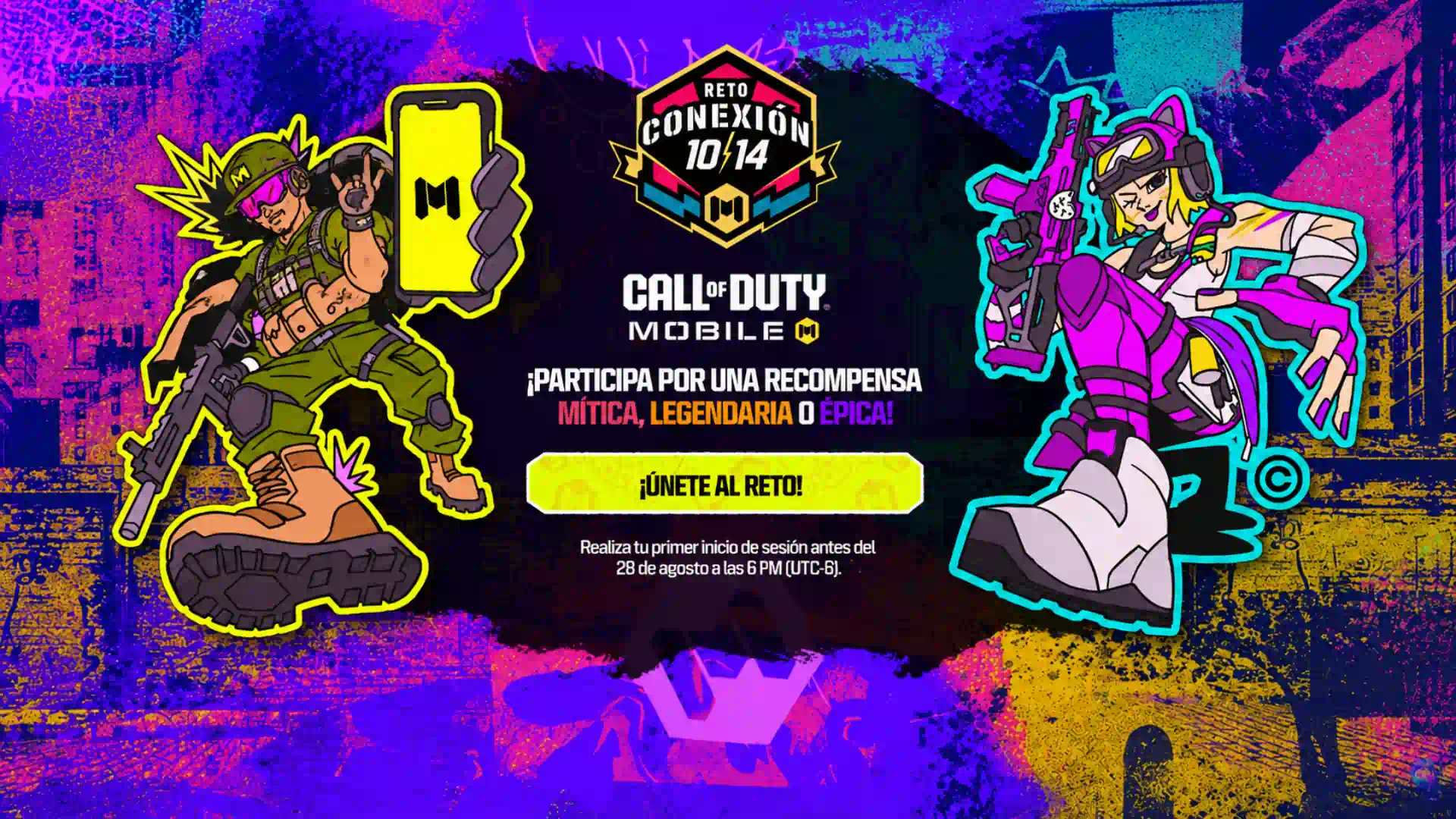
Calling all soldiers! A massive opportunity has just dropped in the Call of Duty: Mobile universe. The Call of Duty:Mobile Reto 10 14 event is officially live, and it’s one of the most generous giveaways we’ve seen in a long time. Activision is set to distribute a staggering number of rewards—including Mythic weapons, Legendary skins, and Epic items—randomly to the lucky participants within the community.
How to Participate in the Reto 10 14 Event

The process is designed to be straightforward, but you must follow a specific sequence to ensure your participation is correctly counted by the game servers.
Ready to dominate the new season? Don’t just play with default gear—unlock the rarest weapon skins and max out your Loadout to dominate the meta. Secure your PSN Gift Card, and prove you’re the best on the battlefield!
- Access the Official Link: You must start by clicking the official event link provided by the developers (usually found on their official social media platforms or in-game news).
- Mobile Access is Essential: Ensure you are clicking the link on your mobile device. Desktop access may not trigger the necessary app deep-link.
- The Login Trigger: Once the link opens, it should trigger the COD Mobile app to launch. After you log in, you won’t see the reward immediately. Instead, you need to stay active.
- The 10-Day Challenge: To officially qualify for the giveaway, you must log in through this specific link (or re-access the event page) for 10 consecutive days. Once completed, you will receive a special Calling Card in your in-game mailbox. Think of this Calling Card as your “entry ticket” into the grand prize draw!
Troubleshooting: The “Play Store Redirection” Error
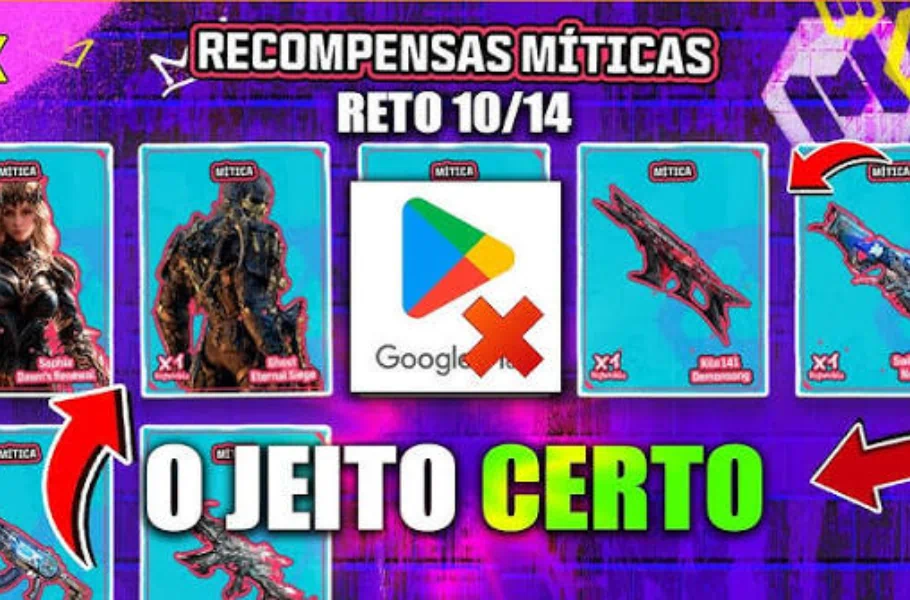
Many players have been complaining that clicking the event link simply redirects them to the Google Play Store or App Store, making it feel like the event isn’t working. This is a common issue, and here is what you need to know:
Why is this happening? Sometimes the “deep link” that tells your phone to open the game instead of the store fails to trigger due to browser settings or app cache conflicts.
The “24-Hour” Rule: If you have clicked the link and played the game, but haven’t received a notification in your in-game Mailbox confirming your participation, do not panic. According to official updates, it can take up to 24 hours for the system to process your login and send the confirmation notification. If you don’t see it immediately, check back tomorrow!
Related article: How to Download COD Mobile Season 8 Test Server: A Complete Guide
Conclusion
The COD Mobile Reto 10 14 event is a fantastic opportunity for the entire community. While the technicalities of the link might cause some initial confusion, following the 24-hour waiting rule and maintaining your 10-day login streak will ensure you are officially in the running for those legendary prizes. Stay patient, keep logging in, and good luck, soldiers!






FAQ
The system takes time to sync your mobile browser session with the game server. Please wait up to 24 hours for the confirmation to appear in your in-game Mailbox.
After logging in via the link for 10 days, you will receive a unique Calling Card. Having this card in your inventory means you are officially entered into the draw for Mythic and Legendary items.
Yes, but you must ensure that after being redirected, you actually open the game and complete your login. If the problem persists after 24 hours, try clearing your mobile browser cache or using a different browser.