
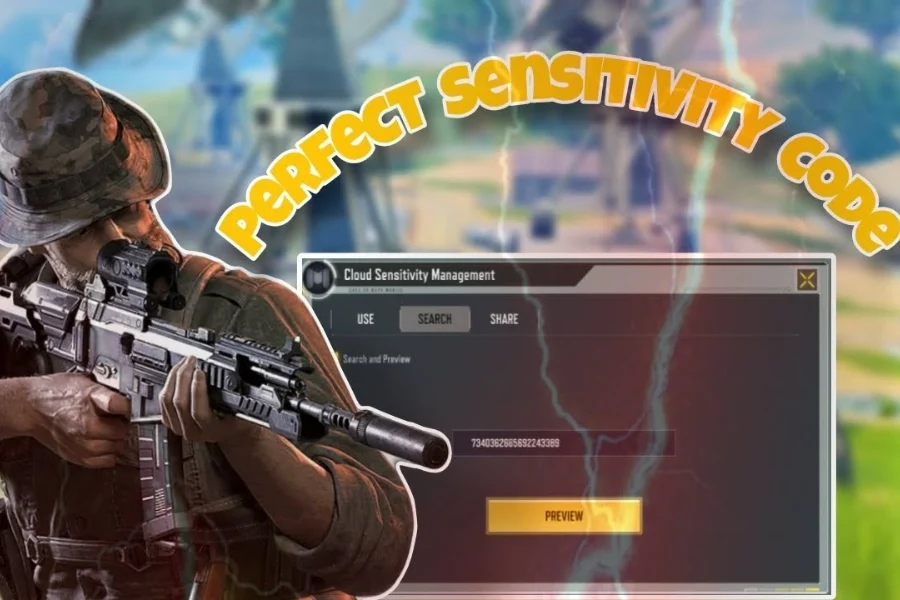
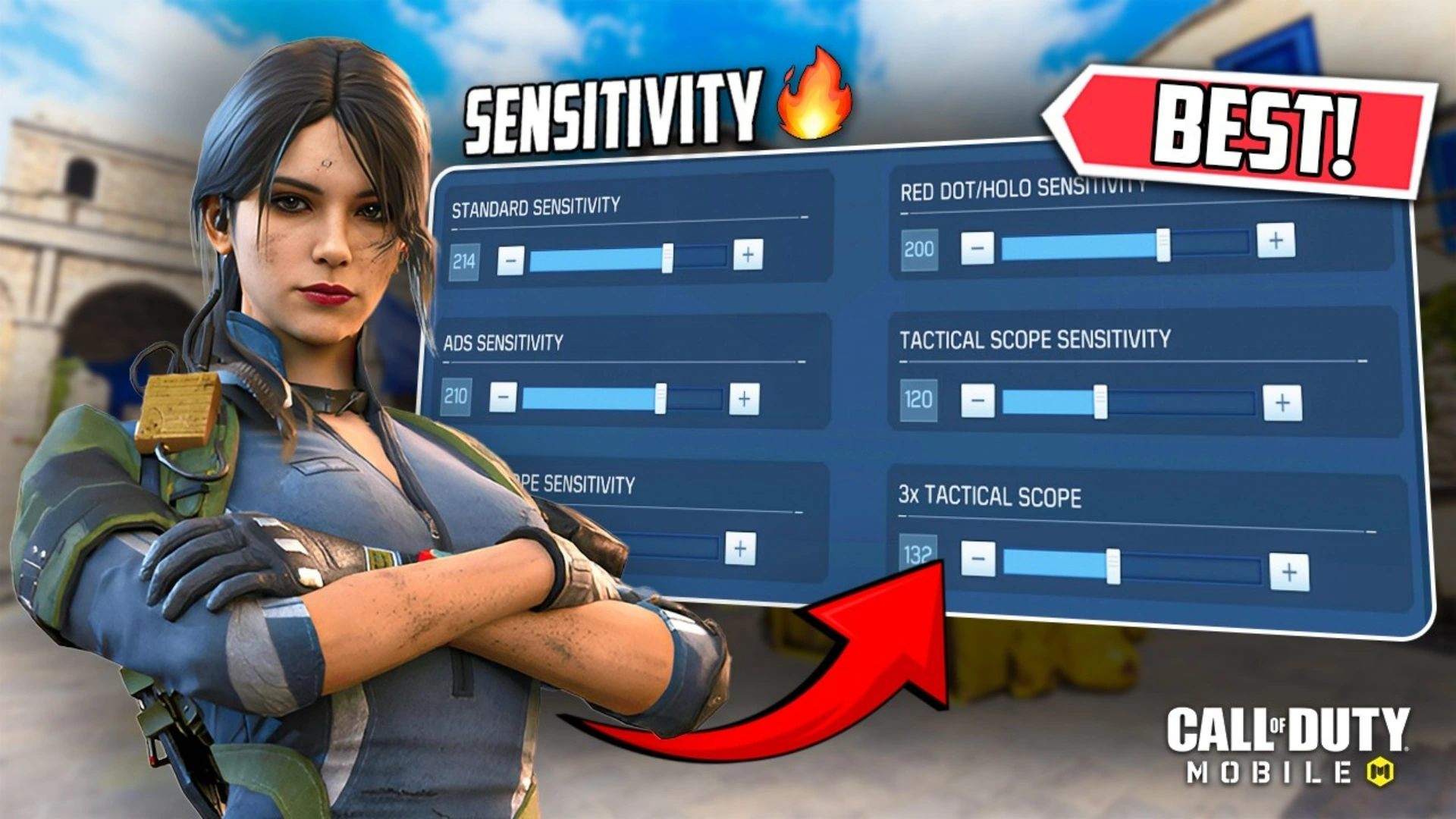
Having the right COD Mobile Sensitivity 2026 is one of the most important factors for winning gunfights, landing consistent headshots, and climbing ranks faster.
Whether you play Ranked Multiplayer or Battle Royale, optimized sensitivity and settings will dramatically improve your Aim, reaction time, and overall performance.
This guide breaks down pro-level CODM settings step by step, based on competitive players and real in-game testing.

Table of contents
- ✅ Quick Settings Checklist (Recommended)
- 🎯 COD Mobile Sensitivity Explained
- 🎨 Best Graphics Settings for FPS Boost
- 🕹️ HUD & Control Layouts
- 🔊 Best Audio Settings
- ⚙️ Advanced Settings Breakdown
- 🎯 Best Settings for Ranked Multiplayer
- 🪂 Best Settings for Battle Royale (BR)
- 📱 Best Settings for Low-End Devices
- 🧠 Final Thoughts
- ❓ Frequently Asked Questions (FAQ)
✅ Quick Settings Checklist (Recommended)
Sensitivity
- Standard: 70–85
- ADS: 90–100
- Sniper Scope: 50–60
- Gyroscope (BR): 140–160
Graphics
- Graphic Quality: Medium
- Frame Rate: Max
- Disable: Depth of Field, Bloom, Anti-Aliasing, Ragdoll
Controls
- Layout: 4-Finger Claw
- Fixed R-Fire Button: ON
- Tap to ADS: ON
Audio
- Master Volume: 100%
- SFX Volume: 80–100%
- Music Volume: Low or OFF
Advanced
- Aim Assist: ON
- Fast Throw Grenade: ON
- Auto Sprint: OFF
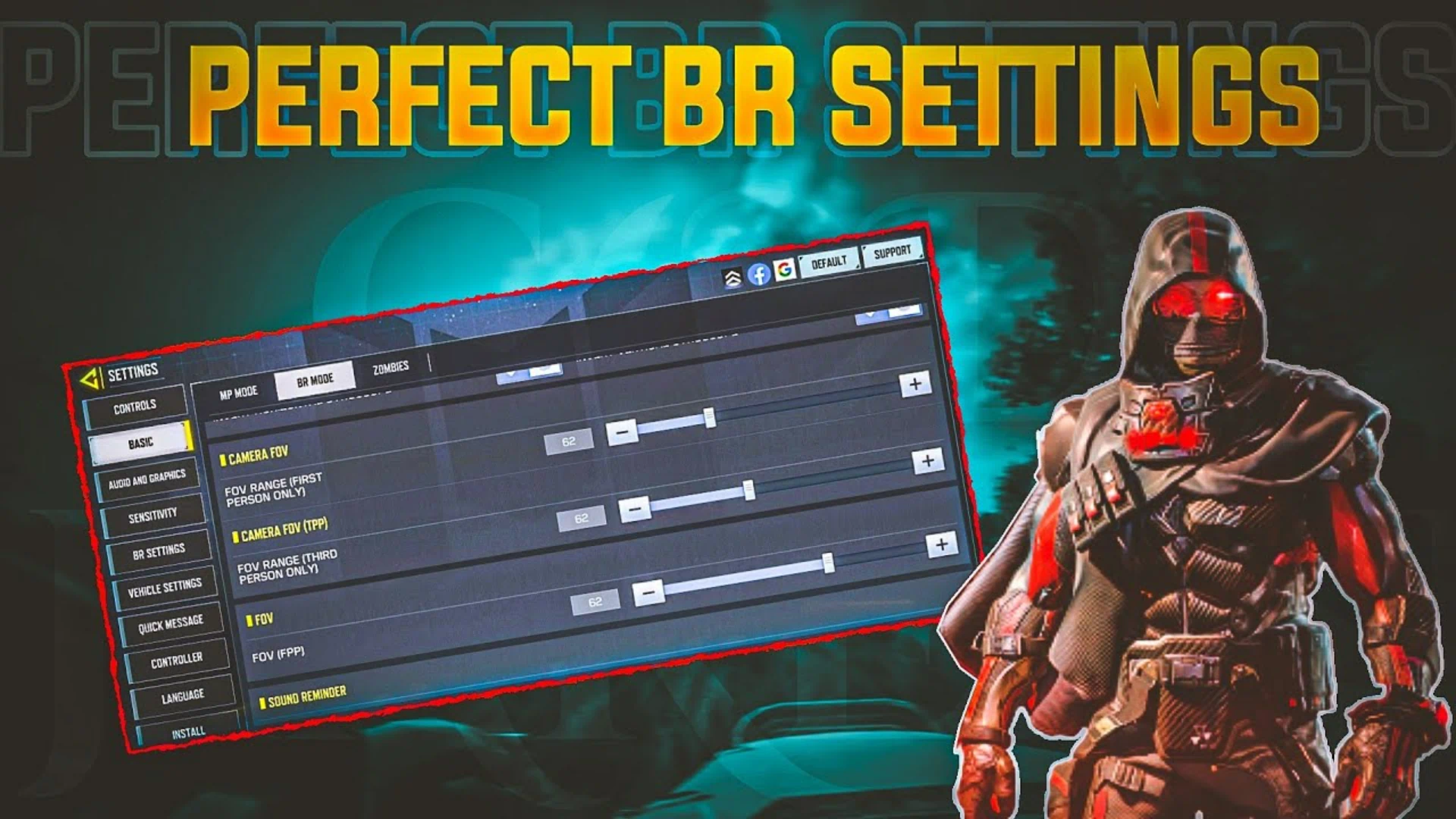
- FOV: 80–90
🎯 COD Mobile Sensitivity Explained
🔹 Standard Sensitivity
Controls camera movement without ADS.
Higher values mean faster turning but less precision. Start between 70–85 and adjust gradually.
🔹 ADS Sensitivity
Affects Aim while shooting.
For better tracking and recoil control, 90–100 works best for ARs and SMGs.
🔹 Sniper Scope Sensitivity
Critical for quick-scoping and long-range fights.
Keep it lower (50–60) to avoid over-flicking targets.
🔹 Gyroscope Sensitivity (BR)
Best for players who prefer micro-adjustments. Works exceptionally well in Battle Royale.
Related article: DMZ Money Farm Guide: Get $10M in 25 Minutes
🎨 Best Graphics Settings for FPS Boost
To maintain smooth gameplay and stable FPS:
- Set Graphics Quality to Medium
- Set Frame Rate to Max
- Disable unnecessary visual effects
✅ This setup ensures better visibility and lower input lag without sacrificing performance.
🕹️ HUD & Control Layouts
Control Styles
- Two-Finger: Beginner-friendly, limited potential
- Three-Finger: Balanced option
- Four-Finger Claw (Recommended): Best for competitive play
Pro players like HawksNest use 4-finger layouts, while iFerg plays with advanced multi-finger setups.
🔊 Best Audio Settings
Sound awareness wins games.
- Maximize SFX Volume
- Lower or disable Music
- Keep Voice Chat balanced
This helps you hear footsteps, reloads, and enemy movements clearly.
⚙️ Advanced Settings Breakdown
- Aim Assist: ON (essential for consistency)
- Fast Throw Grenade: ON (faster reactions)
- Auto Sprint: OFF (more movement control)
- Tap to ADS: ON
- FOV (80–90): Wider vision without distortion
For cheap COD Mobile CP purchases with secure payment options, head over to Item4Gamer — you’ll get real discounts, faster spins, and collect your favorite items even quicker!
⚡ Secure payment · Instant delivery · Real discount
🎯 Best Settings for Ranked Multiplayer
Ranked requires speed and precision:
- Higher ADS Sensitivity
- Stable FPS
- Four-finger HUD
- Lower Sniper Sens if you play aggressive
✅ Focus on reaction time and close-range gunfights.
🪂 Best Settings for Battle Royale (BR)
BR prioritizes awareness and tracking:
- Enable Gyroscope (if supported)
- Slightly wider FOV
- Balanced sensitivity for long fights
✅ Helps with vehicle combat and long-range spotting.
📱 Best Settings for Low-End Devices
If your phone is weak:
- Graphics: Low
- Frame Rate: Max
- Disable all visual effects
- Close background apps
✅ Smooth gameplay is always better than high graphics.

Call Of Duty Mobile CP via Login
Get your Call of Duty: Mobile CP with trusted, verified, and legal service.
Enjoy instant delivery, secure payments, and peace of mind — all backed by Item4Gamer’s reliability.
⚡ Fast • Secure • Officially Verified
Play smart, buy safe — Item4Gamer.—
🧠 Final Thoughts
Using the correct COD Mobile Sensitivity 2026 gives you a massive competitive advantage, but settings alone won’t make you a pro.
Combine optimized settings with map knowledge, movement, and team communication to truly level up your gameplay.
Follow Item4Gamer on social media and stay one step ahead of the game! 🚀






❓ Frequently Asked Questions (FAQ)
Balanced ADS sensitivity between 90–100 provides the best headshot consistency.
Yes. Higher FPS improves Aim response and consistency.
It’s optional, but highly effective in Battle Royale for fine Aim control.
Yes. Almost all competitive players keep Aim Assist enabled.



3 Comentarios