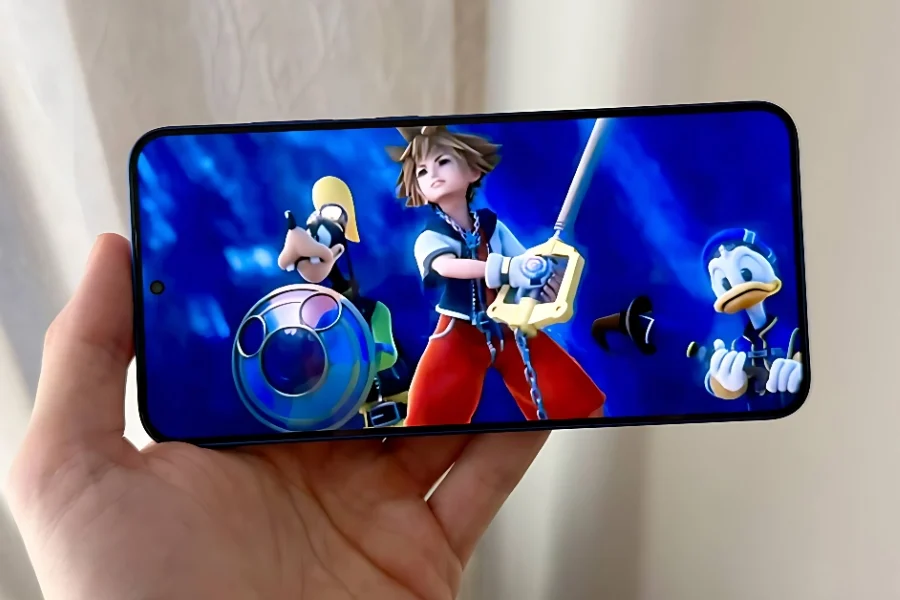
Have you ever wished you could revisit classic PlayStation 2 games on-the-go? Thanks to the PlayStation 2 emulator for Android, your old Android device can easily become a mini PlayStation 2, letting you enjoy legendary titles like God of War, Sly Cooper, and Kingdom Hearts 2 anywhere. The PS2 emulator NetherSX2 for Android delivers improved performance and game compatibility, making it easier than ever to play PS2 games wherever you are.

Table of contents
How to Play PS2 Games on Android
Emulation has revolutionized retro gaming, allowing players to run older consoles and handhelds on phones and tablets. For nostalgic gamers, the PlayStation 2’s catalog remains unmatched, but finding physical hardware can be a challenge. Emulators like NetherSX2 make it possible to experience PS2 classics on your Android device.
NetherSX2: The Leading PS2 Emulator for Android
NetherSX2, based on AetherSX2 (which stopped development in 2023), has quickly become the top choice for PS2 emulation on Android. With updates from developer Trixarian, NetherSX2 now offers better gameplay, specific fixes for popular titles like Metal Gear Solid 3: Subsistence and Grand Theft Auto: San Andreas, and improved performance for a range of games.

Important Note: NetherSX2 is not available on the Google Play Store. Instead, download builds directly from GitHub and sideload them onto your Android device. There are two main builds:
- Build 4248: Recommended for most users; fixes games running the Snowblind engine (e.g., Jak series, Baldur’s Gate: Dark Alliance, Ace Combat).
- Build 3668: Optimized for NASCAR and Colin McRae Rally games.
You can only install one build at a time; your saves are not cross-compatible.
Follow Item4Gamer on social media and stay one step ahead of the game! 🚀






Getting Started: From Download to Playing
After downloading your preferred NetherSX2 build, sideload the APK onto your Android device. To play PS2 games, you will need a PS2 BIOS and game ROMs/ISOs. Legally, you must source these yourself.
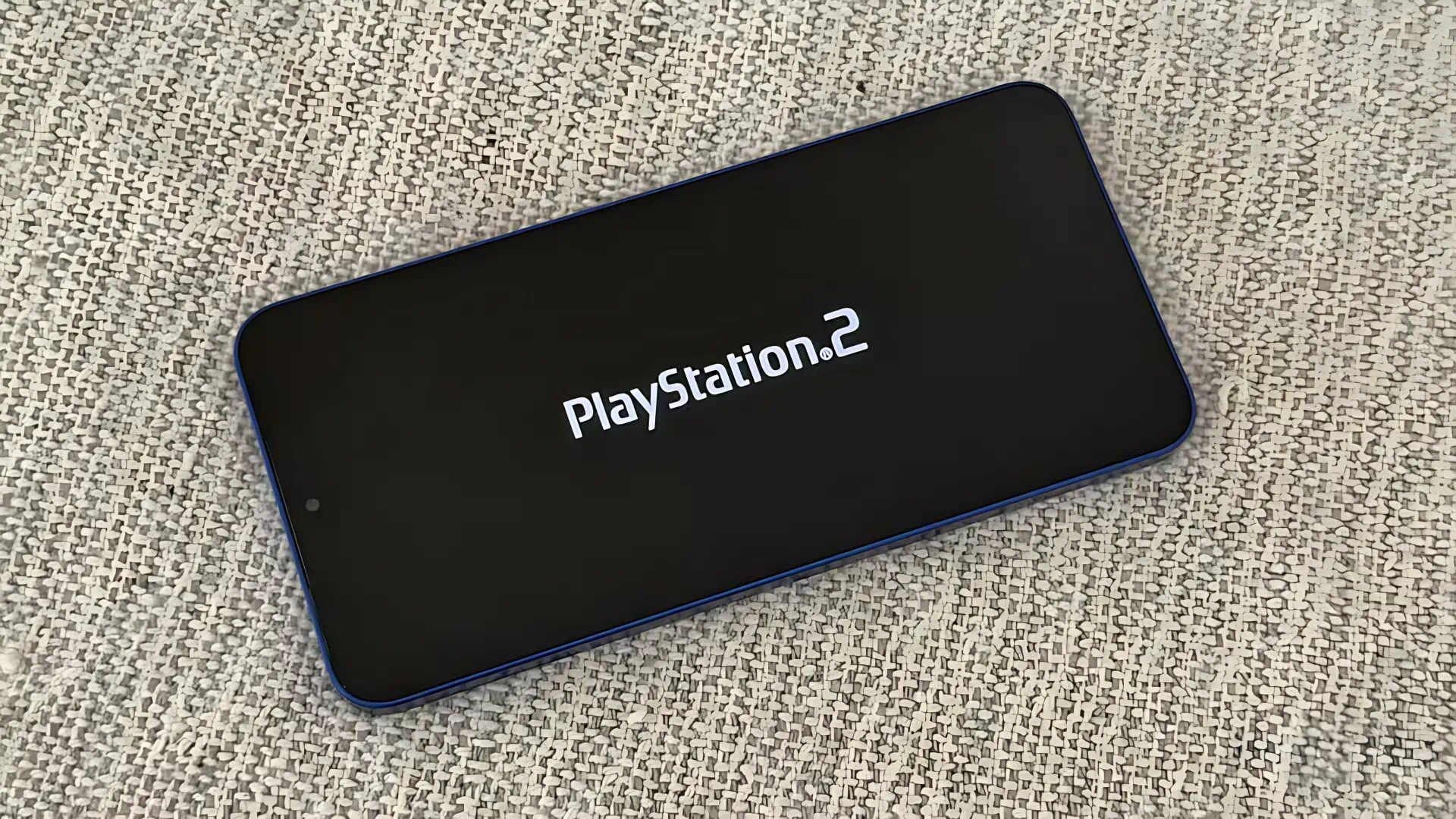
Alternative PS2 Emulators
Another emerging emulator is ARMSX2, which promises easier migration from NetherSX2 and 15–40% better performance due to a reworked GL renderer. However, ARMSX2 is still in early development, so NetherSX2 remains the more reliable choice for PS2 fans right now.
Conclusion
With the NetherSX2 PS2 emulator for Android, transforming your old smartphone into a mini PlayStation 2 is not only possible—it’s simple and rewarding for retro gaming fans. Whether reliving childhood favorites or discovering classics for the first time, PS2 emulation grants unprecedented access to one of gaming’s greatest libraries.
Related: PS5 CFI-2100: The New Model That Solves Liquid Metal Cooling Issues
Frequently Asked Questions
A: No. You only need a compatible Android phone, the NetherSX2 APK, a PS2 BIOS, and game ROMs/ISOs.
A: When downloaded from the official GitHub repository and following basic security practices, NetherSX2 is safe and widely used among the emulation community.
A: NetherSX2 runs best on newer Android phones, but older devices can still achieve decent performance depending on game requirements and build version.
A: No. Saves are not compatible between different NetherSX2 builds.