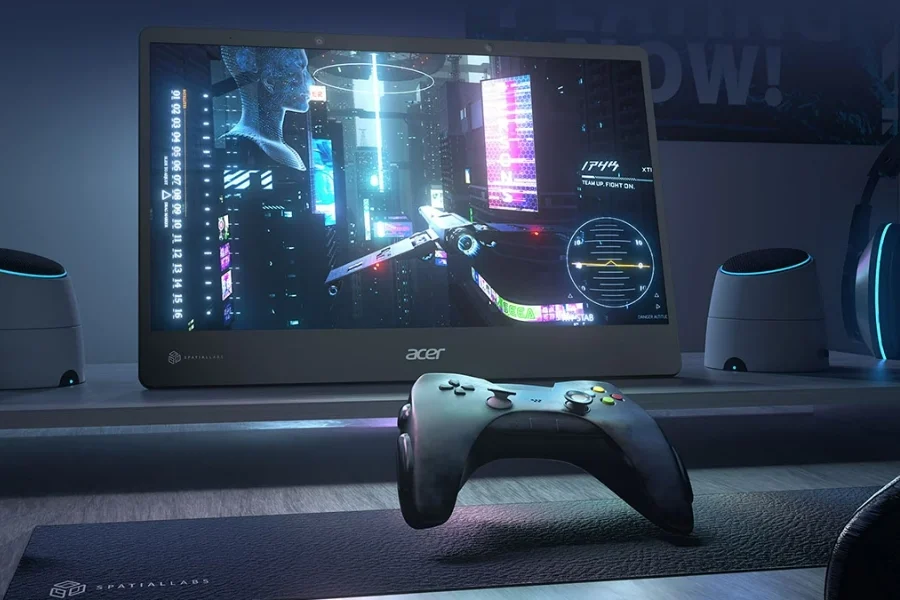
If you’ve ever wished your gaming PC could feel like an actual console, Microsoft now has the solution. With the latest Windows 11 Insider Preview build (26220.7271), you can turn your PC into Xbox with the all-new full-screen mode for the Xbox app. This update allows users to switch seamlessly between desktop and console-like interfaces, revolutionizing how PCs deliver gaming immersion.

Xbox Gift Card
Table of contents
Full-Screen Xbox Experience on Windows 11
According to Insider Gaming, the Windows development team announced the inclusion of full-screen Xbox mode with the new Insider build. This feature lets gamers replace their traditional desktop interface with the Xbox dashboard, creating an experience identical to Xbox consoles right on their PCs.
With just a simple press of Win + Tab or a click on the Task Bar, users can toggle between desktop and full-screen Xbox mode. Once activated, the desktop transforms into an Xbox-like environment — perfect for players who crave uninterrupted focus while gaming. The update also enables multitasking, allowing players to switch between multiple games using their controller.

A Step Toward Ecosystem Unification
Microsoft’s strategy has been to blend the Xbox ecosystem across all devices. Thanks to Game Pass Ultimate, which includes PC Game Pass, accessing games has never been easier. However, playing on PC lacked the cohesive console feeling — until now.
The new feature shows Microsoft’s ongoing efforts to unify gaming experiences across hardware types. By adding the turn your PC into Xbox capability, Windows 11 bridges the gap between PC and console gaming.
Related article: Xbox System Update Released – November 2025 Firmware

Launch Timeline and User Expectations
While Microsoft hasn’t announced an exact release date for the public rollout, testers in the Windows Insider program can already enjoy the feature. This upgrade is particularly useful for gamers who desire a console-like interface while keeping the flexibility of a PC. Once available globally, it’s expected to become one of the most popular gaming enhancements in Windows 11 history.
Conclusion
The future of gaming looks more unified than ever. With Windows 11’s latest update, you can now turn your PC into Xbox and experience console-level immersion directly from your computer. Whether you’re launching titles from Game Pass or exploring new releases, this full-screen experience puts the entire Xbox ecosystem at your fingertips.
Follow Item4Gamer on social media and stay one step ahead of the game! 🚀






FAQ
It’s a full-screen mode for the Xbox app that transforms your PC desktop into a console-like environment.
Simply press Win + Tab or use the Task Bar to switch between desktop and Xbox full-screen.
Currently limited to Windows Insider builds, Microsoft will release it publicly after testing.
Yes. You can navigate menus and switch games using your controller for a true console feel.