If you love Call of Duty Mobile (COD Mobile) but feel stuck at your current skill level, this ultimate guide is for you. Below are 15 professional COD Mobile tricks that cover every technical detail — from sensitivity, FOV, graphics, HUD layout, and movement control to hidden mechanics pros actually use. By applying them, you’ll immediately boost accuracy, awareness, and gameplay speed.

Table of contents
- 🎯 1. Find Your Perfect Sensitivity
- 🎯 2. Enable and Reset Aim Assist
- 🧠 3. Hidden Stabilization Trick Using Gyroscope
- ⚔️ 4. Quick Weapon Switch – Essential for Snipers
- ⚡ 5. Fix the Crouch Instead of Slide Glitch
- 🎯 6. Tap and Hold to ADS = Pro Level Control
- ⚙️ 7. Weapon Performance to Zero
- 👁 8–9. Adjust Sync ADS FOV and Camera FOV
- 🏃 10. Tune Always Sprint Smartly
- 🔊 11. Optimize Sound for Enemy Awareness
- 🖼 12. Graphics Setup for Better Visibility
- 🕹 13. Advanced HUD Layout (4‑ or 6‑Finger)
- 🎯 14. Practice 10 Minutes Daily
- 📹 15. Study Pro Players and Gameplay Analysis
- 🏁 Conclusion
- ❓ FAQ
🎯 1. Find Your Perfect Sensitivity
Every pro player fine‑tunes their own sensitivity instead of copying others.
Switch to Fixed Speed mode and test between 90–140 until your 360° spin test feels natural and steady. That’s your personal sweet spot.
🎯 2. Enable and Reset Aim Assist
Go to Settings > Basic, turn on Aim Assist, then toggle it off/on before each match to ensure it’s properly loaded. This legitimate aid helps your crosshair stay on moving targets.
🧠 3. Hidden Stabilization Trick Using Gyroscope
Even if you don’t use gyro aiming actively, enable Gyroscope = While ADS / Always On and set all Gyro sensitivities = 1.
This gives a subtle, legal stabilization that smooths out recoil.
⚔️ 4. Quick Weapon Switch – Essential for Snipers
Turn on Quick Weapon Switch for faster transitions between main and secondary guns — especially lifesaving in sniper fights.
⚡ 5. Fix the Crouch Instead of Slide Glitch
Enable Slide Hint and slightly reduce Joystick size.
Make diagonal moves to cancel crouch glitches during slides — smoother and faster motion guaranteed.
Related article: Mythic Ghost – Eternal Siege Returns to CODM
🎯 6. Tap and Hold to ADS = Pro Level Control
Change ADS behavior to Tap and Hold to ADS.
This allows accurate slide‑cancel combos and professional aim movement synchronization.
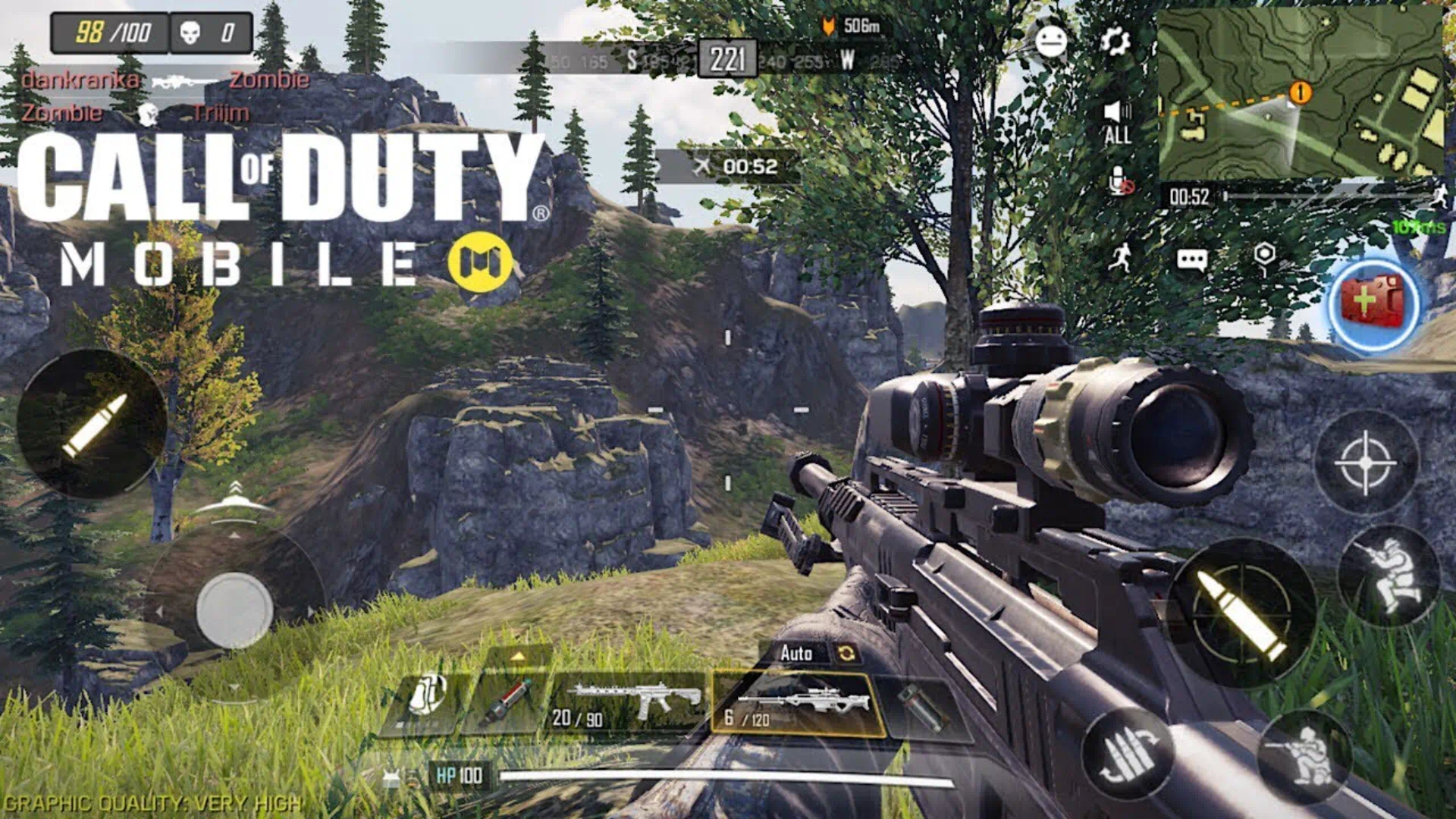
⚙️ 7. Weapon Performance to Zero
Set all Weapon Performance sliders to 0.
It removes artificial recoil and vibration, giving clean motion tracking — perfect for competitive or ranked play.
👁 8–9. Adjust Sync ADS FOV and Camera FOV
Turn Sync ADS FOV = ON to reduce visual recoil.
Keep Camera FOV between 70‑80 — the ideal balance for clear visibility and enemy detection.
Follow us on social media and stay one step ahead of the game! 🚀






🏃 10. Tune Always Sprint Smartly
Set Always Sprint = 70–80 and slightly increase joystick size.
This lets you manually switch between silent walking and fast running, giving tactical audio advantage in modes like Search & Destroy.
🔊 11. Optimize Sound for Enemy Awareness
Use gaming headphones and go to Audio & Graphics Settings → turn off Music Volume and Ambient Volume.
With only footsteps and gunshots audible, you gain maximum awareness of enemy positions.
🖼 12. Graphics Setup for Better Visibility
Set Graphics Quality = Medium to customize color saturation, then revert to Low Graphics + Max Frame Rate for best frame stability and spotting.
🕹 13. Advanced HUD Layout (4‑ or 6‑Finger)
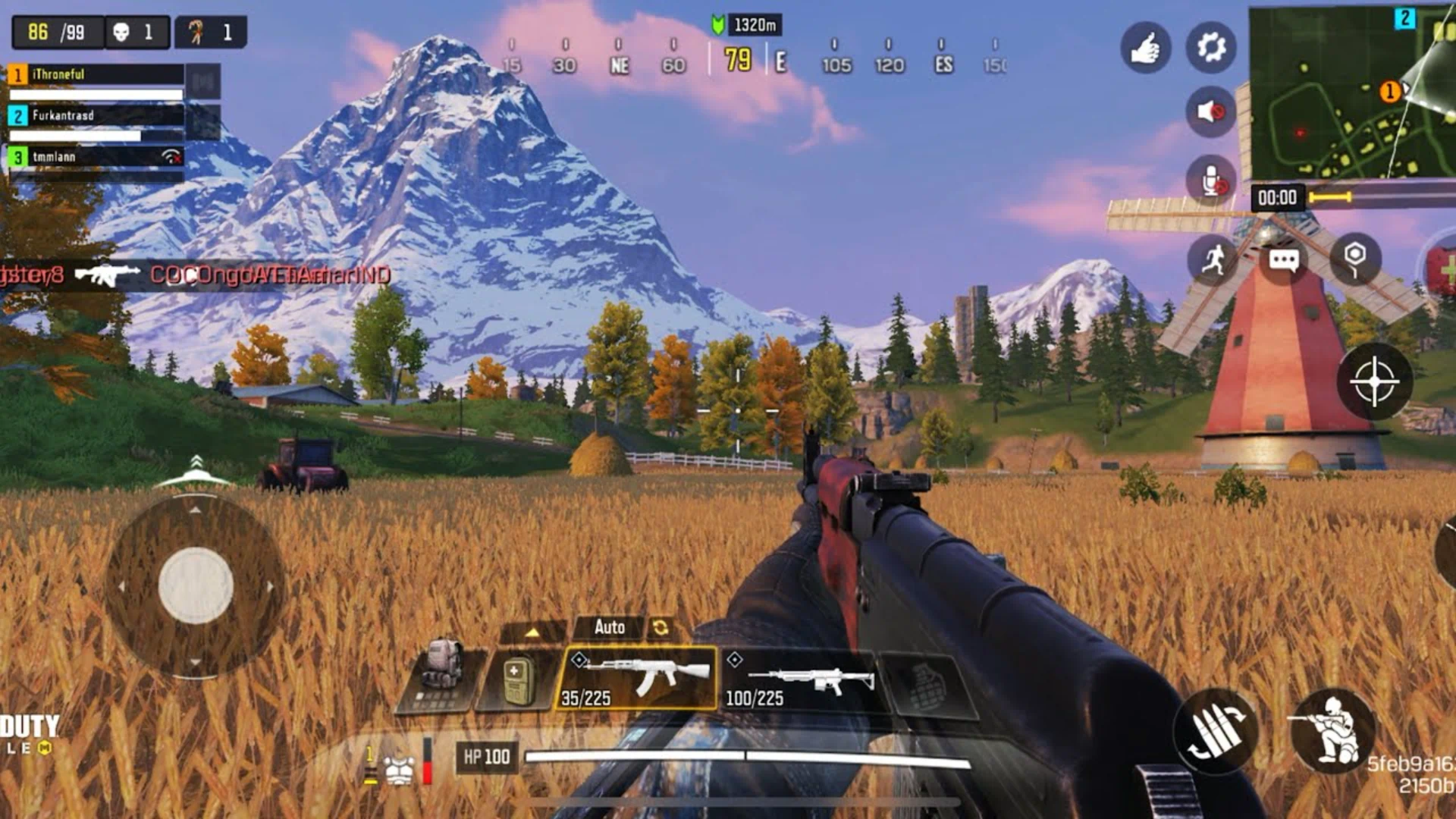
Switch from 2‑finger to 4‑ or 6‑finger layout — vital for controlling aiming, firing, jumping, and sliding simultaneously.
Customize HUD positions for maximum reflex efficiency.
🎯 14. Practice 10 Minutes Daily
Before ranked matches, spend at least 10 minutes in Training Mode.
Focus on Aim Consistency, Burst Control, and Recoil Reset. Even pros follow this warm‑up ritual.
Top Up Call of Duty: Mobile fast & secure from I4G
📹 15. Study Pro Players and Gameplay Analysis
Watch professional CODM players — note how they move, when they push, and how they react under fire.
Observing their rhythm helps your brain build automatic decision patterns.
🏁 Conclusion
By applying these COD Mobile tricks and pro settings, you’ll dominate lobbies, improve accuracy, and achieve faster movement like top global players.
Now optimize your setup, load into the battlefield, and own every match in COD Mobile.
❓ FAQ
Between 90–140 in Fixed Speed mode, depending on your control speed.
Turn on Gyroscope (While ADS/Always On) with sensitivity = 1.
Keep it between 70 and 80 for optimal visibility and reaction time.
Yes — consistent 10‑minute sessions maintain your mechanical control and reflexes.