Find Your Own Sensitivity in FF: Stop Copying, Start Dominating!
作者 Shiva Dastjerdi
0
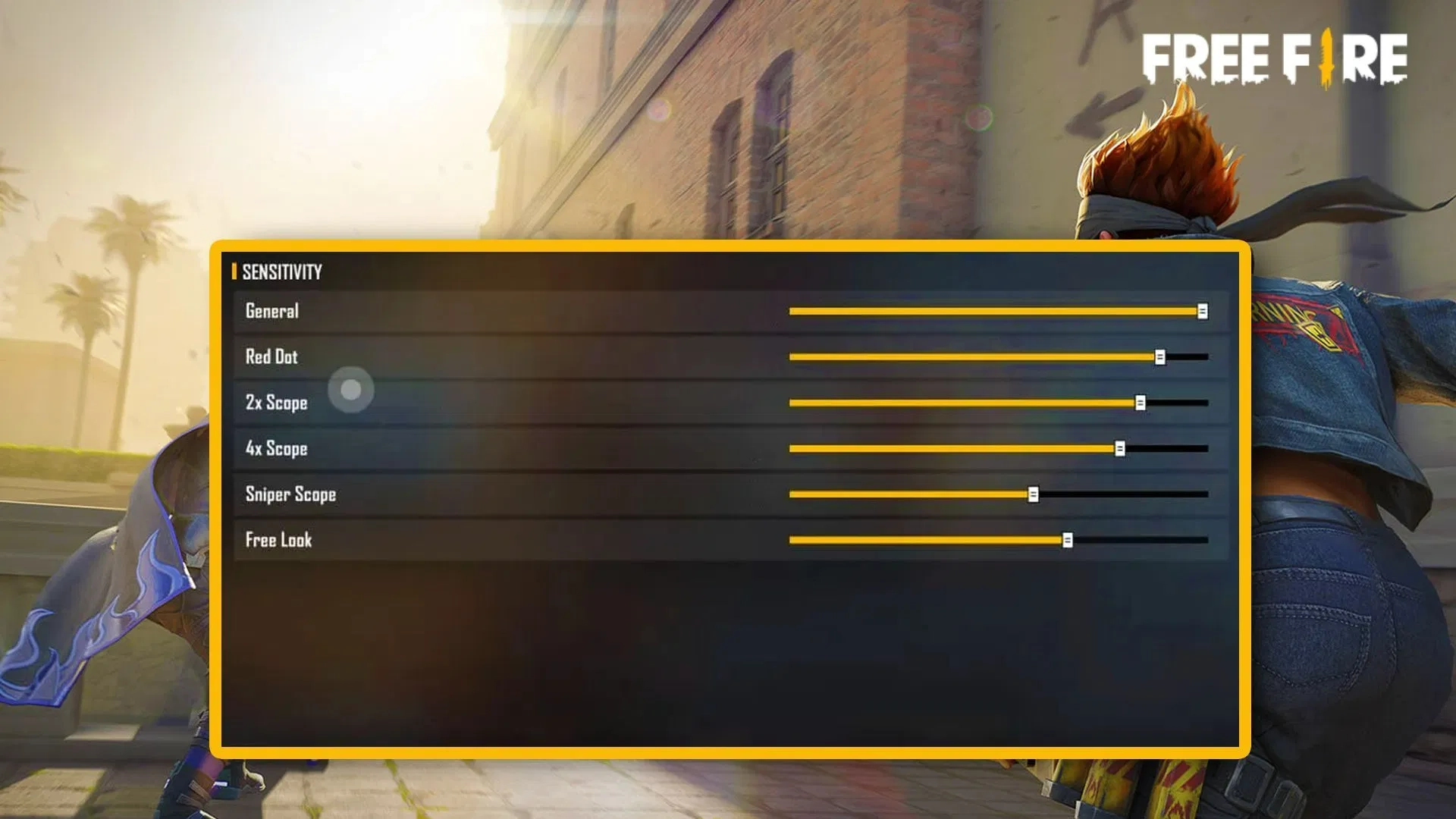
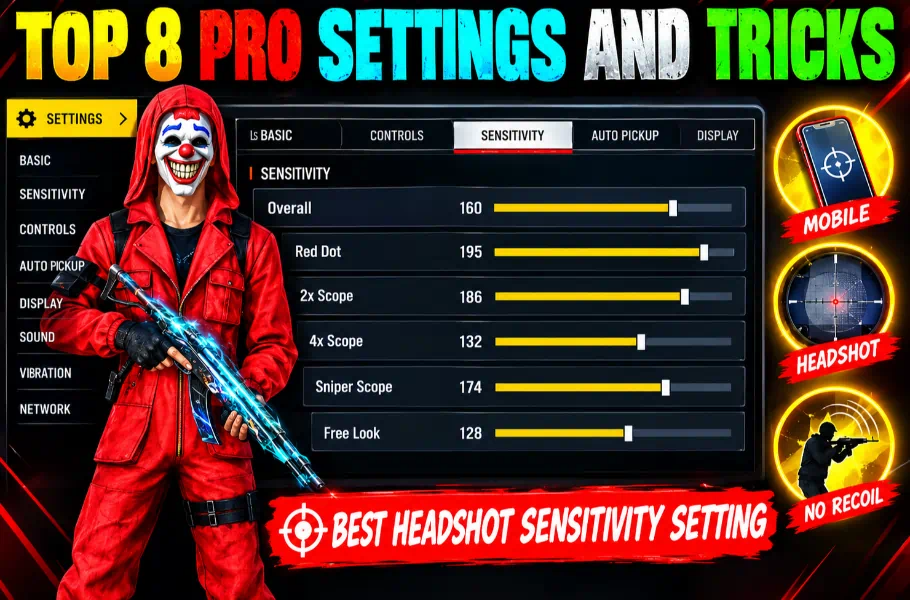
Are you tired of watching “pro settings” videos, copying them, and then whiffing every shot in-game? Let’s be real: there is no magic number. What works for a pro with a high-end device will literally ruin your aim if you’re playing on a different phone. If you want to stop hitting “body shots” and start landing those crisp red numbers, you need to stop chasing someone else’s setup. It’s time to learn how to find your own sensitivity in FF that is custom-built for your device.
Every device has a different touch response, screen resolution, and processor power. When you copy a YouTuber’s sensitivity, you’re not using their skill—you’re using their hardware specs.
If your aim is shaky or your bullets keep flying over the enemy’s head, it’s because your sensitivity is fighting your hardware. To hit those satisfying headshots, you need a setup that works in sync with your phone.
The 3-Step Masterclass: How to Find Your Own Sensitivity in FF
You don’t need hacks or weird files. All you need is 15 minutes in the Training Ground.
1. The Desert Eagle Test
Forget SMGs for a minute. Equip a Desert Eagle. It is the most unforgiving weapon in the game—perfect for testing your precision. If you can land consistent headshots with a Desert Eagle, your aim will be unstoppable with any other gun in the game.
2. The Drag Method (The “Sweet Spot” Hunt)
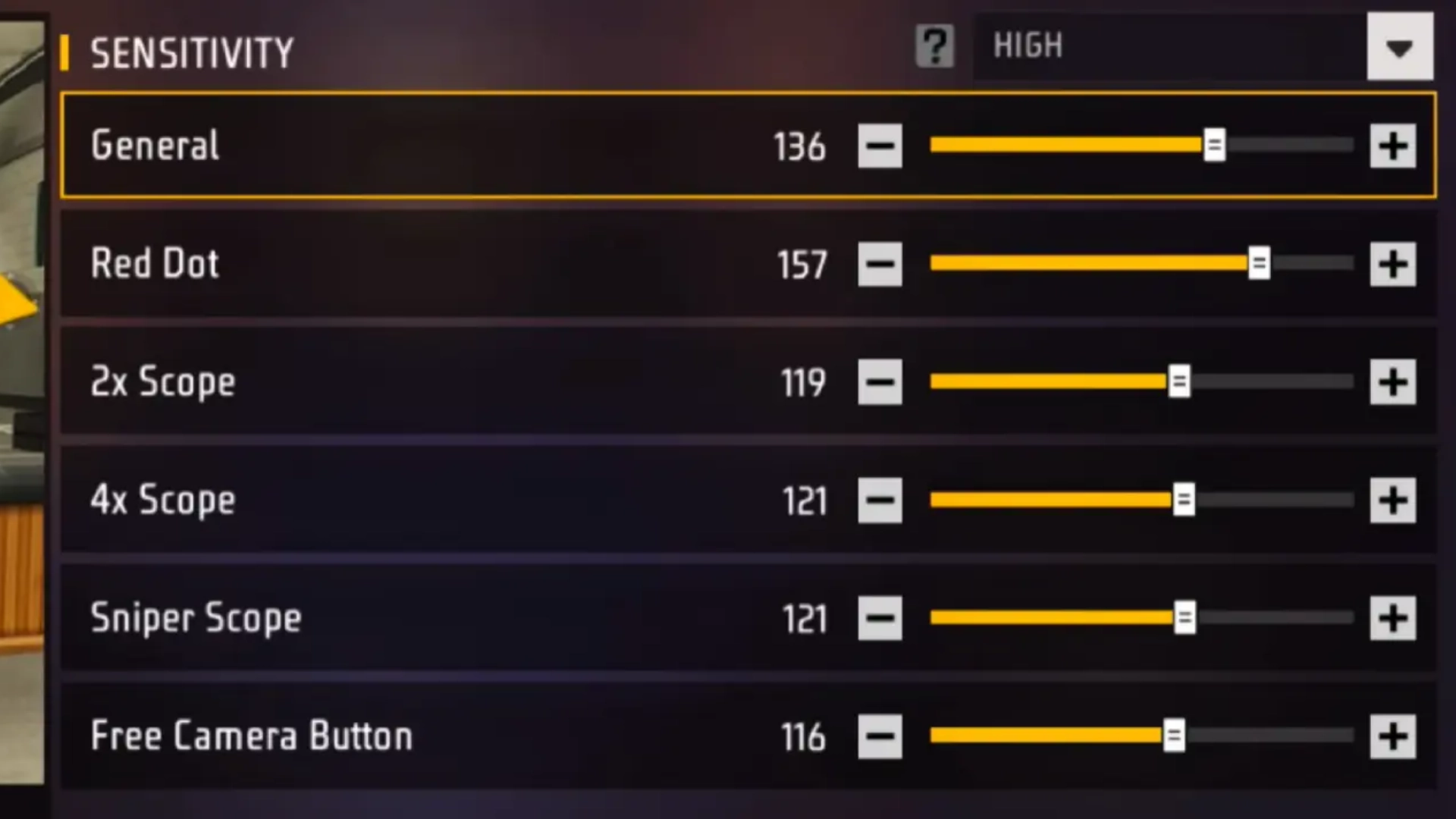
If you’re stuck on body shots: Your sensitivity is too low. Bump up your General sensitivity by 5 points at a time.
If your shots fly over the head: Your sensitivity is too high. Dial it back.
Keep adjusting until you hit 3 consecutive headshots. That’s your sweet spot!
To truly take advantage of those smooth drag headshots and pro‑level controls, upgrading your Free Fire account is a must. With affordable prices, instant delivery, and guaranteed safety, item4gamer is the best place to top up Free Fire Diamonds fast and securely. Unlock premium skins, Elite Pass, powerful characters and more — trusted by thousands of players worldwide. ✅ Boost your account today and dominate every lobby with confidence! 🔥
3. Don’t Ignore the Fire Button
Your Fire Button Size is the heart of your aim in Free Fire. On Android, a size between 45 and 55 is usually the gold standard. If you feel like your aim is “heavy,” shrink the button slightly. If it feels too twitchy, make it bigger. 51 is often the “Golden Size” for most players.
Should You Change Your DPI?
A lot of clickbait videos will tell you to change your DPI. Our advice for Item4Gamer readers? Keep it default! Changing DPI can lead to touch glitches and even lag. How to Find Your Own Sensitivity in FF effectively means finding settings that work with your phone’s native performance.
Your sensitivity is your signature in Free Fire. Don’t let someone else define it for you. Head to the Training Ground, follow these steps, and take control of your gameplay.
Ready to climb the ranks? Stop searching for “copy-paste” settings and start building your own. Drop a comment below and let us know: What’s your current Fire Button size?
Follow us on social media 🚀
Frequently Asked Questions (FAQ)
Does custom sensitivity work on low-end devices?
Absolutely! Finding your own settings is even more important on 2GB or 3GB RAM devices to reduce recoil.
How often should I change my settings?
Once you find your “sweet spot,” stop changing it! Muscle memory is the real secret to hitting headshots.
What if the game updates?
If Garena tweaks weapon mechanics, just make micro-adjustments (2-3 units). Don’t reset everything.